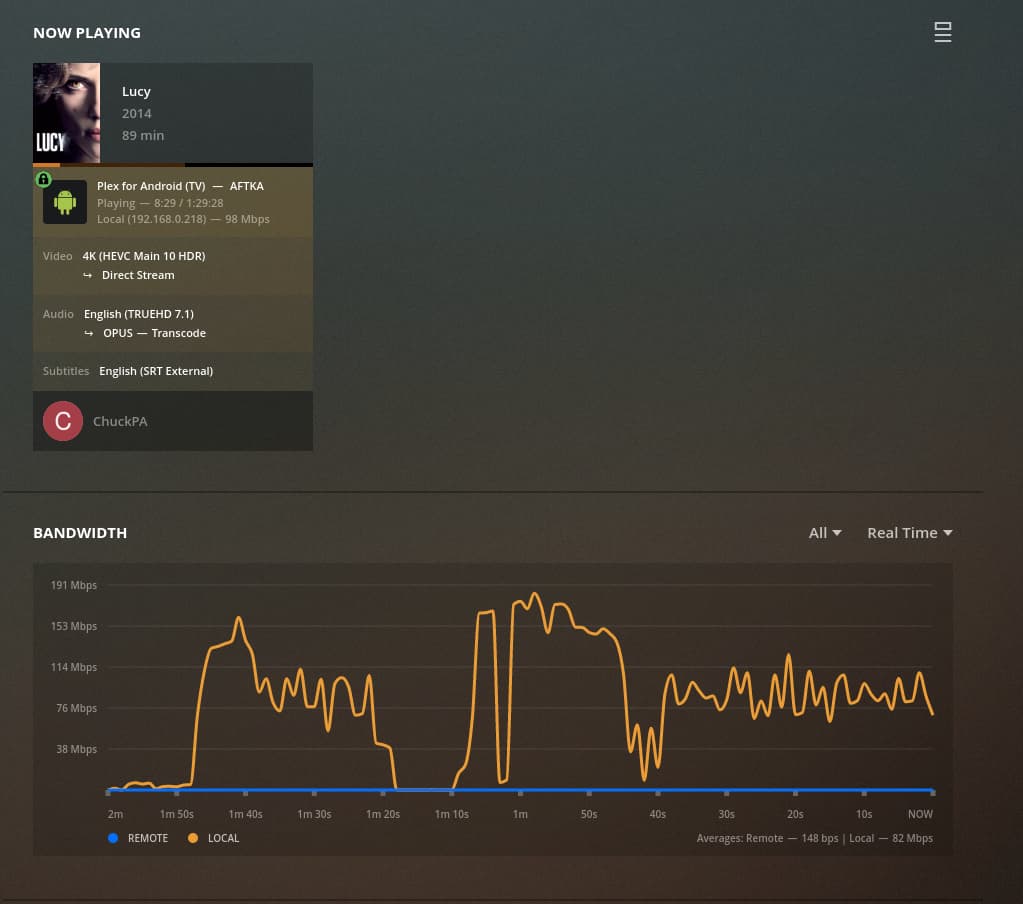
Server Version: 1.24.4.5081 on Synology
Player Version: 8.23.2.28087
Since a few days, I cannot play any of my movies on 2nd Gen Amazon TV Stick. Plex player crashes and resets to welcome screen after a few minutes (mostly just seconds) of playing any title, regardless of HD or SD resolution. The same titles play well on an Amazon 4K TV Stick. What’s the bug inside here? How can I narrow down or contribute?
Oh jeez! I’m having a chromecast with google tv and it won’t play anymore. I had to do it through kodi to make it work. It just doesn’t make sense. I tried everything to find out it’s a bug T. T
the FireTV sticks received a bunch of updates (5.2.8.4) in the meantime and the app is now 8.25.1.28703 but the error persists. I cannot playback any of my titles now. How to solve back to normal?
I’ve noticed that I can’t play back content (tv shows) unless I’m playing them from a playlist. Playback from a playlist does work for me, however, the subtitles are hit and miss from one play to the next.
Going direct to the show, not using a playlist, and playing it will cause Plex to crash. This is with the latest PMS (on linux) and client on my firestick 4k. I have one that’s the “Stick” 4k and one that’s the pendant type and they both have this behavior.
Sideloading 8.11 allows playback to work fine… uninstalling and reinstalling the latest (and the latest beta) results in the app crashing all over again after a few seconds of playback.
Also, things like subtitles are often failing to work and requires switching to just using the CC from the video… and again, going back to client version 8.11 solves this problem as well (the subs are SRT which are detected by the latest app, but just not displayed at all).
Sorry to reply to my own post… but I noticed that the problem videos all seemed to also have subtitles… so I disabled them and started playback directly from the show (not a playlist) and that worked… and even continued to work if I switched the subtitles on after playback was started.
So it looks like something related to subtitle processing (in this case, external SRT) is/was causing the plex app crashing, at least for me. Maybe that’ll help get a fix?
Yes, uninstall/reinstall… in fact even initialized the firestick from scratch.
Seems that some shows/subtitles trigger the problem while others don’t… apparently most commonly TV shows with closed-captions as well as external .SRT captions.
With those shows, if I start the show w/ no captions and then select the SRT subtitles while it’s playing, things are fine. Same show if I try to start with the subtitles, will crash after a few seconds.
I wonder if you’ve got a show with CC and SRT captions to try out.
If you look at the Media Info for the file, are the Closed Captions listed as type EIA 608?
In the XML info for the file, it will look similar to: Stream id="553458" streamType="3" codec="eia_608" index="0" bitrate="785" embeddedInVideo="1" requiredBandwidths="1323,1323,1323,1323,1323,1323,1323,1323" streamIdentifier="4113" displayTitle="Unknown (Closed Captions)" extendedDisplayTitle="Unknown (Closed Captions)"
This has been happening to me as well for some time. Everything was fine until approximately 10-15 versions back. I’ve considered falling back but haven’t yet.
There are a number of different issues related to live tv recordings that I’ve made with Plex with contain EIA_608 closed captions. Movies with EIA_608 closed captions crash the player. TV shows vary. Some don’t show subtitles when enabled. Others show subtitles but don’t respect the size setting. Another example, a Big Bang Theory episode starts with closed captions (large size) displayed but if you skip later into the episode you get a static line like “CWDhEBIGBANG018 MAIN TITLE O”.