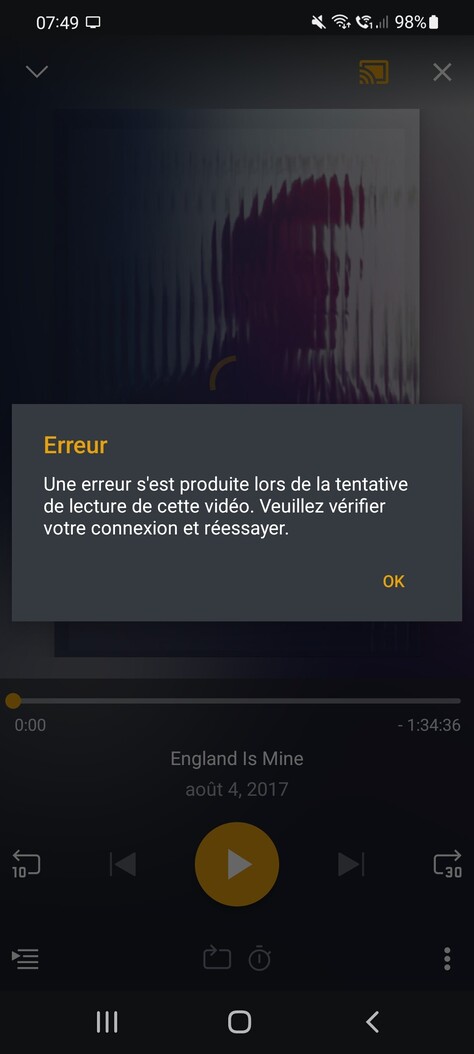
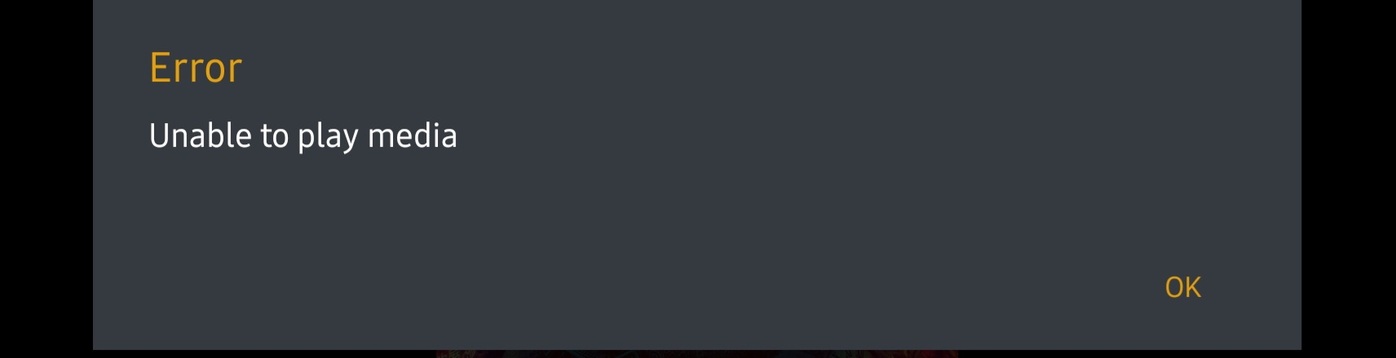
I just discovered this morning that even though I still cannot cast videos from my PC through my S21, videos from Plex channels are working when cast. I don’t know if that can help sort this thing through but hope so.
EDIT : just tried the wipe the cache thing, same result
Does anybody have a for sure answer to this problem yet? I’ve tried disabling Picture-In-Picture and clearing the cache partition. The only success I get is when I change my Screen Zoom, I can watch an episode or two, and then it will fail to load again…
It would be great to get some closure from the plex team here, this has been going on for so long. Basic functionality is borked for users and we don’t have anyone from plex giving any eta on this.
Edit - And it amazes me most of the users with the problem are with plex pass, that should expedite things as people are serious and want this service to work as advertised.
Plex are blaming Samsung, yet if we play via an external player, it works…So thus the issue is with Plex’s codec/player no?
I seem to have got it working by adding my server to Manual Connections i.e 192.168.1.X and then the port I use. Then turning “allow insecure connections” to “Always”. When you change it, play something. It’ll spin, but then close the playback with the X in the top right. Then hit play again. Normally works straight away after 1 to 3 tries.
Can report clearing partition cache helped a little in that I can play sometimes now as opposed to never (without restarting). However very temperamental still requiring 3-5 attempts at pressing play and restarting app.
This is standard s21 exynos playing x265 720/1080p.
I suspect Samsung is to blame to some extent as other apps are buggy since upgrade but the major streaming apps don’t have this problem. Disappointing that the development team don’t appear to have even identified the issue yet let alone have a fix in the offing.
OK team, pretty sure I have a definitive solution now… as I’m now able to break it and fix it at will, without restarting my device, and you can turn PIP back on as a bonus.
Go into settings, then search for notifications, and disable them for Plex, which will likely be at the top of the list if you’ve just tried to watch a video and it has failed. If you like some notifications, you can go in to notification categories, and just disable media notifications. This seems to be the only one that breaks it, for me at least.
My guess is Plex is trying to pop up a notification overlay in a bubble but can’t for some reason, so it just stalls.
I’ve been testing it for an hour, playing with other settings as well, and this is the only thing that reliably breaks and fixes by turning off and on. Look forward to hearing everyone else’s results with this potential solution
@jdidplex Such a simple fix. I can confirm that I am also able to break/fix the failing playback issue at will, so I have very high hopes that this is in fact the definitive fix
@sixones Please pass on to the team and see if the plex employees with S21s are able to reproduce the issue on their end based on this.
I have the notifications enabled and toggling them doesn’t seem to replicate the behaviour.
If your able to replicate the issue, can you tell me if the now playing notification appears in your notifications list when you try to play something and it gets stuck loading?
Disable the media notification category and the video plays again, you don’t even need to close and restart Plex, you can leave it open in the background and click play and the video plays.
@sixones When I have the media notification enabled and attempt to play the player will open with a background image for the media, with a spinning wheel, but I do not get a notification from PLEX
I can confirm that this works. Tried the both, media enabled and disabled, when disabled everything works fine, when enable, the payback stuck at loading circle. Tried it many times and succesfully reproduced.
What I noticed, that at first time when I started the playback, the media notification appeared but did not stuck. Stopped the playback, closed Plex, terminated in settings, re-opened it, started another movie, and did not stuck until I swiped right (closed) the media notification. Since then it stuck if the media notification is enabled. After I disabled it, did not stuck.
Thanks for confirming, very odd behaviour. Will take a look tomorrow to see if I can add additional logging into a build that highlights the issue, the media notification is requested from the system but should be a background task thats separate from playback.