Hello,
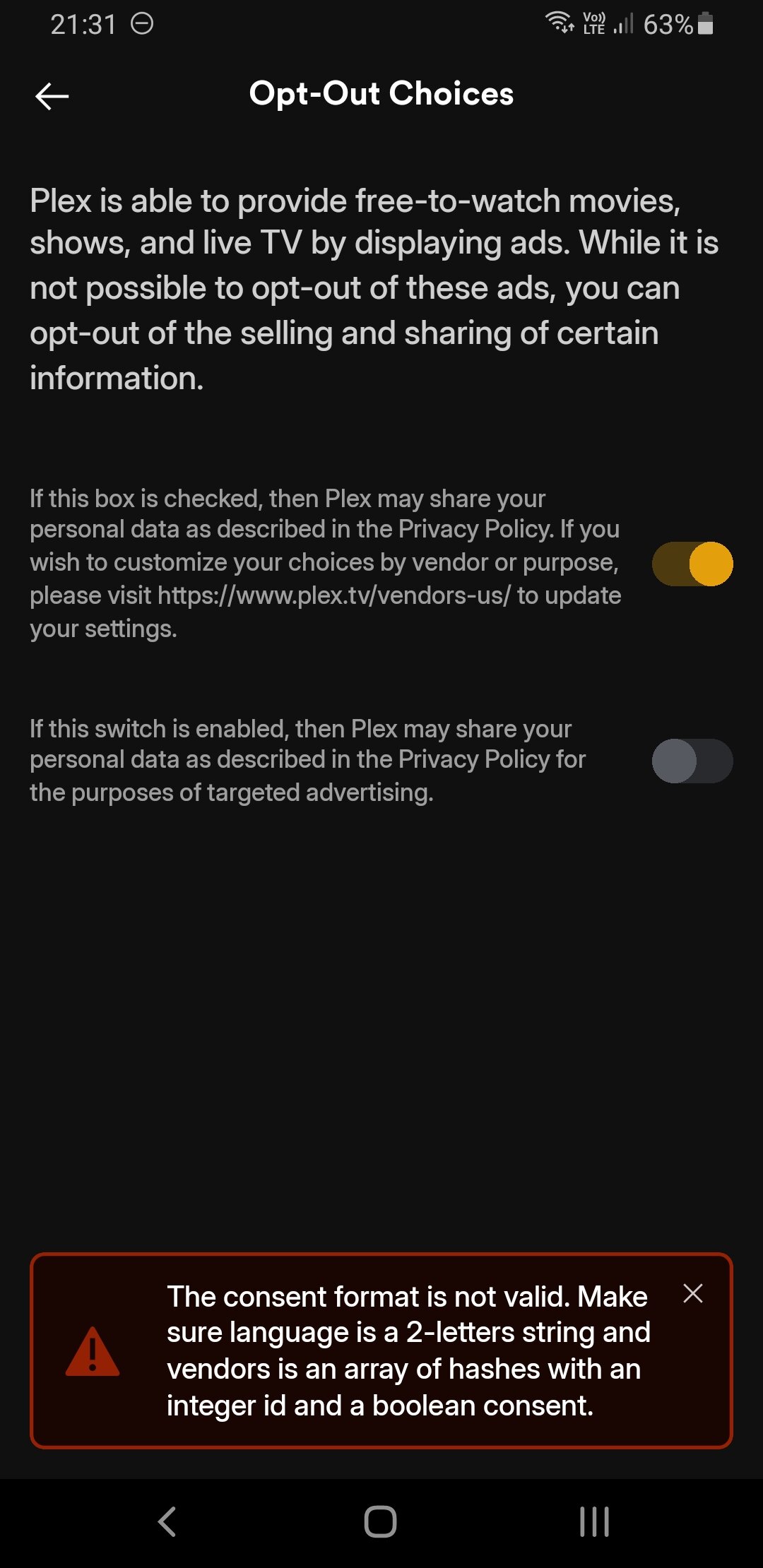
By accident, I went into “Consent Preferences” in the Plex app. I’m very strict about privacy and 150% sure I had already unchecked everything possible in Plex. Now, after seeing this, I of course declined consent again. I just wanted to make sure the change is applied—but here’s what I observed:
https://jumpshare.com/s/MPsRnUHzj14ENpSPLAyy
Disabling consent for sharing my personal data does nothing. I can disable consent, go back to settings, open “Consent Preferences” again, and see that nothing has changed. WTF? Are you serious?
Is there any way to make Plex comply with EU privacy law? This is a serious issue and could cost the company up to 10% of yearly revenue. Is there any better way to disable consent than reporting this violation to authorities? Or is this just a problem on my end? I’m 100% sure this is not an accidental bug—Plex clearly does not respect our data.