im in the latest versions and I have tried the beta same results. it was working fine but now when i try to play a transcoded file or play through my cell phone i get playback has stopped because the connection to the plex media server has been lost. please ensure the server is availavle and retry. it happens on wifi or cellular network i have verizon gigabit service.
Without more info this will be hard to tell. A possibility is that PMS did not download the needed codec so the transcoder falls over. Find your codec folder under the Plex Media Server folder under your appdata location. Delete the entire folder, restart PMS, playback a file, check if this folder repopulates itself.
You have hardware accelerated transcoding enabled but it’s not working on your system and PMS is not able to fallback correctly to software transcoding. I recommend turning of hardware accelerated transcoding.
I would need to see the PMS log to see what the problem is. Probably not a codec issue. The same codec is used regardless of the resolution/quality, so if it can transcode 1 setting, it can transcode the others.
Can you turn of verbose logging and recreate the issue? Your logs are getting filled with the verbose info that I don’t need right now so it’s just blocking the rest of the info. Sorry, should have mentioned it earlier.
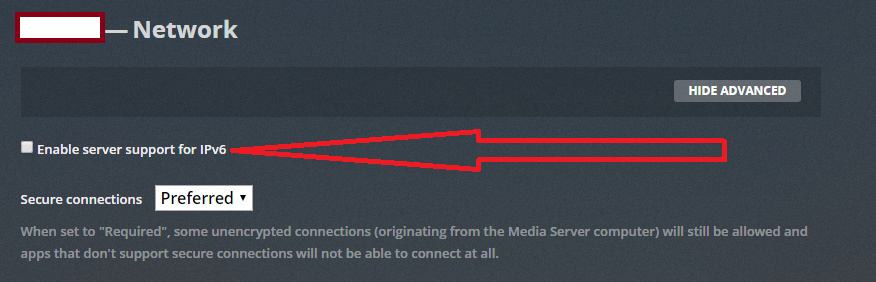
Did you check the setting I mentioned? Your PMS logs indicated that setting was on. This could be caused by pfsense. That’s beyond my experience so I can’t help. Try turning it off and see if you get the same problem, that might identify if it is pfsense causing the problem.