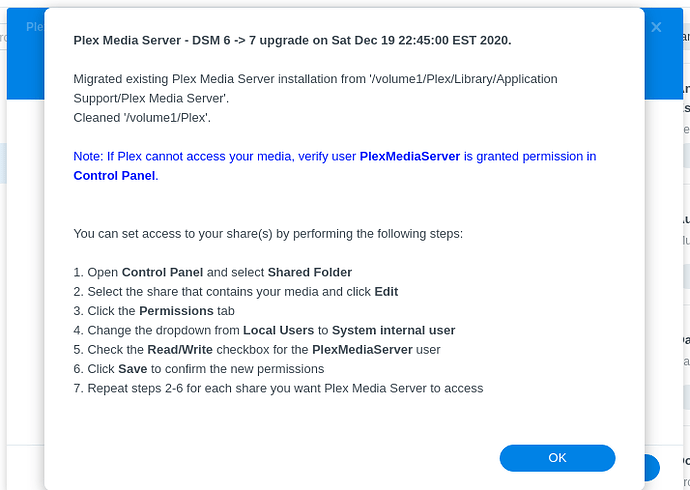
I did some reading and it said that plex was supported in the new version (not enough research, I know) after I upgraded my DSM to 7.0, I got a plex “needs repair” error. when I tried to repair I got this error.
The port 32400 configured for this package is used by another service or system reserved. Please disable or change the conflicting service, or contact the developer to modify the package configuration.
there is nothing listening on that port, so I I removed everything (plex install, user, folder etc) and
I am still getting the same error, and now plex is no longer in the packet station. what a mess!
If DSM complains you have port 32400 configured for another service it’s because it was not done shutting down.
Please do NOT “repair” the broken DSM 6 package after upgrading. The DSM 6 package is completely incompatible.
You are best to uninstall the old DSM 6 Plex package.
If you still have all your metadata in the “Plex” share, we can complete the migration of your data into DSM 7 format & location.
Ask if you have further questions.
Download PMS from https://plex.tv/downloads. DO NOT use the DSM 7 Package Center version (1.21.1.3744). It was beta. We are production status now.
Please make 100% certain, as you perform the Permissions settings changes, you have “Full Control”, for “this folder, sub-folders, and files” assigned to the new PlexMediaServer (system internal user) in the “Plex” shared folder.
I have completely removed everything from my PMS install, including the folder, user, and all the files, and rebooted several times, I am still getting the same error and the new install file is not working (same error) what are my next TS steps?
i had PMS installed when i upgraded to DSM 7, it broke the PMS
I removed everything (PMS, folder plex user) and re booted many timed
downloaded PMS from plex.tv/downloads - synology 7 version for intel 64 bit
no matter what I do, i still get this error.
The port 32400 configured for this package is used by another service or system reserved. Please disable or change the conflicting service, or contact the developer to modify the package configuration.
I ran this on Powershell to make sure port 34200 is not open