Server Version#:Mac Pro 5,1 on macos bigsur 11.7.10
Player Version#: Latest (which is 1.40.2)
<If providing server logs please do NOT turn on verbose logging, only debug logging should be enabled>
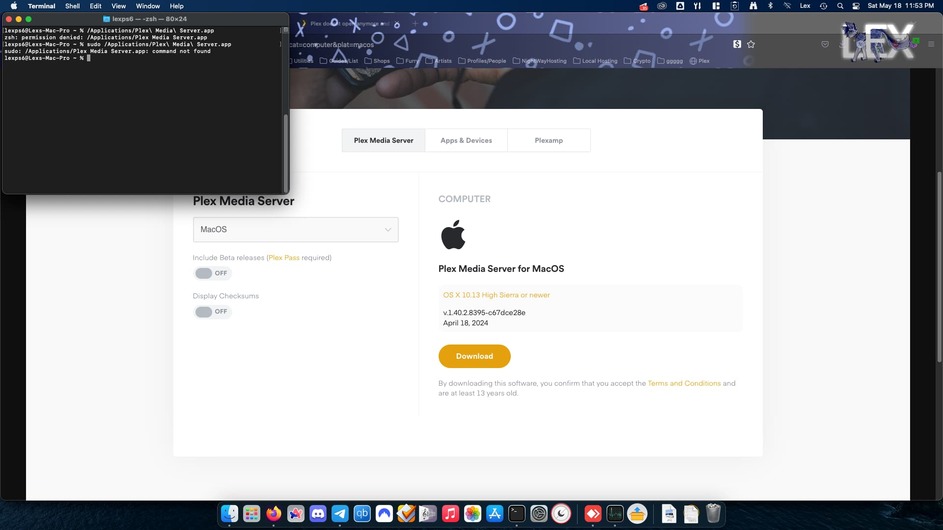
I used to have plex (and i also pay still) but some update happened and now when plex opens it just never ever responds. There are NO folders or files for plex in any application support folder. I am at a loss cause I didnt do anything and this is a clean install. I also cant reinstall macos becuase I have a very complicated boot record with opencore
If the Plex Media Server won’t start and doesn’t even get to the stage where it’ll be writing to the server logs, you can attempt the following procedure to see if there’s any error messages on the OS level:
Open Finder and navigate to /Applications
Select Show Content from the context menu of the Plex Media Server.app item
Navigate to Contents/MacOS
Open the Terminal app
Drag the Plex Media Server executable from the Finder window (#3) into the Terminal Window and press Return to execute it
This is no different from running the app, so it won’t succeed – but you should get a more specific error message about what’s causing it to fail starting.
Update, i ran the “plex media server unix” file from the “Mac OS” folder and it gave me this
PLEX MEDIA SERVER CRASHED, CRASH REPORT WRITTEN: 16364380-CCA1-4052-A0C4-7412103431CF
libc++abi: terminating with uncaught exception of type boost::filesystem::filesystem_error: boost::filesystem::create_directories: Permission denied [system:13]: "/Users/lexps6/Library/Logs/Plex Media Server", "/Users/lexps6/Library/Logs/Plex Media Server"
You shouldn’t have to. Your own account should be able to access files within its home directory.
What comes to mind… you might need to grant the PMS app access to certain system resources.
IIRC those settings were already around in macOS 11 but I can only find the online support articles for macOS 13/14:
You’ll find a number of fairly recent posts of users still running those older versions of macOS. A permission issue doesn’t usually imply an incompatibility with that particular OS version.
Have you checked the actual permissions on the directory in question?