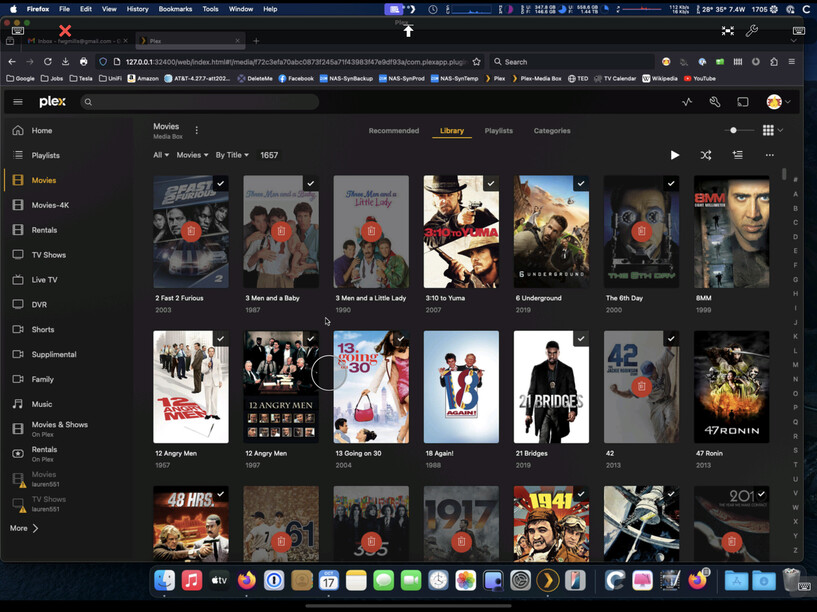
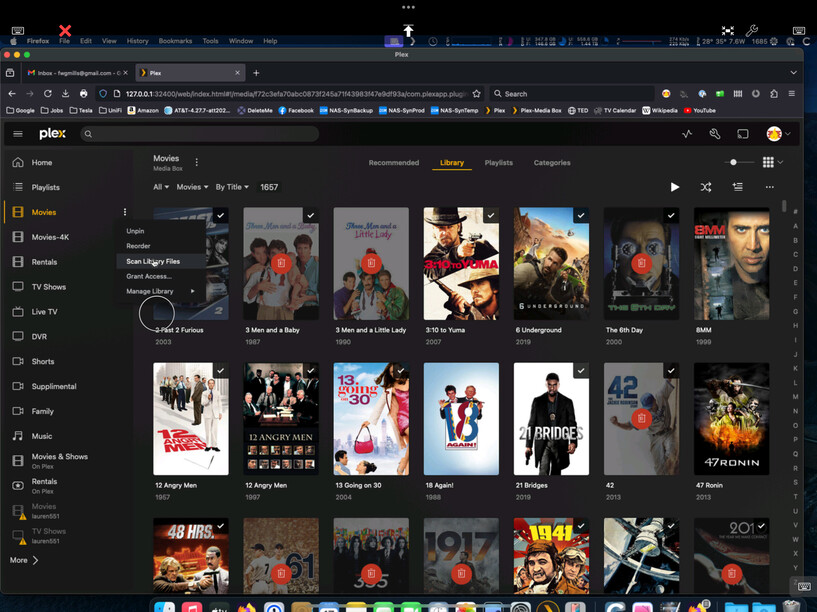
All… I’m 24 hours deep with auto scanning working as expected after the smbd change. Sounds like this change is a hit or miss for people, but these are my settings for what I think is pertinent to this issue.
Plex Library Settings:
Scan my library automatically - Enabled
Run a partial scan when changes are detected - Eabled
Scan my library periodically - Enabled
Library scan interval - every 15 minutes
Display notifications - Enabled
Empty trash automatically after every scan - Disabled
macOS privacy Settings:
Full disc access for the following:
AutoMounter
Plex Media Server
smbd (can be found in /usr/sbin)
AutoMounter settings:
Host - ServerName.local (I’m not using the IP)
Type - SMB
Mount Location - Volumes
I honestly do not know why this is working for me, but hasn’t worked for others. But, if you think I missed anything, please let me know and I’ll look up those settings add them to the list.
EDIT 2: This is definitely a change to sequoia that no one mentioned had changed. I asked many people internally at Apple as well. It wasn’t an issue before, but it seems to be that is the real reason for the whole issue.
EDIT 3: Looking back, it makes sense seeing that finder needed to be open to be able to see the drives, so adding it to full disk access allows PMS to see the drives without finder needing the be open at the time.
For those who have granted smbd full disk access and still have issues: I turned off all my scheduled tasks and all library scan settings and have had no trash cans in 24 hours. Not ideal, but a band-aid fix to keep your library up.
Same. I have smbd, AutoMounter, Plex, and all the network shares added to Security > Local Disk Access and a default library scan with Finder windows to the shares closed will still “trash can” my library.
I have to keep the Finder windows open to the mounted shares in order for the default library scan to work properly still.
I’ve also noted that the Finder windows will “reset” on their own after about a day or so, like the mounts were disconnected (but still show as connected in Finder). I’ll noticed that my library has “trash canned” items again, connect to my server, and all the Finder windows have reset back to the root Volumes list.
I’m not getting the finder behavior that you are but I think I might know what this is, and it’s in the Synology settings.
Whats your default PMS scan interval compared to your HDD hibernation in Synology?
PMS for me is 15 minutes, while Synology is 20 minutes. So there’s always activity within the hibernation timeframe, preventing the drives from ever hibernating.
In Synology this setting is: Control Panel → Hardware & Power → HDD Hibernation.
My question is, can you still play those files on demand? Like, why would those files “disappear” when a scan is performed but “not disappear” when a file is played? I wonder if this problem has something to do with network file/dir metadata cache. The file is there and can be played but when listing/searching a directory it’s not there.
When you request a file on the network, the OS automounts the path, but when you request directory metadata it doesn’t automount the path?
Yes, I am still able to play the files on demand. The issue seems to occur when scanning, so I suspect if I ran a scan, I could end up seeing some trash cans.
"PMS for me is 15 minutes, while Synology is 20 minutes. So there’s always activity within the hibernation timeframe, preventing the drives from ever hibernating.
In Synology this setting is: Control Panel → Hardware & Power → HDD Hibernation."
Ive never changed this setting ever, and its set to 20 mins as well.
If PMS is not set to scan at all, what effect do you think this setting is having?
If you think its finder closing periodically, it happens to me in much less than 20 min intervals at times…
Otherwise scanning PMS is off completely unless i do it manually.
Still getting trachcans unless i go into finder and re-open the shared folder, because its inevitably closed by the time I try scanning again since the last time.
if scanning is off completely, and your HDD hibernation is set to 20 minutes, then after 20 minutes of inactivity your drives power down until called upon. Wondering if macOS is slow to send the wake signal and thus you aren’t getting a full scan.
I can scan a drive right after startup,19 mins, 21 mins, 30 mins, or 5 hrs later, and if finder isn’t open to the folder for my movies, i get trashcans.
I’m not sure. My initial comment about the hibernation was in response to finder windows closing and/or revert to the root of the volume. Didn’t think that specifically would fix the trashcan issue, just thinking that there’s clearly a timeout issue and maybe that could help.
Does anyone have any other thoughts on to why finder needs to be open to the shared folder when the scan is occuring?
This seems to be the crucial step that is causing the issue, but what could be causing it? I have the network share in full disk access, smbd, and pms, so everything should be able to see each other.
How can we isolate this to be an issue with Sequoia so it can be escalate with Apple as it clearly seems its related to changed in macOS 15?
checked hibernation and it was set to 20 minutes. Set inter
PMS
Copied the settings above with the 15 minute scans and deactivated trashcan
Finder
Closed window to the folder on my server
INSTANT TRASH CANS!
womp womp
again, I go back to how the library folders are pathed via PMS. I do not have this issue with Roon which uses a different way of mounting the drives. Any chance Plex could look at that?
This is how I keep my Mac when I’m not using it. I learned a long time ago that in order for Mac to maintain an SMB connection you would have to keep the folder open. I don’t know if that’s correct today but I leave it open just out of habit.
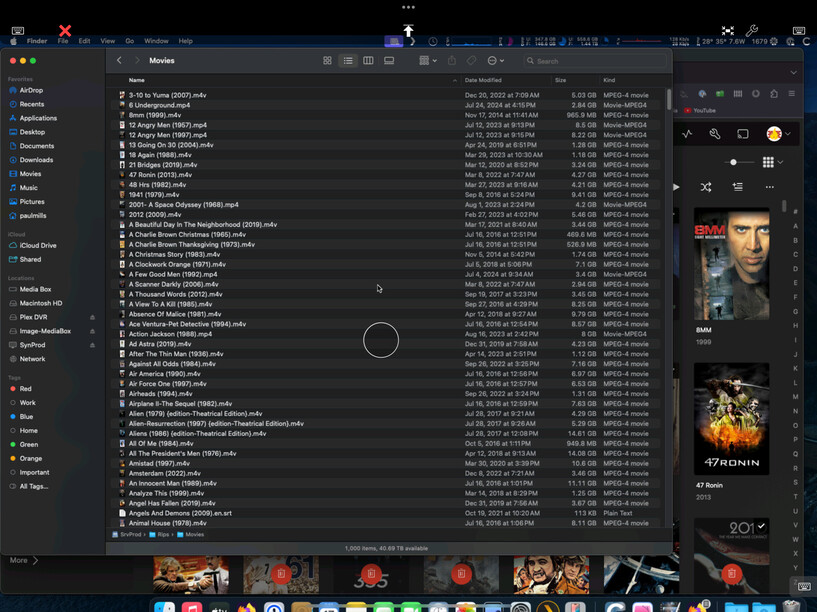
At one point, I realized that when I go to my movies folder, which is the only library that seems to be affected by this, it only shows that there are exactly 1000 items in that folder. This is incorrect.
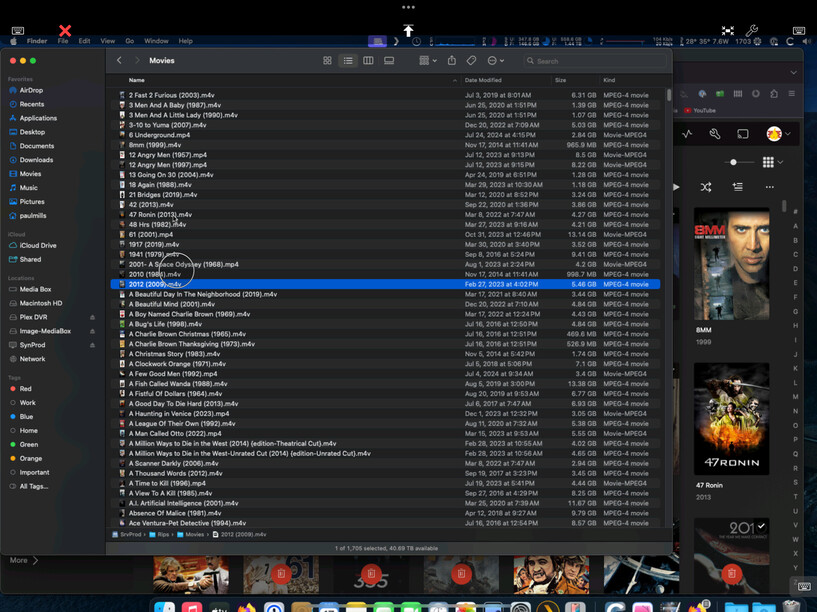
If I preview a movie file that I can see, suddenly the directory shows the proper number of items, 1705. That includes folders with multipart movies, standalone movies, and subtitle files.
And now all my missing movies are back, at least until tomorrow morning when the auto scan happens again. I don’t have any other Plex log files, but I’ve noticed this behavior several times consistently. Each time it happens that movie folder shows 1000 items. But after I access that folder, it changes to 1705 items which is correct. Hope this helps.
I’ve been trying to rack my brain as to why mine is now working flawlessly, and what could be different from everyone else’s. The only thing I’ve stumbled across is that on all my Macs I’m missing this file (which I vaguely remember it being called out by someone else early in this thread):
/etc/nsmb.conf
Per this Reddit post, many users have seen frequent SMB issues and editing that configuration file seems to resolve it. I’m wondering if because I don’t have this file at all, mine is simply working with the “fixes” listed over the last few days. Really at a loss here as to why mine is working and no one else’s is.
If anyone is still having issues with finder closing intermittently, I think I found the fix for now for that at least.
Its iCloud Drive running that seems to cause it to shut down any time another drive writes to my NAS. Once I turned off icloud drive, it hasn’t closed once in over 24 hours.