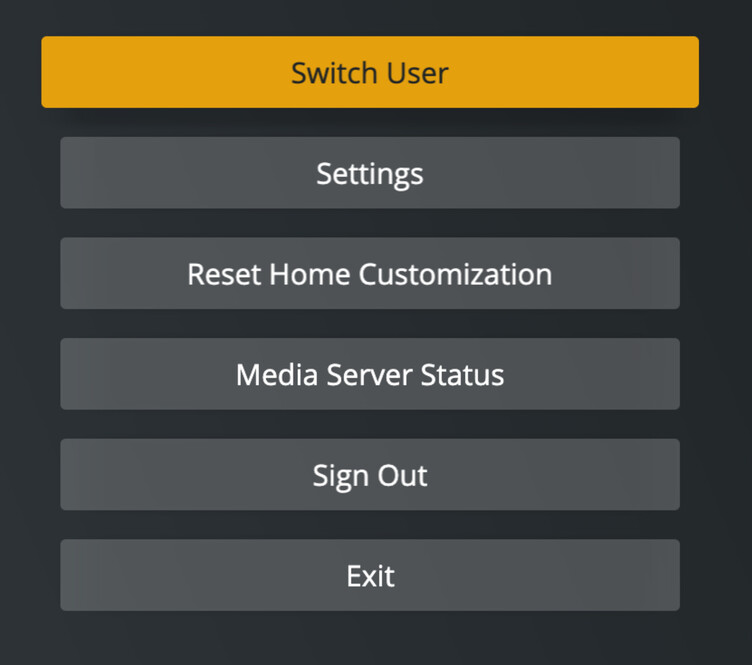
Yes I did hit ESC on the keyboard… BUT, that was at 18.55 and is the only way I can exit the app.
The key thing here is what happened, or didn’t happen at 18.44… That’s when I hit the back button on the remote 10 times…
Mar 24, 2021 18:54:03.284 [10920] DEBUG - [Updater] It has gone 60 seconds since last update check.
Mar 24, 2021 18:54:03.284 [10920] INFO - [Updater] Checking update channel: 0
Mar 24, 2021 18:54:03.284 [10920] INFO - [Updater] Checking for updates at: Plex-Update-URL
Mar 24, 2021 18:54:03.452 [10920] INFO - [Updater] No updates found!
Fantastic, thanks! @gbooker02 and I will chat about it. We’d expect to see some indication that input was received/handled/ignored. Hoping that the case PMS works and HTPC is the key to the case.
That’s an odd one – I can reproduce this.
It appears the app is not accepting a down click from the 1st item inside a collection (even if the collection has more than 1 entries). If the collection has more items you can navigate to the 2nd item and navigate to the next hub from there.
Please, please, please… I beg you… when adding support for the “back” button, please take a look at adding Page-Down and Page-Up so that we can actually scroll up and down one page at a time rather than one row at a time. This hasn’t worked since PHT. PMP never supported this. I’ve been waiting for so long, I don’t even remember how long it’s been… at least half a decade… Please, please, pretty please!!!
Awesome work!
out of curiosity, will you be working to integrate “Watch Together”?
With the playback controls on-screen, visual options for subtitle offset would be a nice to have.
also very low priority, the launch logo is a bit glitchy for me. but that’s hardly important!
As my HTPC died on me, I’ve just used my old laptop connected to the TV as a temporary replacement. I noticed that the splash screen on startup lags a lot. It’s maybe a bit overly fancy.
It seems pretty decent to me. It’s genereally quick to navitage, but stutters a bit when I quickly browse through my library. It’s probably a combination of a slow-ish CPU and that images have to constantly reload. I also noticed I had to log in again with the pin code every time i changed settings in the app. Makes it a bit clunky to try out different settings.
Would love to see 21:9 for the UI. I know i’m probably a rare case. However, 2.35:1, 1.78:1, 2.2:1, 4:3 content all plays back perfectly in full screen. The whole UI is much more responsive than PMP also.
I think I’ll set “z” on a harmony remote, I do indeed have a few “letterbox baked in” videos. This is great work so far!
Make sure that your mac is actually sending a 4K signal to this monitor.
If it does, set the HTPC app to render the user interface in 4K, under Settings - Advanced - Resolution
That worked - thanks! Not sure if auto-detection is possible but clearly would be great to just use the correct setting without user interference. Although I sure understand this may not be trivial and not high priority.
Feels amazing the phase where HTPC was declared dead is behind us.