Hey guys. Anyone else notice that Plex HTPC causes noticeable audio/video sync issues? I constantly have to adjust audio timing as it can be as much as 225ms out.
I can play the same file in Windows Media player etc and it’ll be in perfect sync.
Anyone got any “out of the box” global audio delay settings?
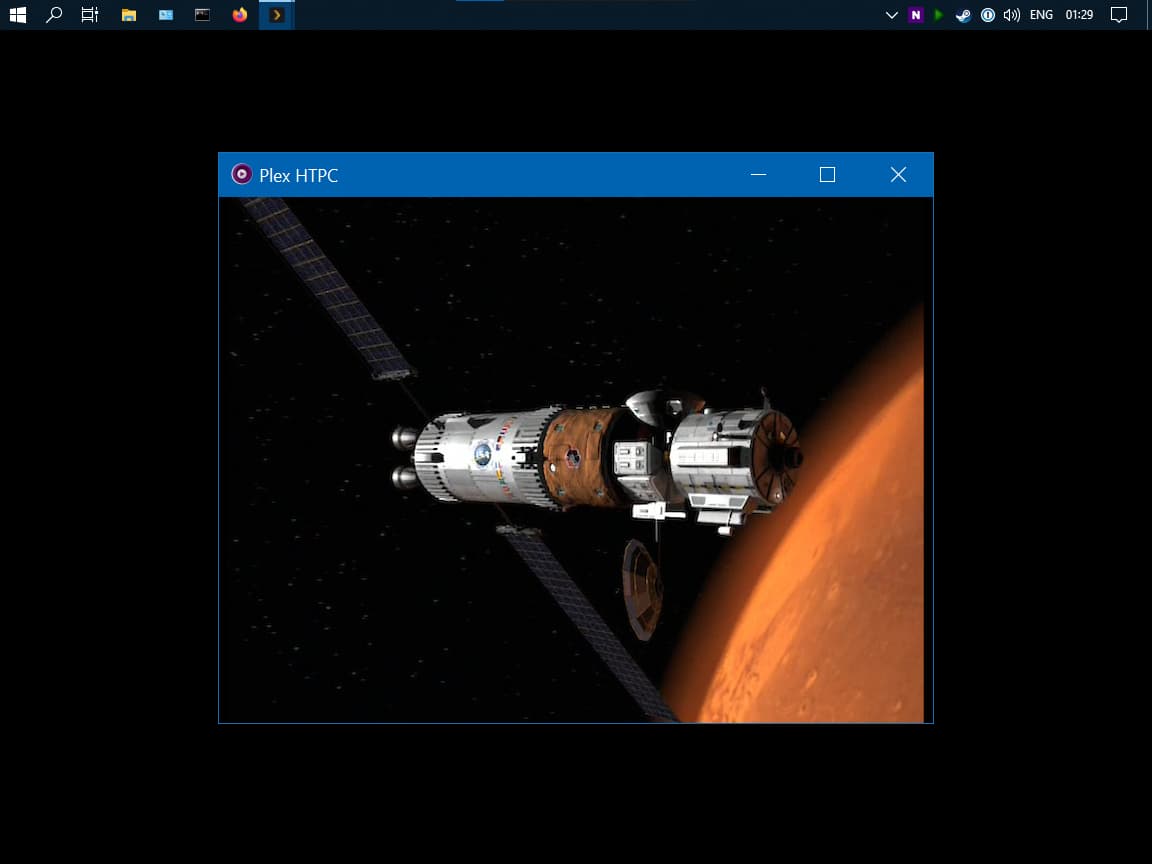
Is anyone else having an issue where Plex HTPC “splits” into two windows upon playback? Basically a larger black fullscreen window. Then a floating “player” windows which is the size of the video?
It seems to randomly happen when i start playback on a file. It’s only been happening with the latest version and after closing Plex and opening it again a couple of times it works as expected.
Just installed the latest version. The tiles are huge now. Was this due to the resizing implemented. Is there any way to make these tiles smaller as it has lost a lot of WAF.
Also got a weird screen refresh with theme change a few seconds after opening Plex HTPC without user interaction.
Edit - also getting screen refreshes without user interaction when moving to Settings screen (away from home screen). Again, is this due to the resizing implemented. Not liking it to be honest.
I’ve just installed v1.13 and it is fantastic to see the DVR schedule - thank you, thank you, thank you
Is there any chance that the Browse tab not remembering the chosen selection can be fixed please?
To reproduce:
Navigate to Live TV & DVR
Select the Browse tab
Change the selection from All → Episodes by Airing (The default) to All → Movies by Airing
Select another tab or library
Navigate back to the Browse tab and All → Episodes by Airing are selected again (Arrggghhh!)
Update: I also note that the selected tab is not remembered in Live TV & DVR either, even though Settings → Experience → Remember Selected Tab is ticked.
Visibility is set to Full Screen with Keep Plex on Top of Windows set to always.
When Plex does this split two window thing it wont accept any input at all. I have to close the window using task manager or right click on the icon in the task bar.
Never had an issue with something like this in the 10+ years of using Plex players, it’s only recently started happening
There’s a weird select bug that seems to execute a long press on what should be short press after going in to/out of fullscreen. I’m noticing this on 1.12/1.13. Did not notice it on 1.9. Never tried 1.10 or 1.11.
Run app (initially windowed). Move focus to content item. Go into fullscreen (). Come out of fullscreen () Hit on item. Long-press menu comes up instead of short-press select. Hit . Hit on item. Short-press select works correctly. Hit . Go in to fullscreen (). Hit on item. Long-press menu comes up instead of short-press select.
What’s weird is it doesn’t do it on the very first press after a fullscreen, but subsequent ones. So if you did “Run app (initially windowed). Move focus to content item. Go into fullscreen (). Hit on item.” that would work. But subsequent in/out of fullscreen cause the next press to be incorrect.
Seems to happen on short/long press behavior of Esc as well, so it’s not just Enter. For instance if you’re on the aformentioned long-press context menu screen (windowed) and go into fullscreen, press , nothing happens, come out of fullscreen, press , nothing happens. You’d have to press twice in a row for it to work.
Just found some weird things on my instances of Plex HTPC:
Version tested: V1.12 and V1.13
Setup1: Windows 10 / AMD Ryzen 3 2200g / 16Gb Ram - AVR - LG 4K OLED
Setup2: Windows 10 / i7 6700K / RX 580 / 32Gb Ram - 1080p PC Monitor
Resolution switching:
When resolution switching is enabled on the machine with the 1080p display connected, playing back a 4K (3840x2160) file causes the display to switch to the lowest available resolution of the monitor (800x600), the debug overlay is scaled so only the upper left corner of stats is shown and the video/movie is shown in the same wrong manner.
1080p files are kept correctly in the 1080p mode, lower resolutions also switch to their corresponding resolution just fine but the player controls do not scale (timeline when hitting enter is outside the window and just shows a small portion of the file/movie name - yes overscan is disabled on the monitor.)
On the 4K setup playing back a 4k file causes the display to switch to a weird 3840x1620 mode instead of keeping the current and correct resolution. Interestingly playing a 1080p file on the 4K setup switches the tv to a correct 1080p mode - the player controls also scale correctly. EDIT:
1080p mode is only correct when windows scaling is set to 300%, when set to 100% it shows the same behavior as the “4K file on 1080p monitor” description stated above. (only upper-left screen shown)
When the resolution mode is changed the mouse is visible in the middle of the screen. Is there an option of disabling the mouse like in plex media player?
System:
Ram usage goes crazy when playing multiple 4K files (resolution and refresh rate switching enabled). With each 4K file, the ram usage rises and stays that high - I just click through 5 files and Plex HTPC consumed 4,5Gb of Ram… (weirdly only on the 4K Setup - 1080p PC setup no such behavior) — I will test this again on the 4K setup with resolution and refresh rate switching turned off. EDIT:
Have done some testing and it appears to happen regardless of whether resolution/refresh rate switching is enabled. On the 1080p setting in no circumstance, I was able to reproduce this overuse of RAM.
TrueHD files with passthrough enabled do not work correctly. Skipping back and forth breaks audio and files that needed seamless branching audio breaks when they hit the spot where the segments were stitched together. (MPV/FFmpeg issue => #9569 (spdifenc: Unusual frame timing (TrueHD)) – FFmpeg)
This error is printed in the HTPC logs:
[ffmpeg] spdif: Unusual frame timing: 40872 => 18920, 40 samples/frame is not implemented. Update your FFmpeg version to the newest one from Git. If the problem still occurs, it means that your file has a feature that has not been implemented.
[ffmpeg] spdif: If you want to help, upload a sample of this file to https://streams.videolan.org/upload/ and contact the ffmpeg-devel mailing list. (ffmpeg-devel@ffmpeg.org)
The debug overlay shows a QRECT and a Window Size value of only 1280x720 on the 4K setup with “GUI resolution” set to 3840x2160. The 1080p setup (GUI res also set to 4K) shows 1920x1080 on both values. Is this correct? EDIT:
It is correct- it depends on the scaling factor set in windows. On the 4K setup it was set to 300% therefore 1280x720 is correct - when set to 100% - Plex HTPC shows QRECT 3840x2160 respectively…
Unfortunately 1.13 didn’t correct the incorrectly sized rect when multimonitor scale rates don’t match. Some additional details:
If PlexHTPC 1.13 is launched on the primary monitor that has a scale rate of 100%, rect size is correct, and the Debug overlay says “Pixel Ratio: 1”.
If I then switch PlexHTPC to windowed mode (backslash key), then drag it to the secondary monitor (which has a scale rate of 125%) and then go full screen (to make Plex HTPC full screen on the secondary monitor), it will correctly fill the screen, and the Debug overlay says “Pixel ratio: 1.25”.
However, if I exit PlexHTPC and then relaunch it, it will launch full screen onto the secondary monitor, but the menu reverts back to only using a portion of the overall screen, and the debug overlay incorrectly says “Pixel ratio: 1” for the menus. HOWEVER, when video playback starts (d3d11 context and hardware decode/high quality), video is again full screen on the secondary monitor. “Pixel ratio” still says 1 while video is playing. The “i”-key information overlay and OSD controls are limited to the bottom left 75% of the screen (see screenshot below). Exiting video playback brings back the wrongly sized menu. So seems like only the Qts layer is impacted.
On a separate note, I enabled the shaders you referenced above and playback looks amazingingly good. Super excited by this.
EDIT: Updating with logs - zip file contains two log files: Plex HTPC.1.log shows launching on primary (100%) monitor, then moving to secondary monitor (125%) and playing a file. Plex HTPC.log shows launching on secondary monitor then playing a file. millercentral_plexhtpc_logs_uiscaleissue.zip (54.1 KB)
Many people posted descriptions of issues here but didn’t provide the log files (snippets of the logs generally aren’t sufficient). In general, unless one of the developers can reproduce your exact issue (which for many of them isn’t likely), then your description isn’t going to be sufficient. This is particularly important when it comes to window handling (size/position) and playback issues.
If anyone runs into this, you should be aware that downgrading the drivers likely just changed timing and obscured the problem, until it didn’t. Turns out this wasn’t the real fix, but instead going into the NVIDIA Control Panel -> Manage 3D Settings -> Power Management Mode and changing it to Prefer Maximum Performance fixed it. My guess is that it was changing power levels which changed timings and jittered the audio.
This is the scaled window size of the UI (not the video). If you want to make sure, there are test pattern videos available which test resolution. Playing one of those should make it extremely obvious if there is any sort of scaling going on (and in your case a 4K file should have no scaling).
This is generally going to depend on how much time is available for this. Though I do question the number who would use an RPi for HTPC purposes these days.
I’ve posted several times here over many months and received no response to the playback issues I’m having with multipart Blu Ray rips.
Found these entries in the logs. Does this provide any clue on what is happening?
Mar 17, 2022 12:25:10.035 [7744] ERROR - [MPVEngine/mpv] ao/wasapi: No suitable audio format found
Mar 17, 2022 12:25:10.035 [7744] ERROR - [MPVEngine/mpv] ao/wasapi: Received failure from audio thread
Mar 17, 2022 12:25:10.035 [7744] ERROR - [MPVEngine/mpv] ao: Failed to initialize audio driver ‘wasapi’
Mar 17, 2022 12:25:10.035 [7744] ERROR - [MPVEngine/mpv] cplayer: Could not open/initialize audio device → no sound.
Now I know that you are going to say that “it works with other apps, so why not this one”, which is a fair question, however I would argue that there is simply no valid reason that I can think of to actually keep the item as split parts.
Just merge the parts together, and that should do it.
@4321HomeAutomation
Not all Plex clients support multi-part media. There are other restrictions as well, such as video/audio stream alignment, container (mkv/mp4) alignment, and no support in Other Videos libraries. Review the documentation linked above for additional details.
If possible, follow @axemanuk666’s suggestion and combine the parts into one file.
Would Plex please provide an appimage (my preference) or flatpak release of HTPC? Some of us that have Linux systems other than Ubuntu would love to use HTPC, but don’t want to install snapd just for this functionality.