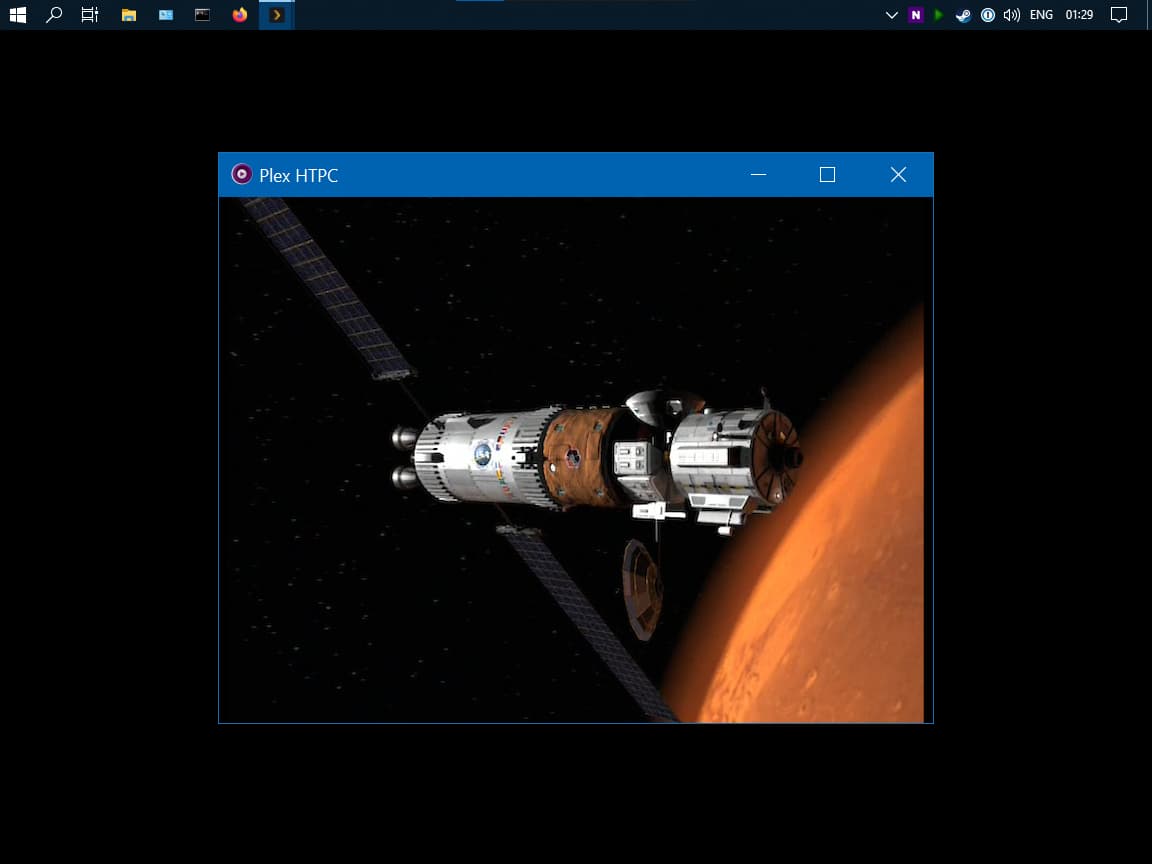
This looks like Qt doesn’t check to see if the DPI changes when its window’s parent is set (or maybe you could blame Windows for neglecting a WM_DPICHANGED message on the child). Either way, this one was fixable by just manually firing the message to the child window at the start.
I will try merging them. One reason I didn’t do that already is simplicity. I keep getting errors when “appending” the files. First time was due to an extra subtitle track. Don’t care about subtitles so just removed them all. Next set of files, one of the files doesn’t have a chapter list (it’s a single chapter) so it doesn’t want to play nice with the others. I appreciate the suggestion. Unfortunately if HTPC Client can’t handle the split files I now need to figure out MKVToolNix / MKVMerge…
I can confirm that HDR passthrough works on windows 10/11 using MPV most recent master build:
Other settings:
Windows HDR set to OFF
vo = gpu-next
gpu-api = vulkan
scale = spline36
cscale = spline36
dscale = spline36
hdr-compute-peak = no
target-colorspace-hint = yes
target-prim = auto
target-trc = auto
If Plex updates their MPV build for Plex HTPC we can get Auto HDR switching with this.
This also fixes the issue with leaving HDR on and it destroying SDR content in general, since it will only flag the TV to go into HDR mode when it plays HDR content.
I am happy to report that, at least on my particular setup, 4K HDR playback is now working smoothly in 1.13 (at “Low Quality” on Windows 11 with d3d11).
I just got updated to the latest build of Windows Plex HTPC and I am still getting this “split” window on initial playback. I have to fully close Plex HTPC from task manager as it’ll not accept any input, then restart Plex and play again for it to run correctly at full screen.
The vo=gpu-next is what I was referencing when I said
The current released version of MPV doesn’t support hardware decode in vo=gpu-next though it appears that it has been merged recently.
A better test for you to try is whether you get HDR passthrough without using vo=gpu-next (the default is gpu) but still using vulkan.
BTW, we can’t bring in libplacebo (the vulkan support) yet because there are some legal questions we need to answer first.
Download the new snap (first post which I’ll correct shortly) and run the install script again.
Since you posted logs this time, I can see this:
Mar 20, 2022 22:29:02.670 [354580] DEBUG - [MPVEngine] Property 'wid' set to '-2087058774'
Mar 20, 2022 22:29:02.670 [354580] DEBUG - [MPVEngine/mpv] cplayer: Set property: wid=-2087058774 -> 1
That wid is rather different from what I’ve seen for the typical values (it’s an HWND). Any ideas why it is so different or whether it is actually correct?
I just wanted to add the logs for the issues described in the post made by me some days ago.
With the instance of Plex HTPC running (where this log file was written) I had the resolution switching problem (4k => 3840x1620 - 1080p movie UI scaling issue (windows scaling factor 300%)), the TrueHD one, and the RAM overuse. Plex HTPC.log (898,7 KB)
(I just cleaned the log a bit - I had over 1000 lines full of ffmpeg/video: hevc: Skipping NAL unit 63 - which is ffmpeg complaining to dolby vision hevc layer)
The resolution weighing mechanism is somehow wrong - there are multiple modes with the same highest weight of “450”, where obviously only the Mode 3840x 2160px32bpp@23.976Hz has weight 450 (for the 3840x2160@23.976 file) should have the highest weight.
Also interesting is that many modes are shown three times… (Maybe 8Bit, 10Bit, and 12Bit? - all shown as 32bpp - thanks to win32 EnumDisplaySettingsW - winuser.h function which tops out at 32bpp… )
Log 2: 1080p movie switched to 1080p - ui scaling issue - windows scaling factor set to 100% => Plex HTPC_1080p_window.log (253,0 KB)
Two releases back, HTPC didn’t use this mechanism to tell MPV where to render. It appears the values you have for your HWNDs is not being passed into MPV correctly (so when it doesn’t have a window to render in, it creates its own). The problem is if we can’t reproduce it, it’s hard to know what fixes it.
Now that I have your logs I can see the issue. Instead of determining whether the video fits in a certain resolution, it was doing it backwards and checking to see if the screen resolution fit within the video’s dimensions. It does the fit check because if you had a 3840x1634 video, you’d want the 3840x2160 resolution.
This is what Windows reports via EnumDisplaySettingsExW. Yeah, the API isn’t the greatest.
This happens on refresh rate changes too (and ONLY on Windows!). HTPC hides the mouse quickly if it’s not moved and should be happening here.
I’m not sure what you are referencing here. I didn’t see references to this in your previous post.
Ok, then it must have been the last release it started happening. I think it was about three weeks ago when I first noticed it.
Can we set a HWND manually? What exactly is HWND? Can you take a guess at me being able to check anything else to see what might be suddenly causing this out of the blue?
Sorry for my lax explanation! I should have explained this a bit more. The problem shown in the log should be the one where playing a 1080p file on a 4k tv (windows scaling set to 100%) with resolution switching enabled and switching to 1080p that the video and UI are scaled wrong. Only the upper left portion of the UI and the video is shown. This may be due to something like the UI being still in the 4K mode. (some values in the log state [MPVEngine/mpv] vo/gpu/win32: resize window: 3840:2160 even though its already in the 1080p mode) All this works correctly when the windows scaling factor is set to 300% (first log file)
Well, and there is no option to disable the mouse at all on windows?
You mention ‘in addition’ to the other external shaders - would you mind sharing your full mpv.conf?
I added your settings here as instructed, but with the d3d option also in for HDR and it made 4K stutter.
I think with all the discussions about changes to mpv.conf I’m getting a little confused as to which settings are mutually exclusive!
I’ve a 1060 12GB in my system and so far its running MadVR really nicely - but I much prefer Plex as a UI. Getting MadVR quality through MPV with Plex is a dream for most of us I think.
Sure, thanks. I live on a sailboat so anything that can reduce power consumption is preferred and having a RPi as a $40 Plex client is a cheap and low power way to consume media on a TV.
I understand I may be a unique customer in this regard, but cheap to buy and cheap to run should be higher on everyone’s list of things