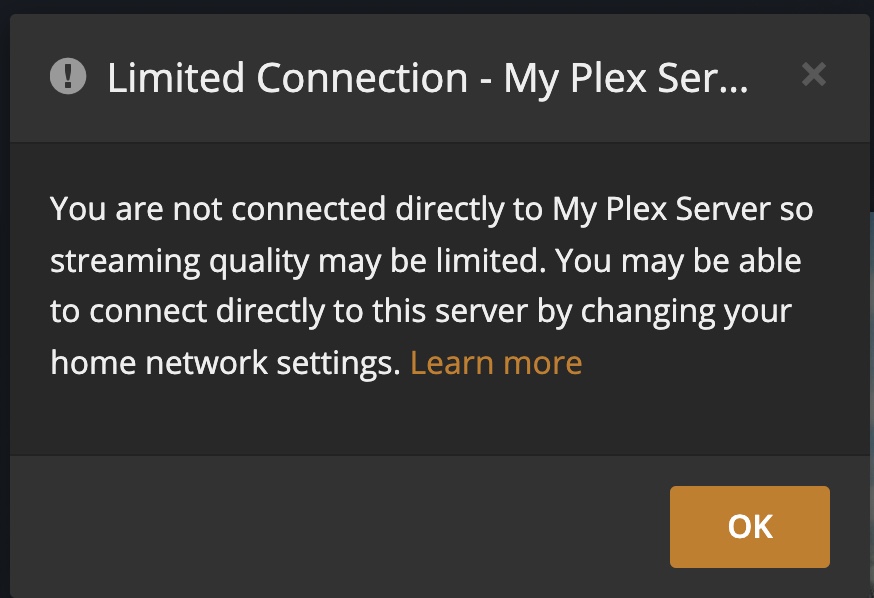
Brave Browser states my Plex Library is not secure.
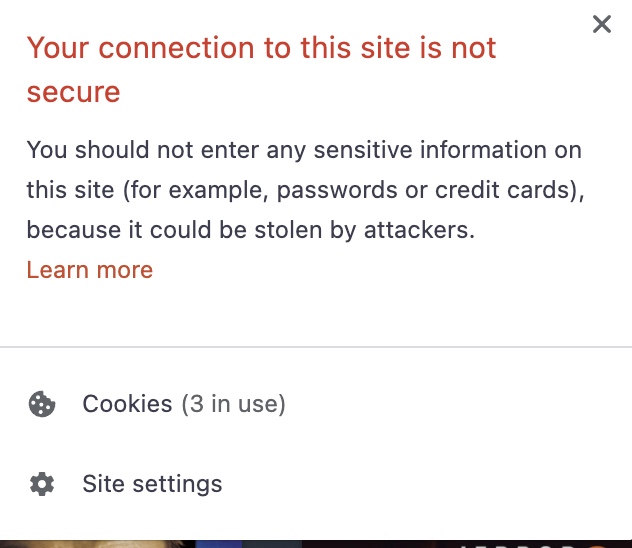
Brave Browser states my Plex Library is not secure.
Did you access the WebClient on plex.tv, or locally?
I just downloaded the app from the mac app store and launch it which opens it in my default browser which is Brave.
My library is a 8TB external drive connected to my mac.
Sorry, for Mac I actually downloaded the app from the Plex website, not the app store.
I doubt the brave browser will work, but when said, until the server is claimed, it’s not secure, and only runs http
The browser works fine - it just says it’s not secure.
How are you accessing the server in your browser, via its IP address or via https://app.plex.tv?
So you did claim it!
Reason for your browser saying it’s insecure is a false alert, and due to you are accessing it via the IP Address, but the security certificate is issued to .<something>.plex.direct
When you go towards https://app.plex.tv it connects correctly
Regarding limited access/not avail outside, look here:
Appreciate all your help Dane - it is weird that the actual app launcher takes you to the wrong address.
Anyway, I’ve just bookmarked your link to connect in the future and will read the articles you provided.
Thanks again, happy holidays :