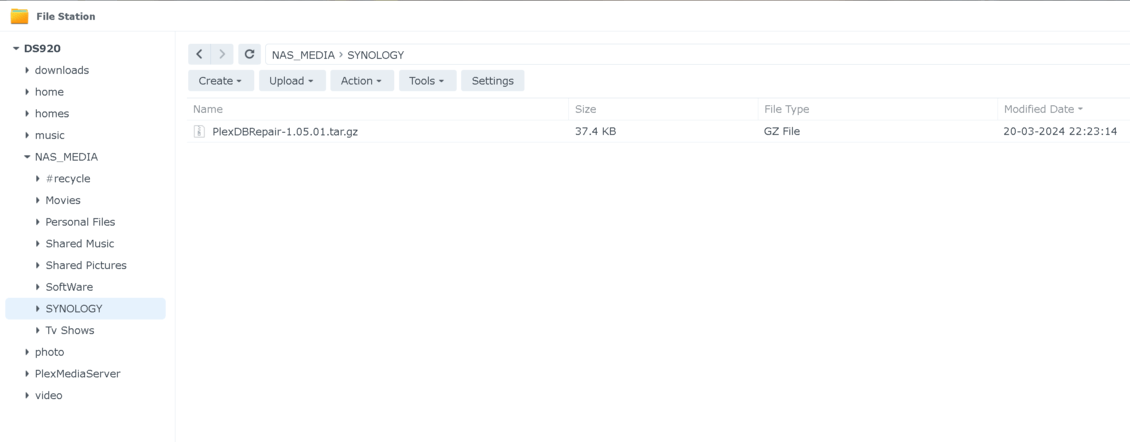
When you get my tool, That goes in a shared folder on the syno.
Keep it away from Windows (the .sh) file. Windows text files are different then Linux text files…
When you get my tool, That goes in a shared folder on the syno.
Keep it away from Windows (the .sh) file. Windows text files are different then Linux text files…
That’s it
Make ABSOLUTE certain – YOU DO NOT OPEN PORT 22 ON YOUR MODEM/ROUTER
When we’re done with the DB work, We’ll turn port 22 off again
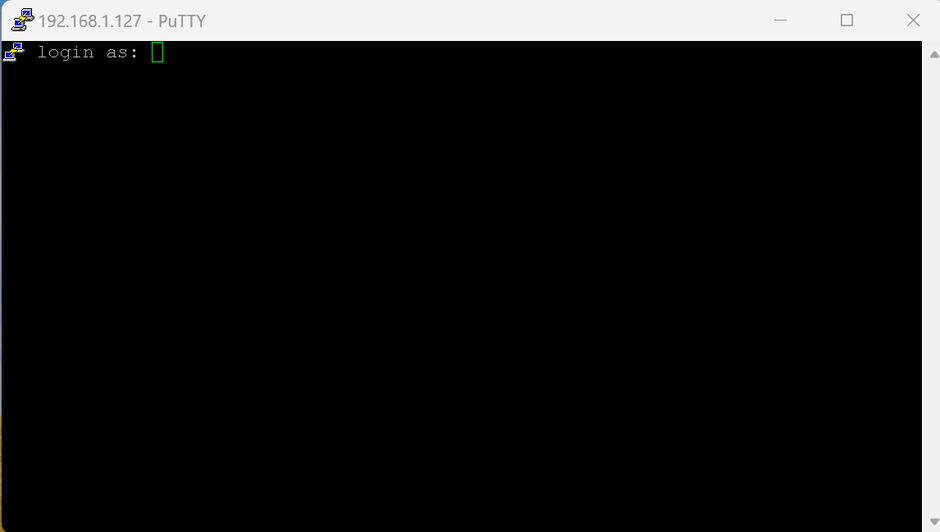
when you open a session to the syno.
keep going… use the LAN IP address of the Syno
log in as your syno account username
you’ll end up at the command line
download the tar.gz file from my v1.05.01 release and upload it to the ( top of a main shared folder on the syno )
Downloading the tool
chuck@ds418:~$ cd /volume1/glock
chuck@ds418:/volume1/glock$ ls
 com.plexapp.plugins.library.blobs.db   @eaDir   new2.bat   new4.bat               qa          Sample-run.txt
 com.plexapp.plugins.library.db         media    new3.bat   PlexDBRepair-1.05.01  '#recycle'   v1.05.01.tar.gz
chuck@ds418:/volume1/glock$
chuck@ds418:/volume1/glock$ wget https://github.com/ChuckPa/PlexDBRepair/archive/refs/tags/v1.05.01.tar.gz
Will not apply HSTS. The HSTS database must be a regular and non-world-writable file.
ERROR: could not open HSTS store at '/var/services/homes/chuck/.wget-hsts'. HSTS will be disabled.
--2024-03-20 18:08:22--  https://github.com/ChuckPa/PlexDBRepair/archive/refs/tags/v1.05.01.tar.gz
Resolving github.com... 140.82.114.4
Connecting to github.com|140.82.114.4|:443... connected.
HTTP request sent, awaiting response... 302 Found
Location: https://codeload.github.com/ChuckPa/PlexDBRepair/tar.gz/refs/tags/v1.05.01 [following]
--2024-03-20 18:08:23--  https://codeload.github.com/ChuckPa/PlexDBRepair/tar.gz/refs/tags/v1.05.01
Resolving codeload.github.com... 140.82.114.10
Connecting to codeload.github.com|140.82.114.10|:443... connected.
HTTP request sent, awaiting response... 200 OK
Length: unspecified [application/x-gzip]
Saving to: 'v1.05.01.tar.gz'

v1.05.01.tar.gz                     [ <=>                                                    ]  37.39K  --.-KB/s    in 0.03s

2024-03-20 18:08:23 (1.32 MB/s) - 'v1.05.01.tar.gz' saved [38289]
Extract the tool from the tar.gz file (it also contains the documentation)
chuck@ds418:/volume1/glock$ tar xf v1.05.01.tar.gz
chuck@ds418:/volume1/glock$ ls
 com.plexapp.plugins.library.blobs.db   @eaDir   new2.bat   new4.bat               qa          Sample-run.txt
 com.plexapp.plugins.library.db         media    new3.bat   PlexDBRepair-1.05.01  '#recycle'   v1.05.01.tar.gz
chuck@ds418:/volume1/glock$ cd PlexDBRepair-1.05.01/
chuck@ds418:/volume1/glock/PlexDBRepair-1.05.01$ ls
Contributing.md  DBRepair.sh  DBRepair-Windows.bat  DBRepair-Windows.zip  License.md  README.md  ReleaseNotes
chuck@ds418:/volume1/glock/PlexDBRepair-1.05.01$ chmod +x DBRepair.sh
Run it
chuck@ds418:/volume1/glock/PlexDBRepair-1.05.01$ sudo ./DBRepair.sh


      Plex Media Server Database Repair Utility (Synology (DSM 7))
                       Version v1.05.01


Select

  1 - 'stop'      - Stop PMS.
  2 - 'automatic' - Check, Repair/Optimize, and Reindex Database in one step.
  3 - 'check'     - Perform integrity check of database.
  4 - 'vacuum'    - Remove empty space from database without optimizing.
  5 - 'repair'    - Repair/Optimize databases.
  6 - 'reindex'   - Rebuild database database indexes.
  7 - 'start'     - Start PMS

  8 - 'import'    - Import watch history from another database independent of Plex. (risky).
  9 - 'replace'   - Replace current databases with newest usable backup copy (interactive).
 10 - 'show'      - Show logfile.
 11 - 'status'    - Report status of PMS (run-state and databases).
 12 - 'undo'      - Undo last successful command.

 21 - 'prune'     - Prune (remove) old image files (jpeg,jpg,png) from PhotoTranscoder cache.
 42 - 'ignore'    - Ignore duplicate/constraint errors.

 88 - 'update'    - Check for updates.
 99 - 'quit'      - Quit immediately.  Keep all temporary files.
      'exit'      - Exit with cleanup options.

Enter command # -or- command name (4 char min) :
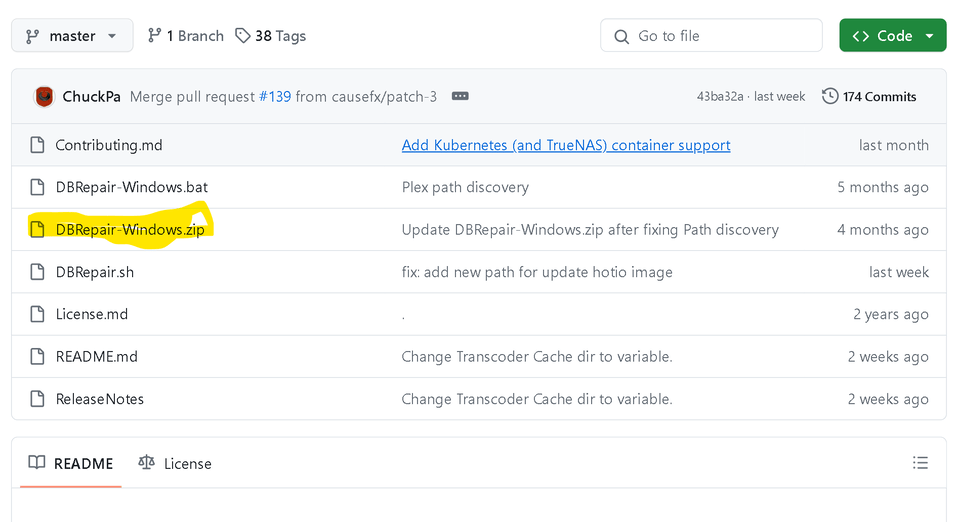
No. This is the Syno.. Not Windows.
You want the “Releases” v1.05.01.tar.gz (Sources) which you see when you to the main github
COPY the URL.
Come back to the PUTTY window.
wget <PASTE_URL_HERE>
you are over-thinking this.
Pleases follow my instructions.
Get the tar.gz file and put it on the Syno.
I showed you how to do it above ^^
After you switch to the putty session, we’ll work exclusively in Putty until done
You should get the menu
My apologies – Dinner is ready. I will return within the hour.