@Knapsu said:
Hey @rajs04 , Plex Media Player is available only for 64-bit processors. I might try to see if it will compile on 32-bit Linux but no guarantees.
Any luck? I’d like to try 32-bit (bodhi/ubuntu),
@enigma9o7 there will be no 32-bit packages. linuxdeployqt tool that is used for building is not available for x86 architexture and does not appear to ever be.
I’ve also found out that PMP is built with hardware acceleration disabled by Travis CI. This is surely some Travis environment specific bug as locally when run it builds with HW enabled. Will investigate this.
Travis builds without hardware acceleration · Issue #12 · knapsu/plex-media-player-appimage · GitHub
I have an Intel on board GPU and it’s the same issue (doesn’t seem to be specific to NVidia).
Cheers.
G.
Hi,
I have been using this for a long time without issue - thank you for your efforts.
I have a freshly installed Antergos system with KDE and cannot get any of the AppImages on your site to run. Error is always similar to the following:
libvdpau-va-gl: GLXGlobalContext::GLXGlobalContext: glXChooseVisual failed
Logging to /home/user/.local/share/plexmediaplayer/logs/plexmediaplayer.log
Aborted (core dumped)
Log file attached.
File would not upload, pastebin instead: pastebin.com/JtX5z5sL
I am somewhat surprised as I have had no issues with Antergos with Gnome or Budgie desktop.
Thanks for your help
It seems it crashed (core dumped).
Try extracting the AppImage
Plex.AppImage --appimage-extract
cd squashfs-root
run AppRun with strace
strace ./AppRun
It might give you a clue why PMP crashed.
@DJViking said:
It seems it crashed (core dumped).Try extracting the AppImage
Plex.AppImage --appimage-extract
cd squashfs-rootrun AppRun with strace
strace ./AppRunIt might give you a clue why PMP crashed.
Thanks. Unfortunately I am none the wiser. Output in the link below.
@Knapsu Can you make another build that uses the latest VA-API 1.1.0?
I started to have the same problem since last week - on a Manjaro Gnome.
First I had no idea what caused it, I event installed the Plex Media Player for the Arch branch. That also didn’t worked, but the reported error was different - something regarding OpenGL. A problem which can be related to Mesa.
So what fixed the problem for me was downgrading mesa and lib32-mesa to 18.0.4-1
Hope that helps 
Thanks, this worked!
Plex Media Player 2.14.1.880-301a4b6c is available for download from https://knapsu.eu/plex/
AppImage changelog:
Official changelog:
https://forums.plex.tv/t/plex-media-player/120475/55
first time user on Ubuntu 18.04. Just wanted to say thanks! works like a charm
This works well in Ubuntu. I would like to set the icon for alt+tab; at the moment it is using a box. I am using Cinnamon so that might be why. The following is a screenshot of how alt+tab looks for me. Plex media player is the third one along.

I have added a plex.png file into ~/.local/share/icons/hicolor/512x512 but it still doesn’t seem to work.
Anyone got any ideas?
Fixed by just removing it from the menu system, moving the application and running it again.
It then asked me if I wanted to add it to the system and it all worked 
I cannot seem to get this running on Fedora 28. I double click on it to integrate with my system. Then when I try to launch it from the Gnome launcher, it does exactly nothing. Any ideas? Am I missing a dependency? Can someone point me in the right direction? TIA
Let me start by saying; Thank you for all the work you’ve put into compieling these wonderful images This truly is one of the best ways to get the most out of your Plex pass account.
I do have a question that I’m wondering if you could help me with?
Sadly it seems I’ve over-complicated things for myself by installing Raspbian Stretch Desktop “for PC’s” (i386) Variant, ( its based on linux Debian) on my Old Over Powered Desktop.
I did this with the intent to use it as a dedicated Plex Media Server/ Plex Home Theater / Plex Media Player.
The added benefit of an optional desktop experience on my largest TV/Display was attractive to me. I was also attracted to the idea of having more horse power so to speak for Plex Trans-coding and Library Scanning. This was all well and fine for the server side of things and after-all I did intend to have RasPlex Running on an actual Pi3b+ for the Media Player side of things on my upstairs TV.
I was successful in setting up Raspbian and getting Plex Media Server to install and run, though it was not as straight-forward. Oddly enough; It would have been less difficult to fallow along with most online tutorials had I just used a less obscure OS version like (Raspbian Stretch for Pi.)
My real question is; How can I install the immersive Plex Home Theater app (that with a feel similar to RasPlex) onto my Raspbian Stretch for PC (i386) Desktop?
I prefer the simplicity and aesthetics of the Plex App, compared to viewing my Plex media from within the chromium browser. I have downloaded the Plex images for embedded i386 and practically every other image or deb available. I just haven’t figured out how to run the immersive app over Raspbian (debian) (i386).
Because I use do utilize Plex Cloud and can access most things from there, running the server side at the same time as the app is not a requirement of mine. Though it would be nice to eliminate the network utilization.
Your help would be most appreciated & Thank You again for your time.
Thank you so much for your work!
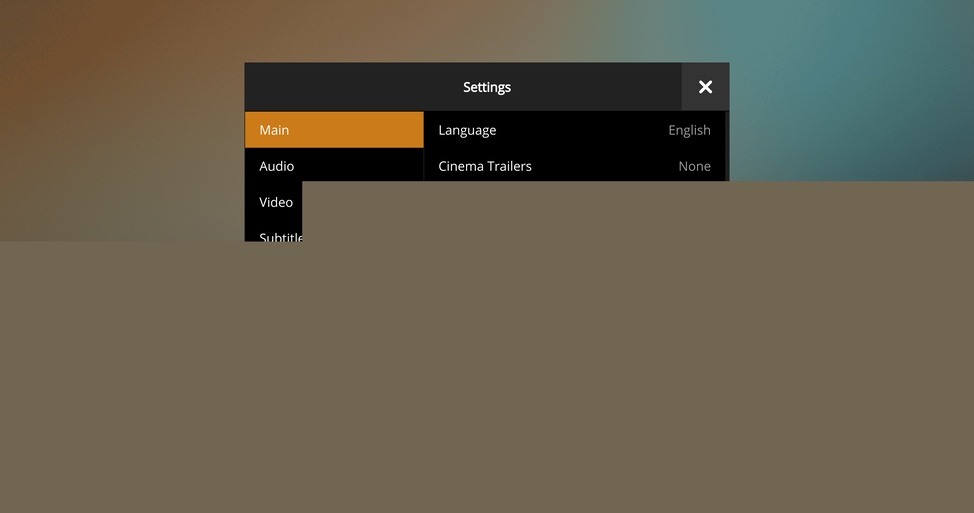
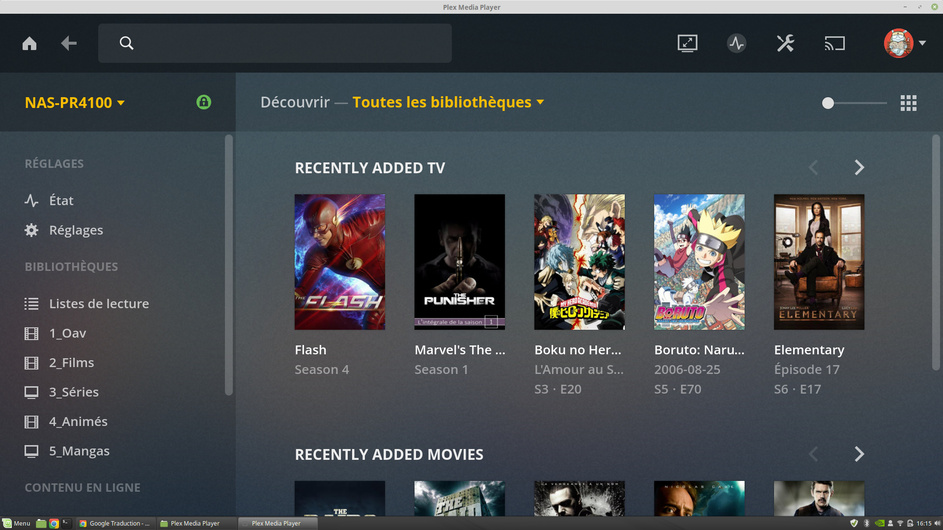
That’s the Plex Web UI, and the TV fullscreen mode is better suited for 1080p displays I think.
I’m afraid @Knapsu has no control over that. Plex Web is a closed source component. Maybe make a feedback thread about the size in the appropriate subforum? (Or try TV fullscreen.)
no I do not think so because Plex Web works perfectly. more on Mac or Windows 10 it works nickel I hope it will be corrected if this and possible