Thanks yup I am on v1.24.4.5081 running via docker on server. Client side it is only the flatpak I have issues with. Appimage works, but I get high CPU loads with the Appimage which is why I am trying to get flatpak going again. To be clear I should be running those commands on my client side right? Sorry I don’t have a lot of experience with certificates!
Hi Ksnell
In answer to your question, yes. Remove the certificate from the clients. Removing them from the servers made no difference. And yes I’m also using Appimage. I wonder if the flatpak has its own certificates. You may have to uncompress them to have a look.
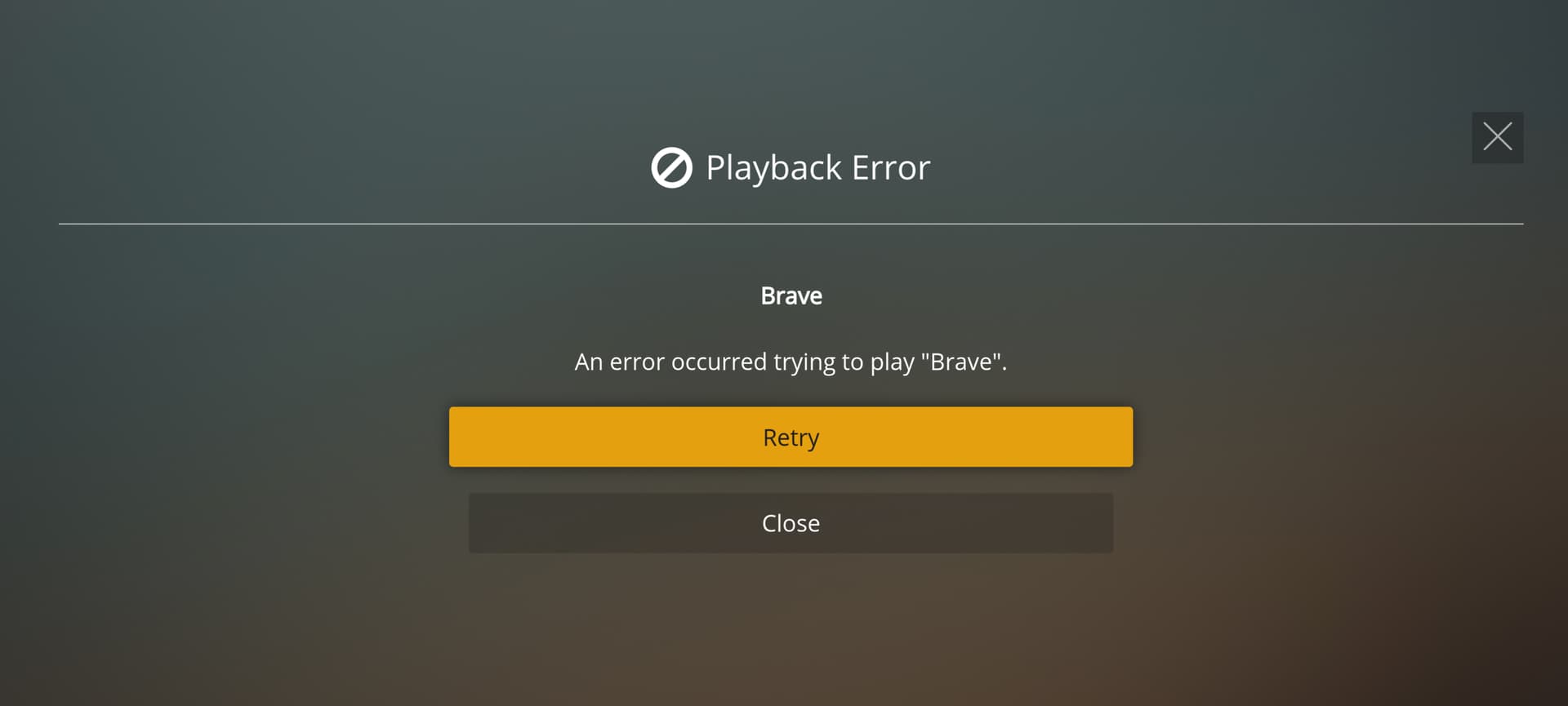
It definitely “seems” to be something with the flatpak as far as I can tell considering the appimage does work for me on the same device. I also spun up an Ubuntu VM to install the flatpak there and had the same issue. I ended up creating an issue on the Github repo (link below) as I am completely stumped and maybe a little too green in these areas to diagnose the issue :).
Playback Error when Playing on PMP Flatpak · Issue #9 · knapsu/plex-media-player-flatpak
Thank you kindly. I’m on PopOS! 21.04 with the same quandry and you saved me digging
I’m switching to Linux and I was very pleased to see the Plex Media Player available. But I’m having some trouble. I really hope somebody can help resolve this issue.
I’m running Ubuntu 21.04 w/ a Ryzen 5 2600 and a Radeon RX 580.
I am using Plex_Media_Player_20210521-ae73e074_x64.AppImage.
I works great… except every few minutes I get a message saying that “Plex Media Player is not responding”.
I can quit or wait.
If I wait a half a second, it starts working again.
I’d be perfectly happy if the player just didn’t give me the error message.
The message is worse than the pause.
I tried the older version, Plex_Media_Player_2.58.1-ae73e074_x64.AppImage.
This won’t even run… well it starts to run, I can briefly see the content from my Plex server on the home screen, but then the window goes completely blank.
All I can see is the title bar of the window.
I upgraded to Fedora 35 workstation today and unfortunately the Plex Media Player now no longer works. I just get a blank black window as per screenshot below…

Atom also has problems with Fedora 35 as per Can't open/crash while opening (nor 1.58 nor 1.60) · Issue #23176 · atom/atom · GitHub which I believe is related to glibc changes. Maybe this is effecting PMP ?
If anyone manages to get it working please leave a post in this thread.
I’ve experienced this issue running under Wayland. I wasn’t able to resolve it but switching to X11 was a workaround I used.
Hi guys - I installed this in a VirtualBox Ubuntu VM as a proof-of-concept for a possible future actual Linux PC install but no matter how I configure the network settings I can’t reach my Plex server (which is running on a desktop PC elsewhere on my internal network). I am using bridged mode (tried all the others) but keep getting the “Selected server cannot be reached securely” message under Media Server Status. Any ideas?
This is probably a pretty obscure case (and not an issue with the app itself), but I couldn’t find any useful information in general web searching for this issue. While I can ping my desktop’s IP from within the VM, some network issue seems to be preventing a connection. I’m not sure if the bridged networking will allow this kind of connection but I figured I’d see if anyone else has encountered it.
One more thing: I can access my Plex server via the web interface in Firefox on my VM, but not via the installed Plex Media Player. Not sure if that helps anything but I figured it at least highlights that it may not be solely a VM network issue.
Hello, Knapsu
Big Thank you for you Plex app for Linux, it helps me very.
I only would thank you say 
greetings kiam001
Thanks for the great app!
Is there anyway to disable xbox controller input on linux? I copied both xbox-controller-*.json for windows and mac examples into ~/.local/share/plexmediaplayer/inputmaps and cleared their maps, but when playing a game it still makes the video jump around.
Thank you so much… really love it on Pop_OS! 
Thanks for making and supporting a flatpak for linux!
I’ve run into a problem on Fedora 35. When I try and run the flatpak I get the following error:
[2:46:0218/134820.268251:ERROR:address_tracker_linux.cc(214)] Could not bind NETLINK socket: Address already in use (98)
I think it might be related to this error that someone else ran into with a different flatpak:
Probably should try/transition to the new product for Linux: Introducing Plex HTPC!
no can do. I’m using Fedora Silverblue 35, so snaps are not an option (not a fan of them either). Flatpaks or bust. Also the licensing of snaps is a bit of an issue.

Is there any chance of this updating to newer version of Plex? It seems to have not updated since August.
FYI… moved my main server and clients to ubuntu 22.04 LTS and now PMP is completely broken like I posted a few months ago with Fedora 35 giving a blank screen → Plex Media Player packages for Linux - #659 by dokuro
xxxx@dokuro:/data/Personal/Software/ubuntu$ ./Plex_Media_Player_2.58.1-ae73e074_x64.AppImage
libpng warning: iCCP: known incorrect sRGB profile
Logging to /home/xxxx/.local/share/plexmediaplayer/logs/plexmediaplayer.log
Logging to /home/xxxx/.local/share/plexmediaplayer/logs/pmphelper.log
xxxx@dokuro:/data/Personal/Software/ubuntu$
So far been unable to get it working. I’m also running under X11. I suspect the glibc changes in the recent linux distros has broken PMP. If anyone does manage to get this working just post an update on this thread.
Moving to the HTPC version is not something I want to do as snaps are just evil 
I have exactly the same problem after the update to ubuntu 22.04. I should have read your post first before upgrading Ubuntu. Unfortunately Plex-htpc also does not work and my alternative media server/player Emby theater also has problems after the update, The only players that work for me right now in Ubuntu are plex and emby in a web-browser.
It is a pity that Plex-htpc is not stable yet.
Took a peek at the plex htpc app but looked horrible on my pc monitor so just uninstalled it. Guess it’s built for TVs and not monitors. For now browser will just have to do until I find a better solution.
I experimented with Plex-htpc and I think it is already quite useable on Linux and basically replaces Plex Media Player. At least I did not miss any feature. If Plex is committed to further developing it into a stable release, and if this brings official Linux support, I think I can be happy again with Plex.
There were however some hurdles.
- install it with the install script.
Plex HTPC feedback
It seems to not only install the application, but it also establishes some connections to system services. - On a wayland system you need to start it without wayland. The following command line works for me:
DISABLE_WAYLAND=1 snap run plex-htpc
I think this makes the application use XWayland plugin and basically runs it with X.
I did put this into a start script and created a .desktop file for integration in the laucher/Dock.
This works and in my opinion I have a suitable replacement now for Plex Media Player.
