Server Version#:
Player Version#:
I am running Plex Media Server on my Raspberry Pi 3B+, which is running the latest version of Raspbian Stretch (based on Debian.)
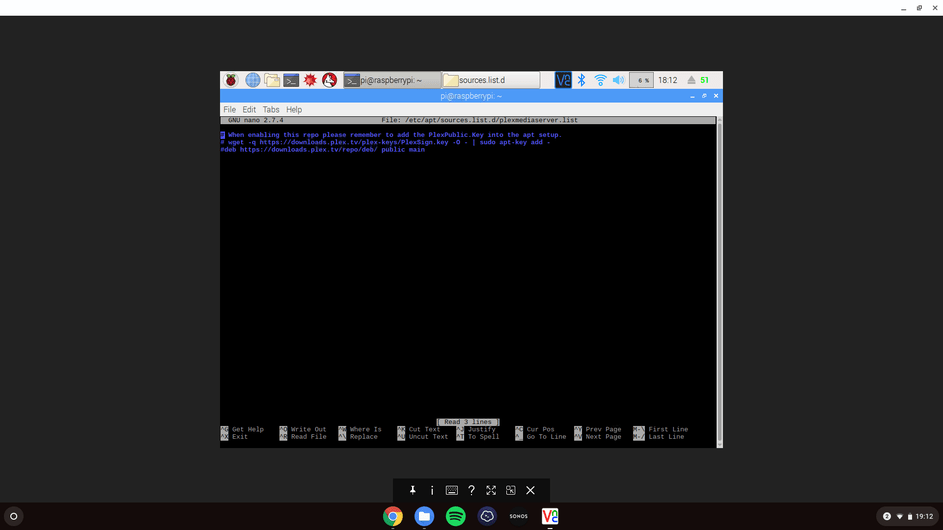
I originally installed the server through a third party website and it was updating from there also. Recently I received a message stating that it was being discontinued, and attempted to follow instructions to change my sources.list file so that it would now be updating directly from Plex.
I believe that I have successfully removed the third party URL, but don’t see Plex in my sources.list file any more, and it makes no reference to it when running apt-get update (Please see attached screenshots.
Am I correct in thinking that I have done something wrong and it isn’t attempting to update?
I have Googled this and also searched the forums. I found the link below, but I’m not totally sure how to follow it, whether I’m on the correct article, or if I actually have a problem.