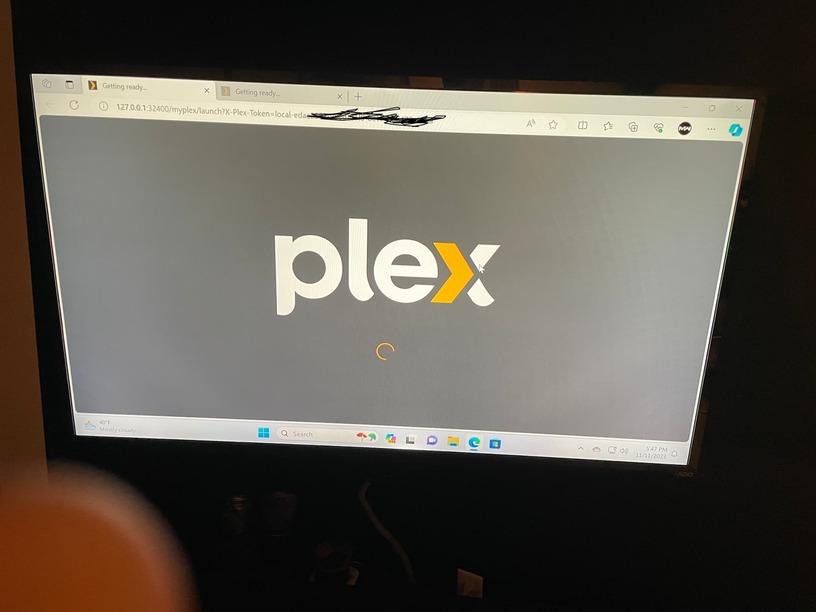
Plex Media Server will not load (Getting Ready/Not Authorized)

Server Version#: v.1.32.7.7621-871adbd44

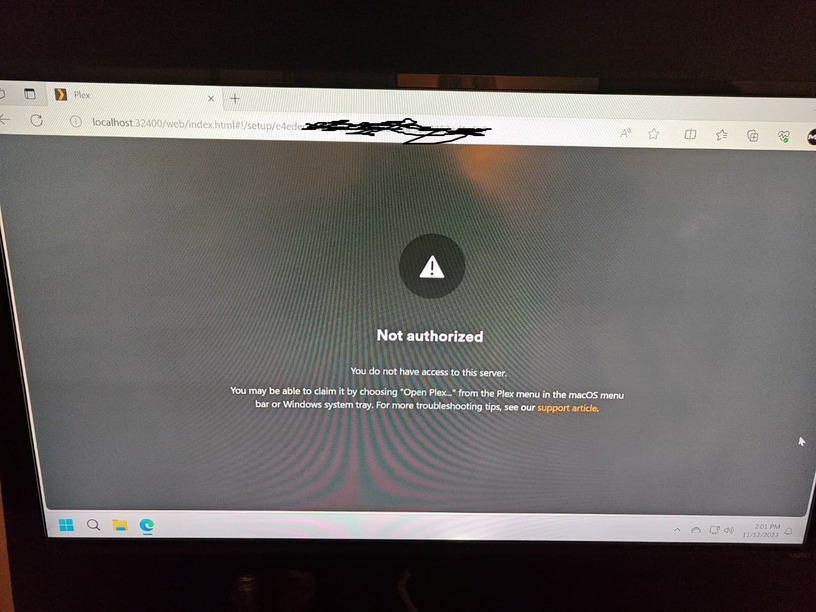
Have an issue on Windows 11 (also on 10) were Plex Media Server will not load when navigating to it via the web. It continues to say “Getting Ready” with spinning wheel. When navigating to http://localhost:32400/web get the “Not Authorized” page as shown. This is fresh install of Windows 11. Saw a potential registry fix that included token values, problem was those values do not even exist in the registry (others are present).

Any ideas on what to try next?

Method 2.2

This did not seem to solve the problem. Is there anything else to try?

You better remove that screenshot soon.
It shows that the server is not connected to a Plex user account.

Try using a different web browser without any extensions. Try Chrome or Firefox.

Also notice the link in the above post about a new claiming procedure on Windows.

This topic was automatically closed 90 days after the last reply. New replies are no longer allowed.