That’s odd. I am on Windows 7 and was not able to add any semicolons. Windows would report an error.
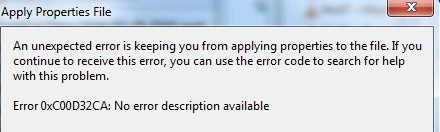
But when I separated with a comma all was okay.

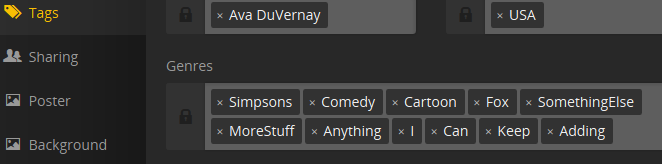
So, I am having no issue using the comma and Plex recognizes the TAGS.
I want to say something is wrong with the script/external program you are using to edit the MP4 files.
Humor me. Try to add the genre tags from Windows explorer
Simply right-click a MP4 file and select properties, then click the details tab. Add some tags in the genre field separated by commas. Click OK. Now refresh metadata within PLEX on that item.
