I agree, but I’m not sure that using the app in troubleshooting a problem with Plex is the best method. VLC will play almost anything, in any format, and doesn’t necessarily rely on the capabilities of the device. Plex apps do, as well as the capabilities of the server. Taking the time to get VLC working (enabling DLNA, FTP, Samba, etc) will not likely fix the problem from the OP. is having with Plex.
I would start by getting the properties of the files being played, (audio and video codecs, subtitles enabled, type of subtitles, etc) and go from there. The server has transcoding disabled, so any combination of subtitles, audio formats, video formats may require transcoding for the app. If the server isn’t powerful enough to transcode (and/or it’s disabled) the file just isn’t going to play.
@DESASTER75 - does the Firestick see the plex server, and work as expected? That was not mentioned originally.
yes i agree with you but I can not receive from him any answer regarding transcode reason (video or audio/subtitles)
I use VLC only the way to check speed connections and files accessible
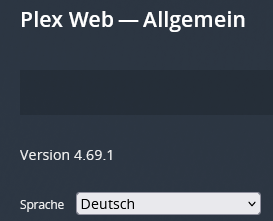
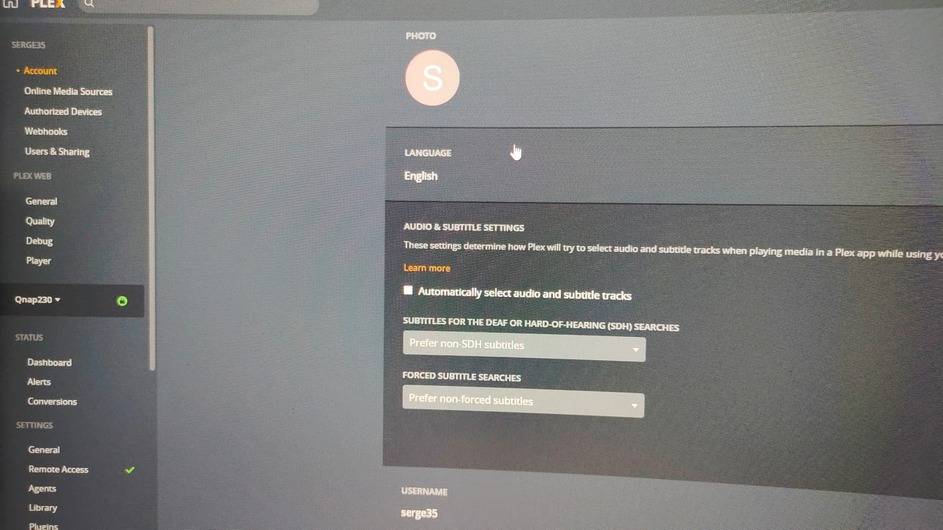
Probably a silly question… in Plex Web → Settings → Account do you have the language configured to German? Particularly under the preferred audio and subtitle languages.
I have mine set this way (for English) All apps automatically select my language choice, and only use subtitles when the audio is in a different language. If there is not an audio stream in my language, subtitles are automatically enabled.
Do I have to swith on the IPv6-compatibility-option if I am only talking about local usage of PLEX-server?
There is no option to switch off ‘subtitels’ at all! → Where is it?
There is only an optoin to let PLEX-server automatically pick subs as picked in the drop-down-menue below that option …