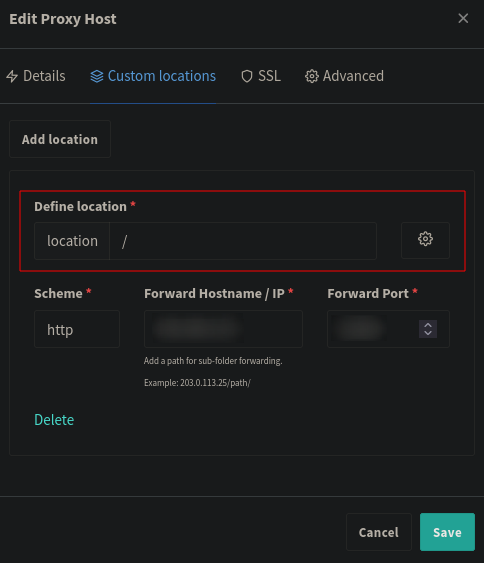
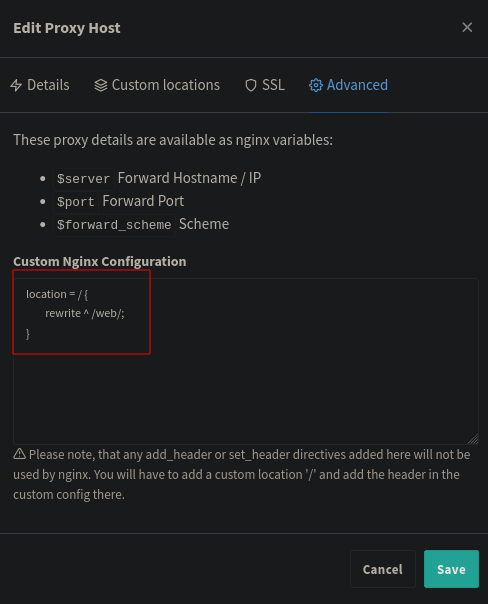
Plex Web: 4.141.0
Plex-Server 1.41.3.9314
I need some help with my Plex-Server behind nginx Proxy Manager.
Short: I get a 401 error with using the external domain <plex.example.com> (real domain registered at cloudflare DNS)
Long:
Let’s Encrypt certificate with Cloudflare-DDNS:
apt update && apt install -y certbot python3-certbot-dns-cloudflare

mkdir -p /etc/cloudflare
chmod 700 /etc/cloudflare
touch /etc/cloudflare/credentials.ini
chmod 600 /etc/cloudflare/credentials.ini
nano /etc/cloudflare/credentials.ini
=====
dns_cloudflare_api_token = 0123456789abcdef
=====

certbot certonly --non-interactive --agree-tos --register-unsafely-without-email --dns-cloudflare --dns-cloudflare-credentials /etc/cloudflare/credentials.ini -d <plex.example.com> --dns-cloudflare-propagation-seconds 60

crontab -e
=====
0 1 * * * /usr/bin/certbot renew & > /dev/nul
=====

touch /etc/letsencrypt/renewal-hooks/post/create_p12.sh
chmod 755 /etc/letsencrypt/renewal-hooks/post/create_p12.sh
nano /etc/letsencrypt/renewal-hooks/post/create_p12.sh

=====
#!/bin/sh

openssl pkcs12 -export \
  -out /var/lib/plexmediaserver/plex_certificate.p12 \
  -in /etc/letsencrypt/live/<plex.example.com>/cert.pem \
  -inkey /etc/letsencrypt/live/<plex.example.com>/privkey.pem \
  -certfile /etc/letsencrypt/live/<plex.example.com>/chain.pem \
  -passout pass:abc123 \
  -certpbe AES-256-CBC -keypbe AES-256-CBC -macalg SHA256

chmod 755 /var/lib/plexmediaserver/plex_certificate.p12
=====

sudo chmod u+x /etc/letsencrypt/renewal-hooks/post/create_p12.sh

certbot renew --force-renewal
set up plex
- Secure connections: Required
- Custom certificate location: /var/lib/plexmediaserver/plex_certificate.p12
- Custom certificate encryption key: abc123
- Custom certificate domain: <plex.example. com>
- Enable Strict TLS configuration
- Custom server access URLs: https://<plex.example. com>:32400, https://<plex.example. com>:443
- IP-addresses that don’t need an authentication: <plex.example. com>
- Disabled remote access
nginx Proxy Manager
- Domain Name: <plex.example. com>
- Forward Scheme: https - 192.168.1.42 - 32400
- Block common exploits: true
- websocket support: true
- Force SSL: true
- HTTP/2 support: true
- HSTS enabled: true
It was working 1 time, and now I get a 401 error that says, that the domain need a user and password.
What I tried so far
- adding local IP of the server to “custom server access” and “IP that dont need an authentication”
- changed https to http in nginx
- tried ports 80, 443, 43200 in nginx
- disabled HTTP/2 and HSTS in nginx
- disabled websockt support and block commain exploints in nginx
- enabled remote access and tried port 32400 and 443