Hi Chuck,
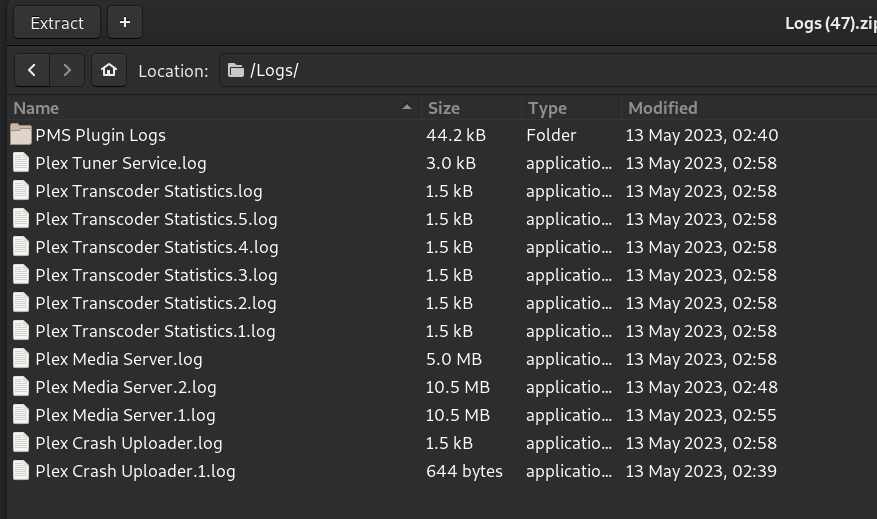
Please find here my answers.
http 409 ?? 409 = Conflict.
Did you see perhaps 429 ? 429 = throttled (too many requests at once/too quickly)
409 is the code that appears after requesting the download, as per the attached screenshot (and then, after starting the iOS app and asking for download, the Plex server crashed).
The forum should allow a 30 MB zip file. strange.
There is a global quota per user. Might you have a lot of other uploads ?
I’m trying to download 3 albums (38 tracks, CD quality, 962Mb on my server, but at 192kbps audio quality on the app side). I did not remember setting quotas on the server side, and I set no storage limit on the app side (the Plex app indicates 16.8Go used, 25.4Go available). I was able to download several albums concurrently in the past.
Independent of that, I see it trying to recover from crashes and I see tasks crashing while starting to transcode and hitting the DB.
How full is the file system?
I use 2.4To of the 7To available on my NAS.
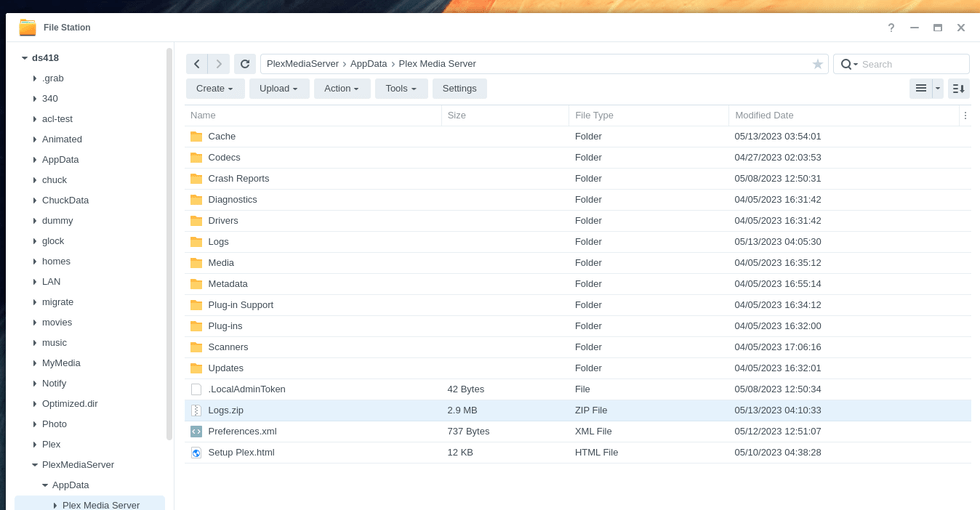
If you go into the “PlexMediaServer/AppData/Plex Media Server/Cache” folder.
then, in the Transcoder cache and photo cache, if those have a lot in them – erase everthing inside those two directories.
Cache/Transcode only contains a Sessions empty directory that I deleted.
Cache/PhotoTranscoder has more files, so I deleted them before restarting the server.
Once the server started, I launched the app. The server crashed before I requested the download, but I suspect that it is because it has kept my past download requests (many of them, perhaps too many?).