Let me start with some details on my setup
8086k @ 5.3Ghz
32GB DDR4 Ram
500GB NVMe OS/Plex Server drive
44TB HDD Array (8x 8TB HDD)
3TB HDD (for backups only)
5500 1080p Movies (12TB)
1000 2160p Movies (14TB)
35000 TV Episodes (11TB)
125,000 MP3s (2TB)
I point out the size of my library as I think it’s on the higher end and due to this there are over 1.3 MILLION total files in my Plex directory (due to all the metadata, etc)
I recently had to replace the NVMe SSD in my Plex server as suddenly it’s max write speed was around 50 MB where it should have been around 2000 (2GB). Crucial is actually swapping it under warranty, which is great, so for now I’ve swapped in another NVMe SSD to replace it to get the server up and going.
This made me worry that the huge amount of files that Plex writes could have had something to do with the early death of the drive (under a year old, can’t remember the write details but it was well under warranty) - So the question is should I run my Plex server - ie the database metadata, files on an NVMe SSD, my RAID6 Array or a separate 3TB drive that I use for night backups (of the Plex directories)
Thoughts?
To put my remarks in context a bit: I have a moderately large library (nearly 4000 movies and about 800 TV series) but I only have one user (me) normally and it maxes out at three when my granddaughters visit.
I see virtually no advantage in using an SSD for the server’s database. There is a gain in speed of processing but it is insignificant for me. Also the media itself does not even need a fast hard drive to work well. In fact I find no problem keeping my media in a pool (DrivePool) (one warning if you use a pooled system do not ever store the Plex database in the pool).
Also I highly doubt the number of files in any way contributed to any drive’s death.
Video streaming is really not very disk intensive and most of the “huge” number of files you see are only written one time and then read over and over.
All in all I would avoid SSDs just because they are more expensive and somewhat more vulnerable than regular drives and, for me, really not needed for Plex.
All my advice is predicated on my server rule: No server (for video) should have other daily tasks.
This highly depends on the activity of your server. If you frequently have concurrent playback in a dynamic environment then having the media on SSD will benefit you but drastically reduce its lifespan. (by this we’re talking about, artists uploading their renders, on the fly scanning of the library when changes are detected, the team viewing them or at least awaiting them with anticipation of a schedule).
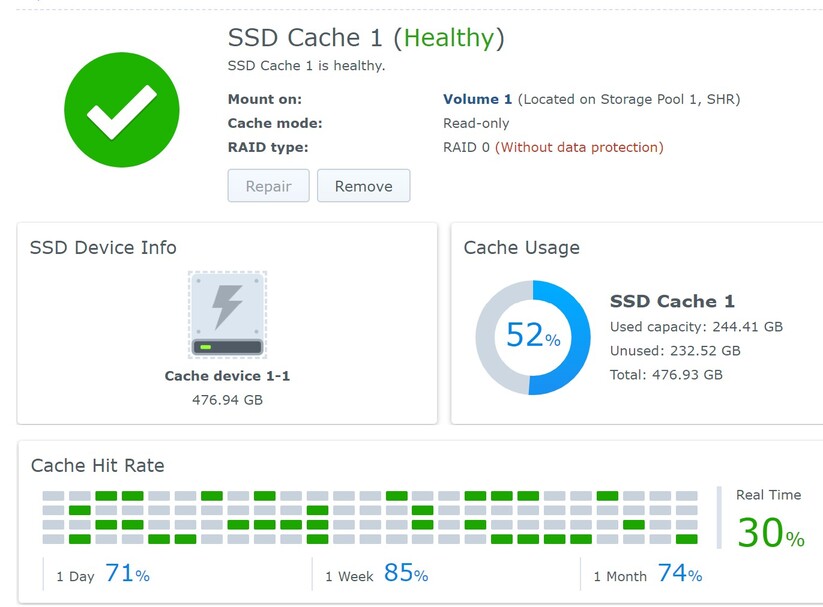
Most likely this is not your use case. The primary install being SSD, the media residing on a NAS raid setup using 7200rpm drives with an ssd memory cache and sufficient ram both therein and server side should be more than sufficient. your specs are well up to par.
the cache hit rate will determine whether you require (or would benefit from) a raid array on the cache itself. However, the biggest bottleneck will be direct stream or play enabled remote which will increase payload. Advise disabling this if your concurrent playback rate is high. Also keep in mind your network specs, 1GBps at a minimum, 10 would be even better for both client and server both hardwired, etc. If you notice your client/server boxes are now radiating temperatures approaching a hot sun, to strongly consider the ambient temperature and ventilation.
As an aside, there are many reasons why your SSD would tank like that, the primary being insufficient vram, ram, etc. resulting in offload to swap forcing threading lowering your overall thoroughput. highly unlikely, but it can occur for ‘seemingly’ no reason. you’d have to monitor the system to narrow down the bottleneck. RMAing the drive being the first recommended COA.
Best.
Edit: I did not see your second reply while writing that. What i said still holds true, but the server will 100% benefit from its database install being on an SSD vs HDD. R/W can be high depending on how many scheduled tasks you run with almost no discernable impact on the lifespan of the SSD. A mechanical on the other hand performing the same tasks, even worse a mechanical raid would lead an observer to suspect your computer was in fact a toaster. Your base specs are too high to need to worry about that.
Edit: I did not see your second reply while writing that. What i said still holds true, but the server will 100% benefit from its database install being on an SSD vs HDD. R/W can be high depending on how many scheduled tasks you run with almost no discernable impact on the lifespan of the SSD. A mechanical on the other hand performing the same tasks, even worse a mechanical raid would lead an observer to suspect your computer was in fact a toaster. Your base specs are too high to need to worry about that.
Yeah, it seems you missed that my media is on my RAID array with only the Plex database and metadata/files/cache on my SSD. While I agree with the previous commenter that it’s unlikely Plex killed my previous SSD it is odd that it died so young and the only thing different about it’s use has been Plex and my rather large library. That said I could have just gotten unlucky if others haven’t seen this.
I’m not so concerned about performance, I do share with about 50 people and have on average 5 streams at any given moment but even with that the level of performance needed vs. available is pretty extreme, even if I have to transcode. I’m only/far more concerned with longevity of my drives, specifically my RAID array as I’m using standard HDDs rather than enterprise, just due to expense (that’s why I run RAID6).
So given that concern any thoughts?
Even with frequent metadata refreshing I would be surprised if a large Plex library kills a 500 GB SSD in a year. If that were the case I feel like there would be many such posts.
If I were worried about it, I’d install on SSD and check the health frequently to see if I could observe the drive dying before my eyes. There should be a way to view the drive health percent with some kind of utility.
That said, I do keep this option off on my server as I don’t see the need for it to be so busy. I don’t care so much if a new review or poster image comes along.

I can’t really disagree with any of that - just found it odd that the only NVMe drive I’ve ever seen die like this, and I’ve seen many, was on my Plex server with over a million files. I do agree that we’d likely see more posts about it if that was the case so for now I’ll leave it on the NVMe and check it from time to time.
I did have that refresh set, disabled it and a few other things like it. Right now my Plex server folder is around 80GB and that’s only because I deleted the PhotoCache directory, it was well over 100GB before.
~Ross
This brand has not the greatest track record when it comes to SSD. I think you should stick to the higher tiers of Samsung (i.e avoid their “Blue” and “Green” stuff).
Also to keep in mind: never, ever let an SSD run fuller than 85%.
Or reduce the size of the partition on it, so there is an unpartitioned space left (“over provisioning”).
This brand has not the greatest track record when it comes to SSD. I think you should stick to the higher tiers of Samsung (i.e avoid their “Blue” and “Green” stuff).
You could say that about any SSD brand/model, I’ve seen hundreds of these at work and have never seen one fail, save for mine so brand/model has little to do with it.
Also to keep in mind: never, ever let an SSD run fuller than 85%.
Yup, no where near, using less than 50%
Wait long enough, they all crash eventually  (usually at the worse possible times) << [though to be fair I have some still in use that are approaching 5+ yr with heavy payload, so attempting to predict their demise is usually pointless]. Used to be the case that WD was the “best”, samsung the “worst”, and every other brand garbage. In the last 3-5 years almost all drives are the “same” until you look under the hood. We play with a lot of drives at the office as well, and failures are almost always the fault of buying in bulk and getting a bad apple. That was probably your case, but as said it could have been something completely extraneous as well and not the fault of the drive at all.
If you’re curating your own music metadata (as I do) and not making use of concert information, online related, etc. then refreshing metadata will be pointless. If you need to do it at all, I’d plan a scheduled maintenance window and do it say once a month or semi-annually.