Server Version#: 1.23.6.4881-e2e58f321
Player Version#: 4.59.2
Hi guys… yesterday I wanted to login to Plex again on my iPad where I saw, that it is not possible anymore due to not having a secured connection to the server… okay…
So I checked whats going on.
Neither from “plex.tv” nor from my local IP (10.2.0.20:32400/web) I can access my server to enable the secure connections… The server is just not there.
It is running on my Synology (DSM 6.2) and worked for years now.
When I try to connect to media, it shows me: “NO ACCCESS - For this server you do not have access permission”
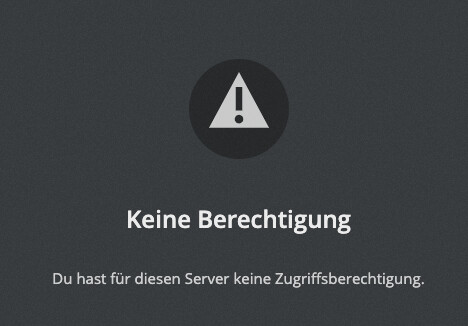
Well… I don’t know what to do, because this is my only user since ever, who ownes this server (I also have my plex pass there).
I hope, anyone can help getting this thing back to work!
→ on my iPhone, where I just did not log out and in again yet on the plex app, it is still working and I can see my media…
When I am fast, I can shortly see this:

Maybe a hint: It seems, that the server was seen the last time 4 days ago - but: I was not at home at that point. There was no change to the network. The only thing I did today: I updated the server to the latest version (so what plex has seen was the “old” version, installed on 2nd of june 2021)


