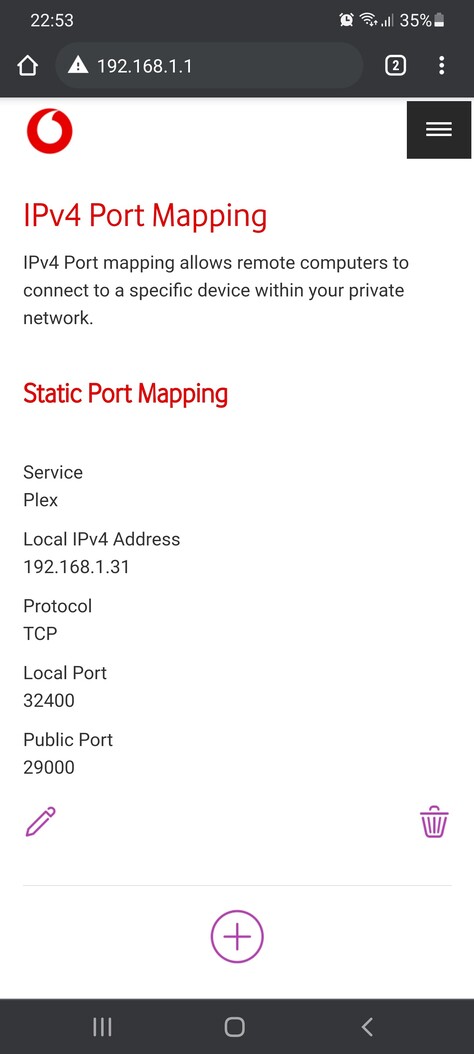
The safest configuration is usually to go with a manual port forward. I’m not exactly sure what the Vodafone box will do with a “dynamic port mapping” – can you create a “static port mapping” (as attempted in post #4):
Parameter
Value
Service
custom name, e.g. Plex
Protocol
TCP
Device
select the device running your Plex Media Server
Port Type
Port
Public Port
some port of your choice… preferably a number between 20000 and 50000 to avoid conflicts
Local Port
32400
Plex configuration
Once you’ve done that, configure Plex accordingly:
Open Settings > [Server Name] > Remote Access
Check Manually specify public port
Set the value to the Public Port specified in the port forward on your Vodafone router
Test it
Check if you can access your Plex Media Server from outside your home network (e.g. by disabling the WLAN on your phone).
If it’s not working…
Troubleshooting
Test if you can access the router’s public IP address and the configured public port from outside your home network – you can test this e.g. using a service like canyouseeme.org
If the router/port are accessible, this pins down the issue to the connection of your router to the Plex Media Server (including both endpoints).
If the router/port are not accessible, this suggests there’s an issue between your ISP and (including) your router.
The only thing i can think of is if the Vodafone router and WD Cloud Server are not compatible together. When i check the logs on the router i see this error.
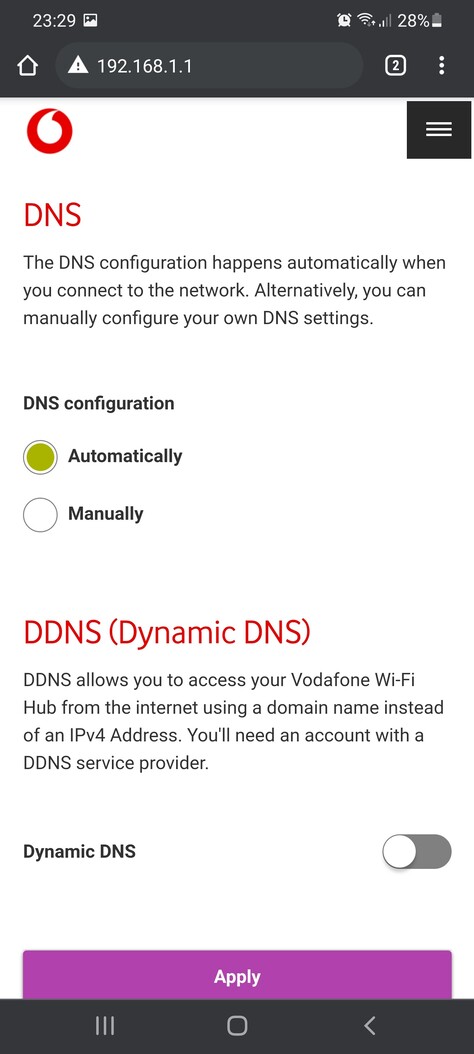
Possible DNS-rebind attack detected:192-168-1-31.0787fa29517d4ca8ba5e850.plex.direct.
So after looking into more depth it looks like its to do with the Vodafone router. I found a forum where another user is experiencing the same issue and its due to Vodafone blocking the dns rebind coming in from plex.
I will contact them tomorrow to see what i can do to get this resolved.
So update, just got off webchat with the Broadband team and their routers dont allow a DNS Rebind exception and have told me to use a thrid party router instead.
Thankfully i do have one at home so i will set that up when im back home from work!