How versed are you with the command line?
I’ll write a Scheduled Task - User-script if you’re not.
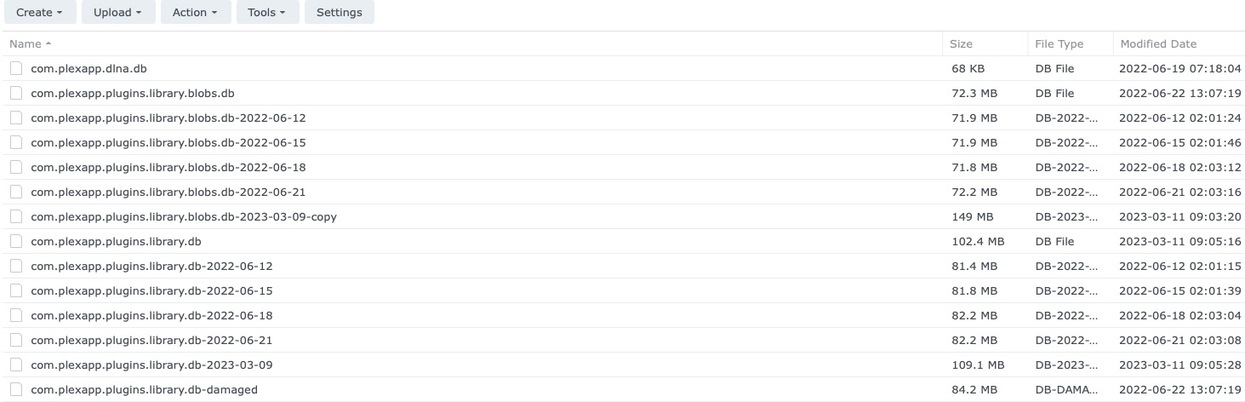
Would you get the 2023-03-09 database backups into the Databases directory please ?
How versed are you with the command line?
I’ll write a Scheduled Task - User-script if you’re not.
Would you get the 2023-03-09 database backups into the Databases directory please ?
Not familiar at all for Plex. I can write some JSON for Azure, but that’s about it.
Adding that to the DB directory now.
Almost done writing

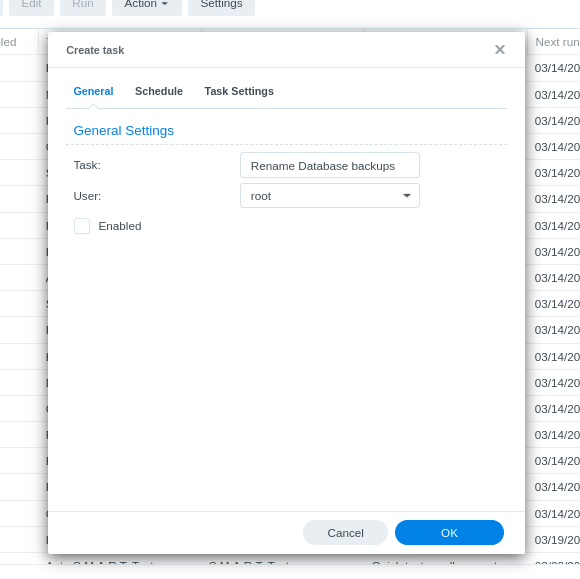

Here’s the actual text you paste into the window:
#!/bin/sh

# get into Plex Databases directory
cd "/var/packages/PlexMediaServer/shares/PlexMediaServer"
cd "AppData/Plex Media Server/Plug-in Support/Databases"

# now COPY the backup over the top of both blobs and main

# Each of these is one line (this window wraps for display)
cp com.plexapp.plugins.library.db-2023-03-09 com.plexapp.plugins.library.db

cp com.plexapp.plugins.library.blobs.db-2023-03-09 com.plexapp.plugins.library.blobs.db


# Make Plex the owner of the files
chown PlexMediaServer:PlexMediaServer *

# Make certain they are read/write
chmod 644 *

echo  Done
exit
Save this (it will warn)
Now Check the box for this task (select it)
RUN (on taskbar)
Expect email in a few seconds
Refresh FileStation
Expect to see the files renamed
Questions?
Thank you.
Task Scheduler has completed a scheduled task.
Task: Task 7
Start time: Mon, 13 Mar 2023 18:09:32 GMT
Stop time: Mon, 13 Mar 2023 18:09:35 GMT
Current status: 0 (Normal)
Standard output/error:
Done
What does fileStation show now?
You should be OK to start PMS.
No, it stopped by itself again and I couldn’t connect. No change.
It keeps stopping itself when I start it.
check PM
Thank you so much for your help Chuck. You write bash like a reporter getting in his story before the deadline. It’s a beautiful thing to see. You’re a very clever guy and I can’t thank you enough for all your time and solving this for me.