Plexamp DJ Freeze does not work

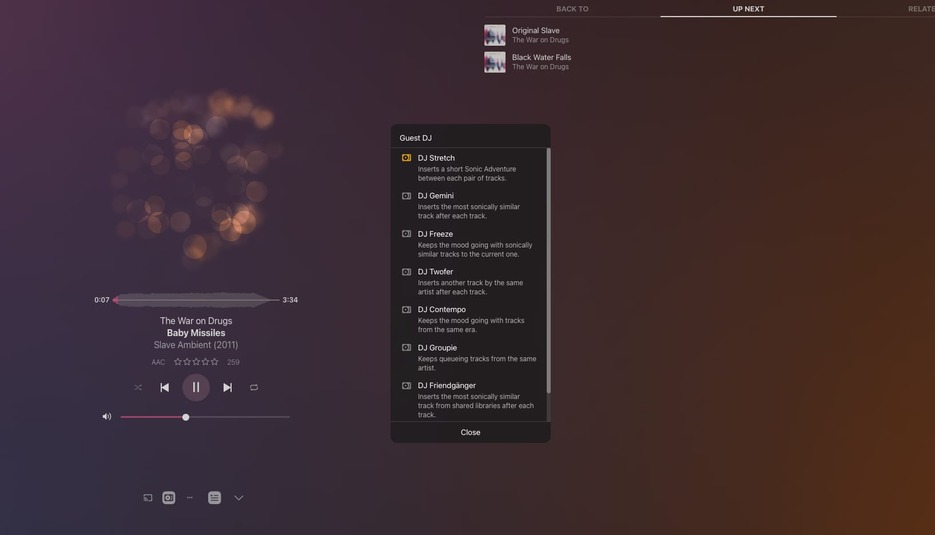
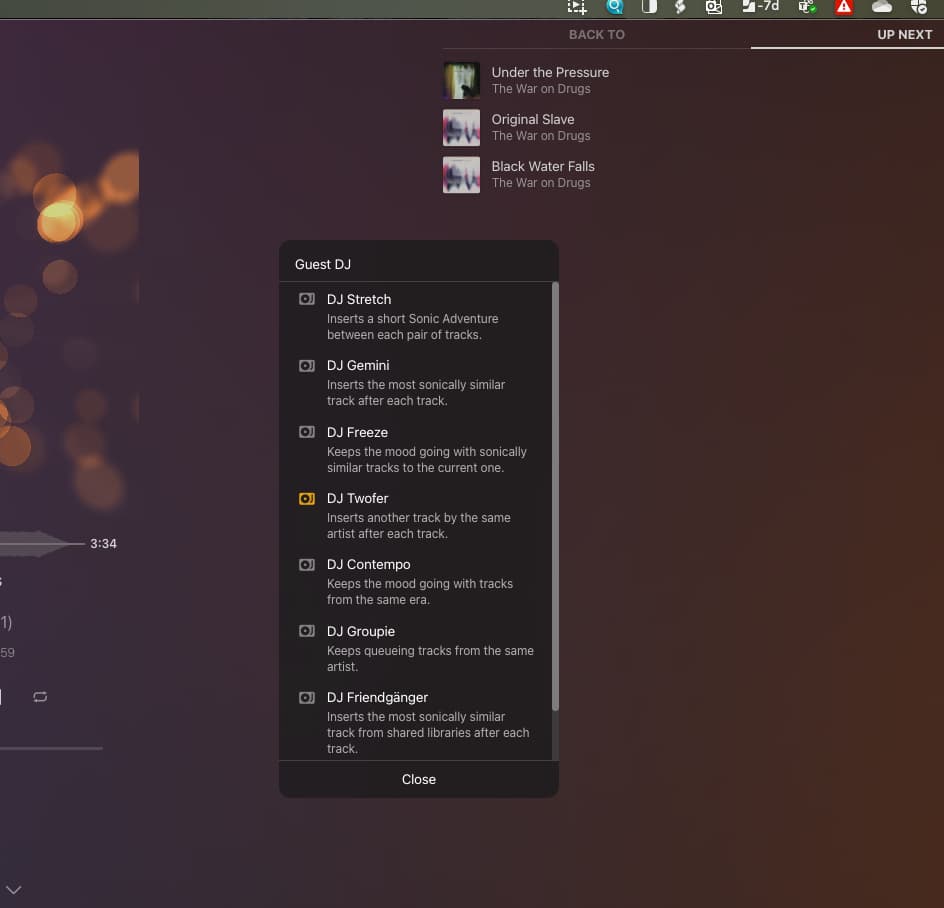
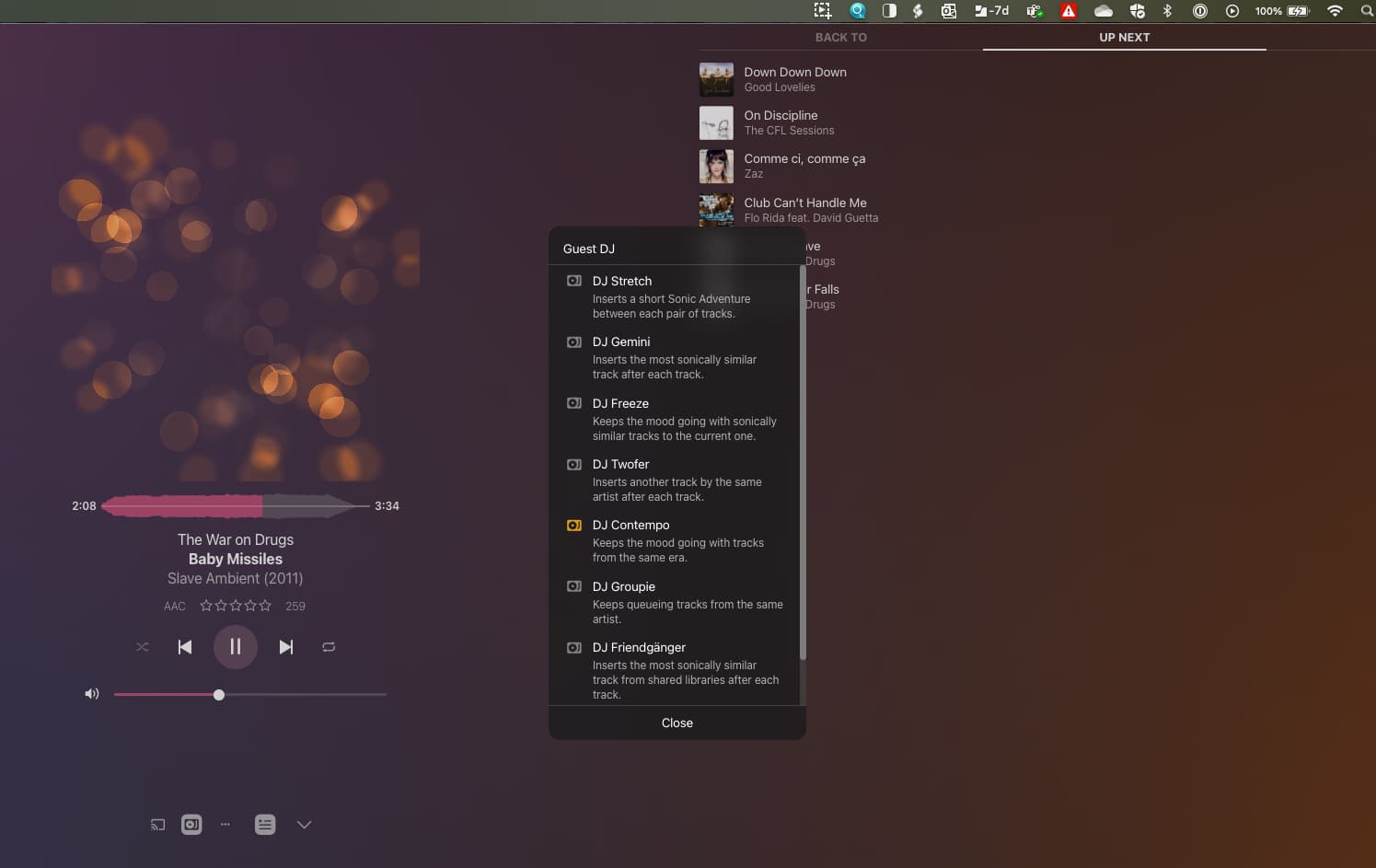
I am running Plexamp on a Mac with a PMS on a QNAP TS251. Everything works great; I really like it. But the DJ functions are not really working. I’ve attached some logs and some screenshots.

  1. DJ Stretch highlights when clicked, but it adds no tracks.
  2. DJ Gemini highlights when clicked, but adds no tracks.
  3. DJ Freeze does not highlight.
  4. DJ Twofer works, highlights when clicked and adds a track.
  5. DJ Contemp works, highlights when clicked and adds several tracks.
  6. DJ Groupie works, highlights when clicked and adds several tracks.
  7. DJ Friendgänger does not highlight does not add tracks.

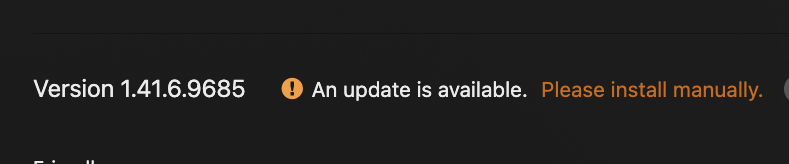
I did try to run sonic analysis on my library; I am not sure if it s complete or not or if I did it correctly. See screenshots.


Plexamp.1.log (4.9 MB)
Plexamp.log (2.3 MB)

I wonder if your particular NAS supports sonic analysis…

Requirements

Sonic analysis does have some specific requirements:

  • Active Plex Pass subscription for the server admin account
  • You must be running Plex Media Server v1.24.0 or newer
    • Windows, macOS, and Linux (64-bit only) are supported (this includes most NAS devices)
  • ARM-based CPUs are not supported (with the exception of Apple’s M1 systems, which use Rosetta 2 emulation)
  • The new functionality based on sonic data is currently only available when using Plexamp for playback

info from the plex support article

Thanks for responding.

  1. Yes, I have a plex pass.
  2. Running PMS 1.41.6 ( I know there is an update there, but I am loath to update)
  3. My TS-251D runs on an Intel processor.
  4. Yes, I am using Plexamp for playback.


that hopefully rules that out then!

If you go to some random albums in plexamp do they have sonically similar albums listed underneath the track listing & album review?

No, I’m not getting any of those showing up. I get album styles, but no sonically similar albums.

I wonder if sonic analysis hasn’t completed. In PMS Settings - Scheduled Tasks - what is the time window set to?

Try setting it to trigger now and see if sonic analysis starts (on my old synology NAS it took literally months and that was with it running 24 hours a day!!)

1 Like

OK, I’ll try that!

Does this impact performance at all while it is running?

looks like that did it. I’ll see how long this will last. Will this impact performance?

i think it might impact performance - could you set the maintenance window for over night for example?

This is out of date at best, Apple Silicon has always worked natively.

Well it’s quoted from your own Plex Support articles :joy:

When I upgraded to a new mac mini m4 the sonic analysis (which took months on my NAS) finished so quickly I thought it wasn’t working!

FYI it does not seem to be impacting performance at all.

Is there a way to find out how far along the process is? Like how many albums have been processed?

Does it still show how many albums are processing? Just compare that to how many albums you have in total

1 Like

This topic was automatically closed 90 days after the last reply. New replies are no longer allowed.