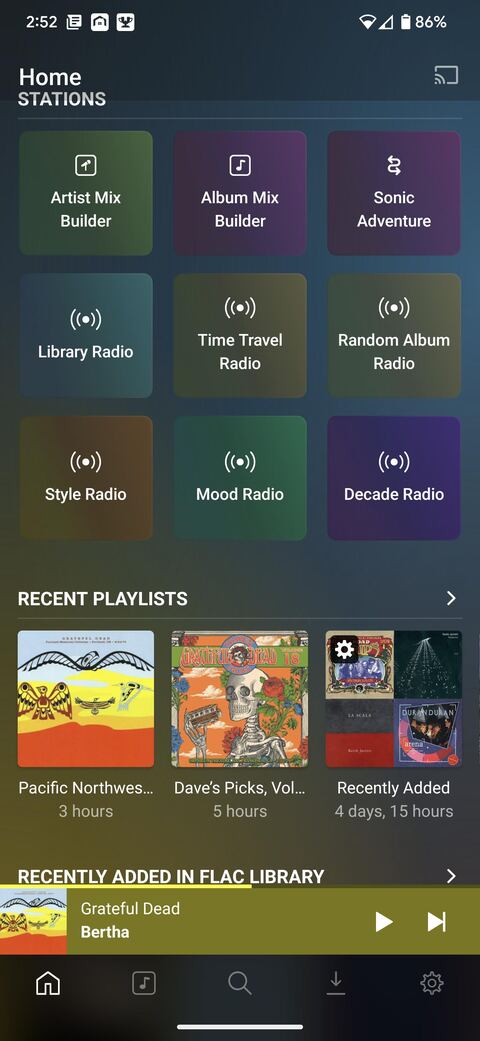
When I re-arrange the order of “modules” (the sections of the home page recommendations), PlexAmp does not respect the order that I’ve arranged. Or at least not entirely. “Recently Played Music” always appears at the bottom of my screen, no matter where in the list I place it. A few other items are also misplaced.
I’m trying to minimize the scrolling I need to do in Android Auto.
OK, totally understandable. I guess I’m just confused because it respects / follows some of the order, but not all of the order. I was able to put “Stations” up top, which is where I wanted them, rather than on the bottom.
Looking forward to increased control in future updates. Digging having PlexAmp in my Android Auto dashboard.