Pretty sure this must be “user error”, but here it goes if anybody can help.
I’ve got a music library and use a 5 star smart playlist for my favorites. My son, who has a managed account, recently started using Plexamp on his iPhone. I have a lifetime plexpass. I logged in the first time and afterward we could switch users over to his managed account.
But when I went to show him how to setup his own smart playlist, all the songs that I’ve 5 starred show up under his managed account too. We stopped messing around with it as I didn’t want my 5 star picks to get messed up.
Is there something different I can do so that he can use Plexamp and also have his own smart playlists / individual ratings on songs?
Thanks,
TR
Did you do this on the same device? If so, you probably want to delete the plexamp cache after switching users.
Yes, my son was actually using my account, on his phone, in plexamp, for several weeks, which I didn’t realize. Will try clearing the cache. That sounds promising. Thanks.
I thought this was a great idea and would do the trick. But unless I’m doing something wrong with cache clearing, it didn’t seem to help.
On my son’s iPhone, I logged back into my account quick just to execute the clear cache (Settings => Playback => Caching => Delete Caches).
Then I had him log back in and do the same.
Then I had him navigate to an existing playlist (dumb version). I had him take a screenshot:
He’s never starred anything but his login is seeing my 5 starred songs as part of his dumb playlist???
Do these stars also appear when you use the web app instead, after switching user to your son?
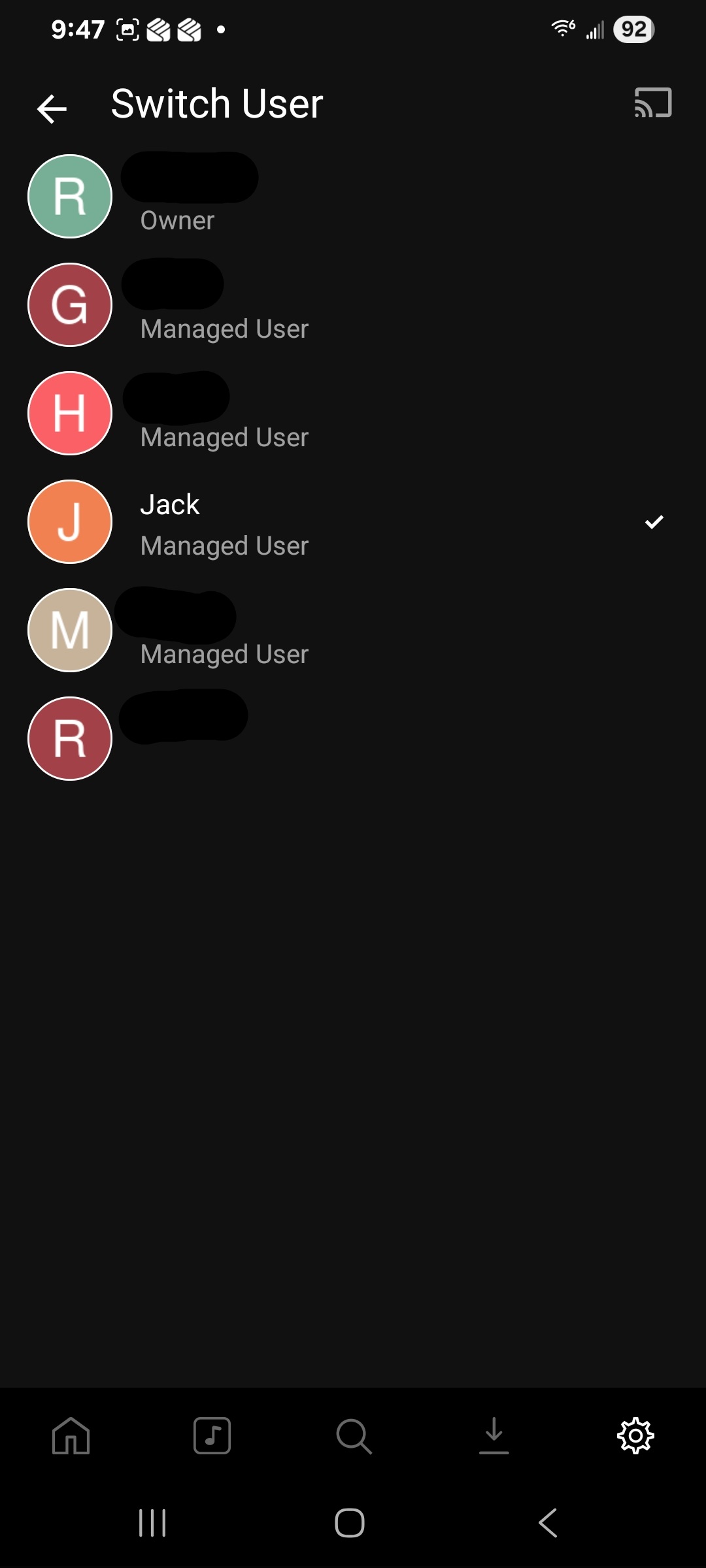
Another great idea. Short answer = yes, they do. I should also start using the proper terminology, I’m “switching users”, not logging out, since they are managed users.
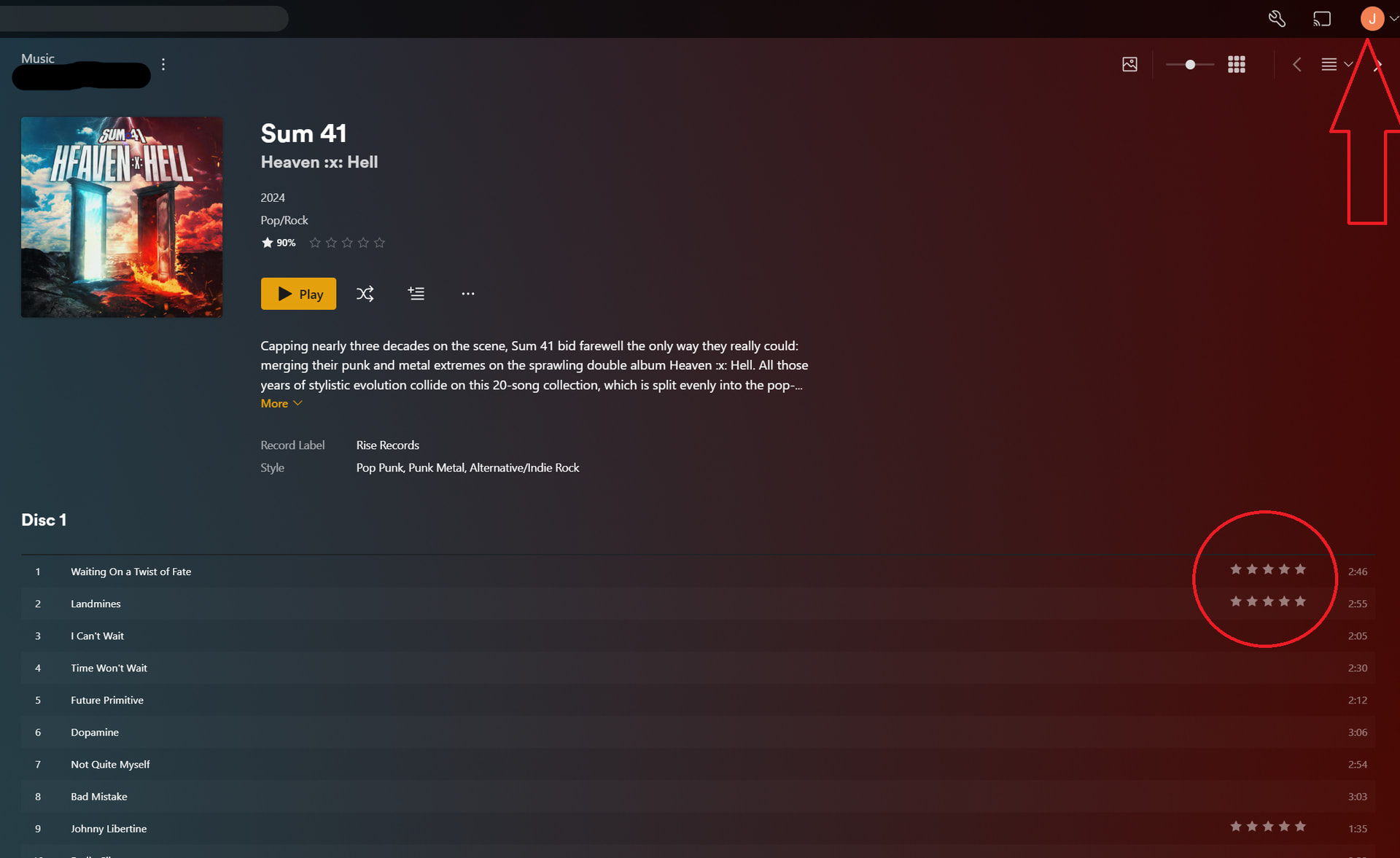
I run an Android phone. I switched users into his managed account and I do see the stars:
I didn’t read your question well enough. You asked me to try the web app. Plexamp has a web app? Or are you wanting me to try Plex’s webapp?
Confirmed. Shows up there too.
Does this also affect tracks that you (as Admin) have just rated afresh? Or only tracks which have already been rated for longer?
Oh man, now you are on to something. Newly 5-starring a song in my account does NOT show up in his account. That looks to work properly.
Maybe test what happens after you delete the rating from the affected tracks in his account.
I’m going to mark your last suggestion as the solution. But I may not have had all the correct info.
When I sorted his track list by rating there were about 50 tracks that had 5 star. Where as my 5 star smart playlist has almost 250. So that’s weird in that he told me he had never starred anything (I was going to teach him how they get automatically added to a smart playlist, when we started to create it, is when he told me he never starred anything and asked why these were showing up).
So maybe he forgot that he did star some songs (songs that we both like, both starred, which wasn’t helping). Anyway, I removed all those stars from his 50 tracks or so, confirmed that they did not remove from my playlist (still same number of 5 star tracks) and now messing around with adding/removing stars on either account seems to work ok.
Was I misinformed and with not having all the data and with not doing enough of my own diligence, I may have reported this erroneously or did resetting his stars make the world right with Plex again, I’m not sure. But I’m leaning towards the former.
Thank you for the time and good troubleshooting ideas.
If the managed user account is already a few years old, maybe you have ever used the old WebTools plugin? It had the ability to copy ratings and played status between user accounts. Maybe you did copy from Admin to managed user at one time?