Plex's lack of security has revealed how broken the sign in process is for headless plexamp!

My headless plexamp Pi is completely non-functional.

Due to plex’s lack of security standards, I’ve been notified that I need to change my password. This is bad enough - but you haven’t gotten your stuff together, and as a result, what should be a simple process, a password change for crying out loud, is a huge bloody pain in the neck, among other things!

From past experiences, I’ve learned that having the diligence to secure your account with a password change when necessary, will completely knock your server off, rendering it completely inoperable, with no intuitive path forward! I’ve also learned that this can be easily rectified with a browsing out to the server by ip address, signing in, and reclaiming the server. Easy enough once you know, although it would be nice if there was actually some method of doing this process without bringing everything down without warning and with no intuitive path forward. But whatever, I learned, I can handle that.

But this time around, I have to deal with the headless pi. It being headless, and buried in my car, makes this a pain in the neck to start with. Either I need to bring a laptop into the car with me, or tear it out of the car. Bringing a laptop in the car with me should be simple enough, if you actually had the capability of making a process that isn’t a huge to-do. But no……I don’t know what you did, but you didn’t do anything good. So I power on the Pi, it joins my hot spot, I join my laptop to the same hot spot, I browse out to the Pi by hostname:32500, and sure enough as expected nothing is available because it’s sign in has been broken. No intuitive path, no “hey buddy, you need to sign back in, how’s about your put your password here and we get back to normal” just the same old passive aggressive note that we’ll be stuck with silence if I don’t add anything, and nothing more. But I know what to do and why, so I go to settings, go to sign in, put in the email address and new password, and the sign in completes, which should be the end of it.

But NOOOOOOO!!!

I try to play something - and it just rotates the rotating circle, as if it’s buffering or trying to do something, but it isn’t.

I go to my plexamp app on the phone like I normally do, and hit the little corner button to select a different device, and the device is listed there, I click to select it, it won’t.

I start playing something from the phone to confirm that’s working - it plays, I again hit the button to select a different device, and select the pi, it says no. No reason, just won’t do it.

I restart the pi, it comes back up. I browse out again from the laptop, it’s still there. It still won’t play. I look on the phone app again - it doesn’t see the device. Laptop sees it, laptop browser shows it’s signed in and shows the libraries, but the phone is like “nope - it doesn’t exist. I can’t see it, lalalalalala”. So from the laptop browser I sign it out and back in again. It signs back in. Phone app is still all like “nope, I don’t care that it’s signed in, I don’t see it, it doesn’t exist, it’s dead to me, lalalalala”. From the browser I try to play something again. It won’t play. No reason why, just like, nope, sucks to be you if you want to actually listen to this library. I won’t tell you why, screw you, no tunes for you.

So I reboot the pi again.

No plexamp at all. Browser is all like, nope, doesn’t exist, not loading a page. Pi is up, I can ssh into it, but plexamp won’t let me in at all.

So - who broke it? What the hell did you do? And what the hell is one supposed to do when your lack of security forces a password change to appease this piece of crap sign in process?
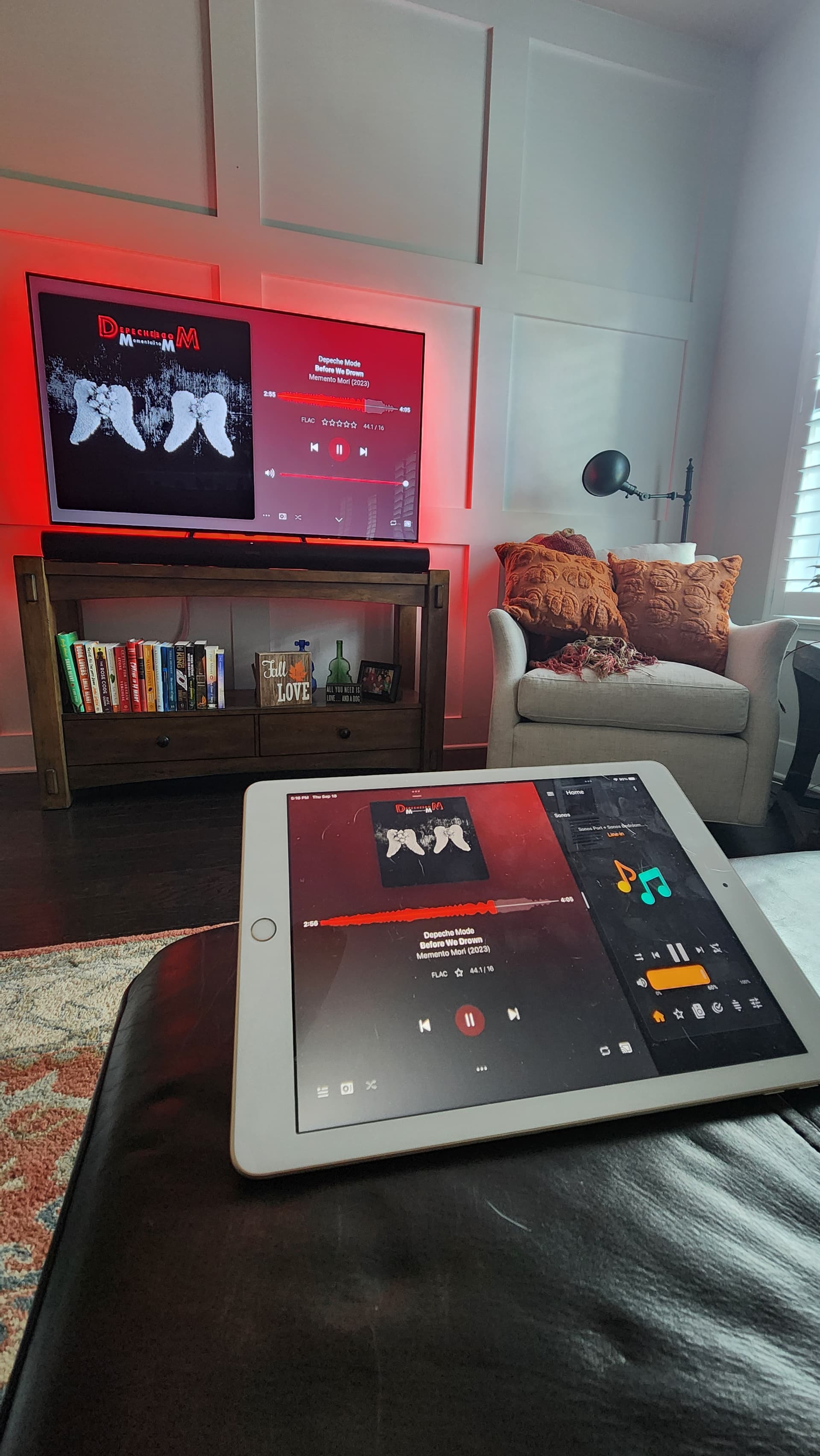
I really wish plex would get their crap together, and build something that isn’t completely dismembered by a simple password change! This really needs to change!

It seems that the chain of events was:

  • headless plexamp loaded into a state where the app loaded, was online, but wasn’t able to access the server
  • I was able to sign out the session, and sign back in. A successful sign in with the current password would leave one expecting that it will work after the successful sign in
  • After the successful sign in, the session showed my library, but was unable to initiate any playback. This is a broken state that shouldn’t be able to happen if things are designed properly.
  • After a reboot, the app came back online, still signed in, and still online and browsable. It still showed the library, It was still unable to play anything. At this point, it stopped showing up from the plexamp app on my phone, despite still loading in the laptop browser.
  • The session still allowed me from the browser to sign off and sign back in. This 2nd sign in with current password completed successfully again. The library still showed up. I was still unable to initiate playback of anything - this broken state that should not be possible in a well designed app persisted.
  • After another reboot, plexamp entered into a completely broken state. It was running, but I was no longer able to access it from browser.
  • Consulting AI, I was prompted to enter a new claim code. Your site for claim codes specifies them to be for a server, so even though the AI prompted me to do this, I still had my skepticism about the process, given that you specifically label this as a code for a server, and I’m setting up a client. A well documented process and a well designed site would do better at accurately labeling what these codes are for. AI clarified that, although your site was misleading with it’s verbage, this was the right way to proceed with getting the app signed back in.
  • Upon entering a new claim code, the response was that of an error that something went wrong, and a success that a login was successful. Something well developed would be more clear.
  • Upon rebooting, things were back to working normally.
  • Upon rebooting again for good measure, things continued to work.

This is an extremely unintuitive and non-user-friendly experience. I hope my breakdown of what an end user encounters from a simple password change can be used to urge you to do better!

I still haven’t got any plexamp headless to work after resetting my password. Tried wiping my raspberry pi, reinstalling pi os and installing plexamp and getting a new claim clode. Still doesn’t work. I even deleted my server and rebuilt it (only using it for music so it wasn’t much of a loss). It’ll see my plex server but when I try to play something it just spins and never loads anything. The plexamp headless was plugged into the input of a Sonos port for whole house music. Resorted to installing PiCorePlayer and Lyiron to do the same thing.

I never had a lot of luck with the web interface for my headless plexamp years ago,
and forgot what extras hoops I jumped through, but the install was always smooth
when I used the script from @odinb1

I liked it because it also takes care of other setup details like ntp

1 Like

getting headless back up and running after a password reset takes a few steps … i added some notes to the end of my install / setup guide here

1 Like

Thanks everyone. It’s up and running now.

1 Like

Thanks for the kind words!
Happy you feel it works smoothly with my script. Recently went over it to optimize and speed it up, think it is improved!

Also, added hints for the recent password change.

For the main culprits for me: Choosing the correct audio output (even if correct is chosen, change and then change back) seems to be one item that caused this, the other one was clicking the “cast” icon and re-select the headless player.

Took me a while to get all 5 headless Pis back to working! they all run different OS-versions (Bookworm/Trixie/DietPi etc.). Had to step away a couple of times to not loose it! Very painful process this password change issue, starting with reclaiming my own server! Then I find out that even if special characters are required, not all special characters work! Login on Plexamp headless via web worked, but not on Plexamp on my phone! Threw a login error! Had to change password a second time removing most of the special characters! Definitely a lot of room for improvements!

2 Likes

All is right with the world :slight_smile:
At least for my home plex/sonos setup.

1 Like

Ok, back on track now thanks to @tgp-2’s notes regarding how to get a new token. Thanks to @nibbles for directing me here from my post. So glad I didn’t make major changes in the meantime.

2 Likes
