Just to be clear, I’m talking about skipping video on Coreelec using an Odroid N2.(Ng Kodi21) and on a generic S905x4 running NE Kodi 21 Both are using beta 6.2.
I do get a short time after the seek when there’s video but audio and the delay seems longer if I’ve done multiple right arrow presses on the remote. It is a bit of an issue for multiple presses.
I’d have replied earlier but I’ve been away and stuck with a dreaded fire stick.
I think it is generic @bowlingbeeg and @panni. I’ve just tried it on the latest New Order Kodi 22 on a Beelink GT King. Delays are there but not every time. I’m not using passthrough in audio settings as I’m only in stereo if this has any relevance. Output has been either via USB or optical to dac.
First time commenting, started using this add-on a few weeks back and our house loves it. Thanks so much panni and contributors! Watch Together is our main missing feature, but glad that’s been mentioned here as something to be hopefully added.
One question I had was is there a way to disable showing Skip Intro / Skip Credits at the user level that I’m not aware of? I want the option for other users, but I personally don’t want the UI popping up and never use the feature.
Also, I tried the beta7.1. The multi-settings worked fine for me! Was able to add/remove the subtitle option easily enough. Thanks!
Captured a log file of the freezing/hanging event.
This happens for me on film libraries (not TV) - PM4K will lock up for several minutes at a time if I let the movie run out the time on its own to 0:00. When the movie finishes, PM4K then tries to load the UI again, but freezes for several minutes, no inputs are accepted during this time.
I’ve widened the existing “player theme” support to cover all interfaces, not just the video player/seekdialog. So every view with playback related buttons now adheres to the theme setting starting with the next beta.
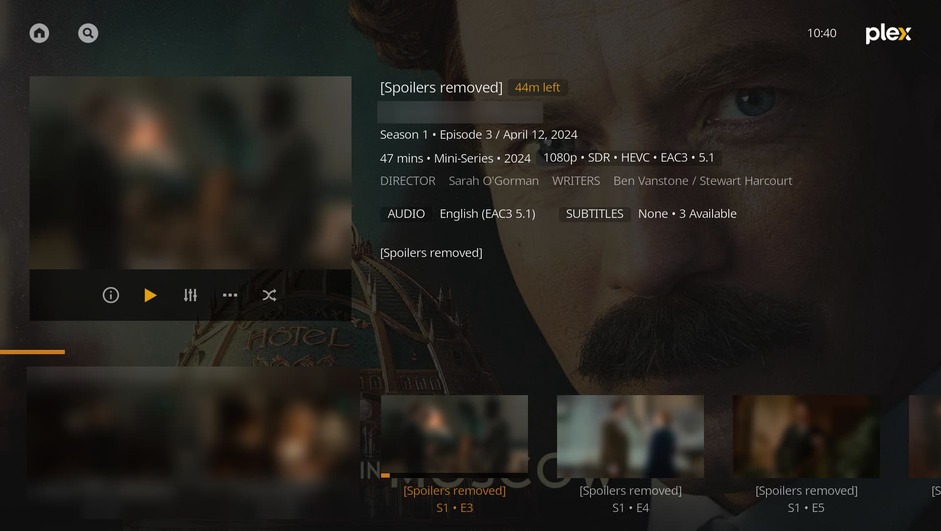
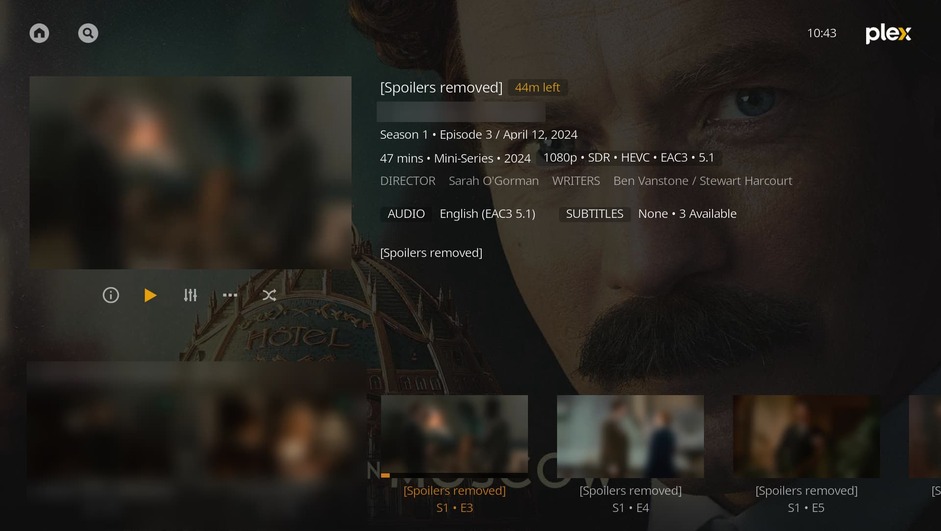
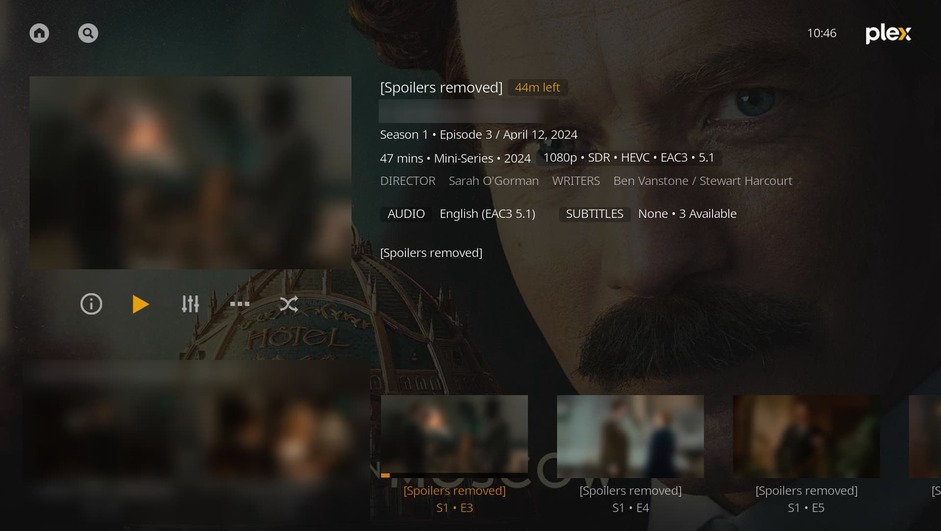
For episodes I’m on the fence:
With background (same color/opacity as the navigation background in the video player):
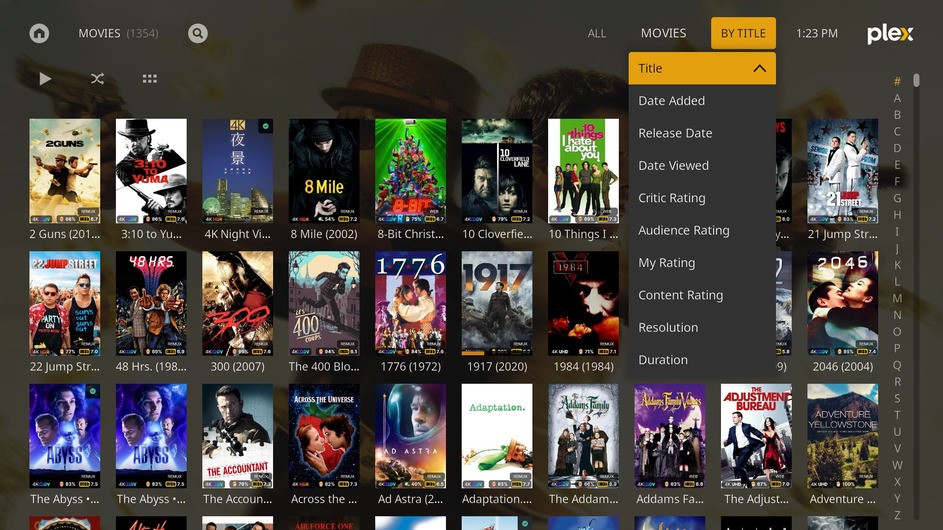
I’m leaning towards the last one, or the “With light background” one. All other views don’t have an issue here, because they’ve got a different layout, so the more floating buttons don’t visually “disturb”, for example the movie view:
Keep in mind about the dark background: It looks good in this TV series, but very out of place in others (as it’s the only distinct black-backgrounded element in any view, anywhere, except for the player UIs)
Oh god, I just had the simplest idea on how to support more dynamic theming. Testing first with the black background for episodes.
Edit: Yeah. We’ll have an actually semi-dynamic XML theme compiler engine based on ibis (django/jinja2-like, but very lean; I’ve already fully backported it to work with Python 2.7 (Kodi 18)), which will dynamically compile the static XML files Kodi uses to render PM4K based on a theme we can define.
Template inheritance and includes are also possible with this, though, in the first version, this will be a very simple implementation.
This’ll enable us to massively declutter and reduce the amount of duplicated XML.
I already have a version with the old theming method running (you can see the result in the screenshots above), but I’ll rewrite that attempt completely based on the new theme engine (a lot of work). The vote obviously still counts, but this enables us to actually enable you to fine-tune themes (such as: button sizes, do we want a button background in the case above, etc.).