I’m running unraid 6.12.11 which uses linux kernel version 6.1.99. I’m using the official docker container (plexinc/pms-docker version Version 1.40.4.8679).
Hardware transcoding works without tonemapping enabled. If I enable it then it will start using the cpu.
(ToneMapping) Tonemapping on linux with some Intel devices caused the transcoder to crash (PM-1934)
However it doesn’t seem to have solved it for me, anyone else tried it yet?
I’m running Unraid 6.12.11 and Intel 12600 CPU.
The workaround of disabling tone mapping still works.
When I play from my android via app it works just fine. When I play from my android browser I get the same issue.
The video stucks and it doesn’t going on anymore. It seems to me, that it plays the little temp file which he transcoded and the file ends it stops. But he doesn’t going on to transcode.
My script will keep the UID:GID which the database exists as.
It can’t fix this kind of error because it doesn’t know what the correct UID, GID, or perms should be.
Given this is in a container, the container has a UID and GID
(or PUID : PGID or PLEX_UID:PLEX_GID )
the error comes from either;
That UID/GID doesnt have R/W permission in the real filesystem
-or-
The owner of those files doesn’t match UID:GID
(It’s probably getting the “4” in the “644” in the most common permissions settings.
Look at where /config maps in the real filesystem and start tracking down the owning UID:GID to see what’s not set correctly.
You’ll probably find either a chown or two find commands will fix it.
There are entries like “ERROR - SQLITE3:0x80000001, 11, statement aborts at 7: [SELECT coalesce((SELECT max(blockid) FROM ‘main’.‘fts4_metadata_titles_icu_segments’) + 1, 1)] database disk image is malformed”
but when I run your script it says:
Checking the PMS databases
Check complete. PMS main database is OK.
Check complete. PMS blobs database is OK.
Is there any other things I can check?
Edit: I run your script now in “automatic”, will report back
The transcoding issue still exists. I can’t really see any error messages in this log. Are there any other log files which I can check?
I changed the debug level to “all”, maybe there is something you can read out of that? Plex Media Server.log (516.7 KB)
Maybe the web player isn’t reporting back to the server that he needs more data and the server thinks the web player stopped playback?
Edit:
There is an entry
Aug 15, 2024 07:15:06.995 [23266085317432] DEBUG - [Req#10d6/Transcode/gyi7gu5tsgds5k0bi7exxd5n] TPU: hardware transcoding: enabled, but no hardware decode accelerator found
but then
Aug 15, 2024 07:15:08.551 [23266381015864] DEBUG - [Req#f66/Transcode] Codecs: hardware transcoding: testing API nvdec for device 'pci:0000:01:00.0' (GA106 [RTX A2000])
I just had a crash on a preview build for subtitles, going to update to the beta version as now I see that has come out. There was no dump even though it said there was.
Looking in logs the time of crash don’t really show anything, post launch says about unable to start driver. What can I do now in case of a crash next time, there was quite a few people streaming at the time perhaps the GPU (Intel) was overloaded?
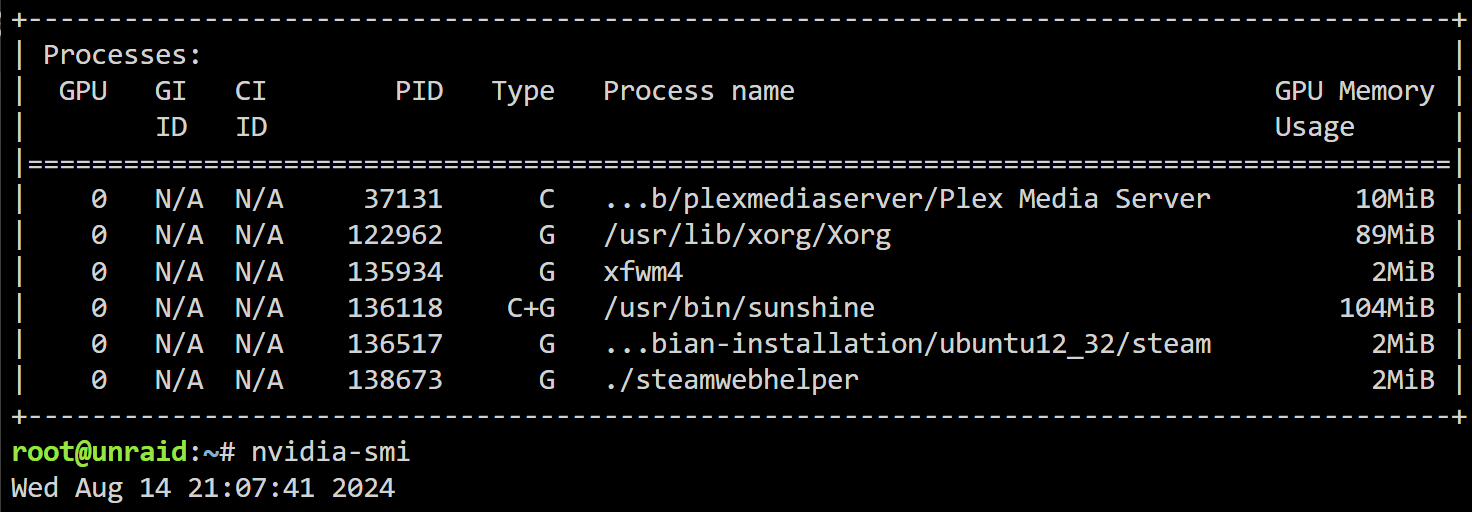

 Is this connected to such an issue? Because transcoding is working on android apps?
 ) - but this didn’t fix this db readonly error.


