Server Version#:1.32.7.7571-13cdc68dc-x86_64
Player Version#:4.116.1
<If providing server logs please do NOT turn on verbose logging, only debug logging should be enabled>
Let me start by saying that I can follow directions and install most software, but I am not a computer nerd. Saying nerd respectfully.
I’ve had Plex Pass since 2016 and used Plex to view our movie collection for a few years before that. It has basically worked flawlessly since then until last week. All of a sudden, it wasn’t recognizing my media. I tried a number of fixes that I found on Plex support. I looked through a few of the threads on this forum and couldn’t find anything similar.
I’m running Windows 10 Pro with a Intel(R) Core™ i7-4771 CPU @ 3.50GHz 3.50 GHz processor, 8GB RAM.
I have uninstalled PMS, restarted the computer and reinstalled the PMS to no avail. I’m at a loss on what to do next.
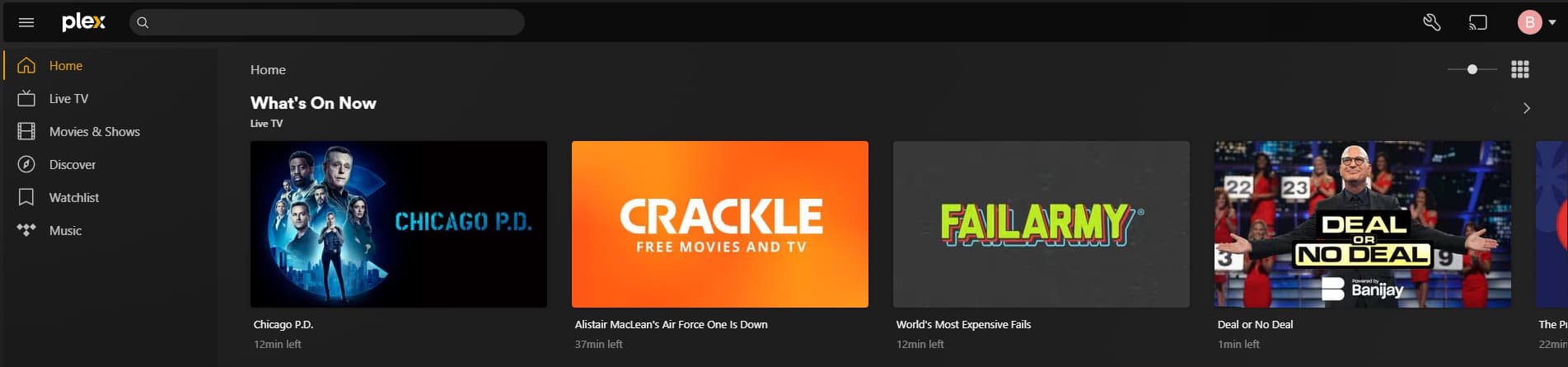
The pics below are what I see. It acts like I didn’t install the Server.

Any help would be appreciated.
