Server Version#: 1.28.0.5999
Player Version#: 1.49.1.3146-73559c78
On my WD MyCloud PR4100 NAS (firmware: 5.23.114), the Plex Media Server has not been running properly since yesterday. After an Internet search, I have already tried various things.
-
Switching on and off the PMS
-
Logging off and on again
-
Removed the devices from the Approved Devices and added new ones (worked for all except the PR4100*)
-
Reinstalled the PMS on the PR4100.
-
Removed and reinstalled all PMS files via SSH
-
Restarted the network completely
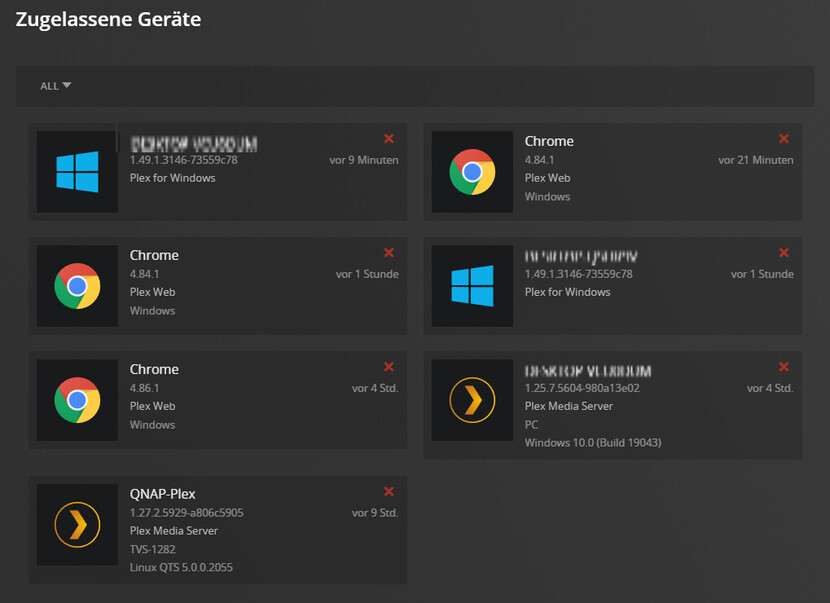
None of these steps could add the PMS back to my account. Also, on the administration page, it suggests that there is a newer version of PMS, even though I have the latest version installed.

I have now looked a bit in the log and found the following error more often:
SQLITE3:0x80000001, 17, statement aborts at 57: [select * from metadata_items limit 1] database schema has changed
*I have another PMS running on a QNAP in my network, it runs without issues.

