Added a new podcast today from inside Android Mobile app v8.2.0.18481 but then found that from within the app that I could ask, but change wouldn’t be saved properly, to switch from default Show Order of ‘Newest first’ to desired ‘Oldest first’ for this new sequential order podcast.
Checked this behaviour by adding 2nd ‘Seriously…’ BBC R4 podcast from Recommendations and on this 2nd podcast the show order change did work, but was then flaky in that it initially showed in changed ‘Oldest first’ after setting, but then going back into Show order for that same podcast it showed as ‘Newest first’ on that settings screen.
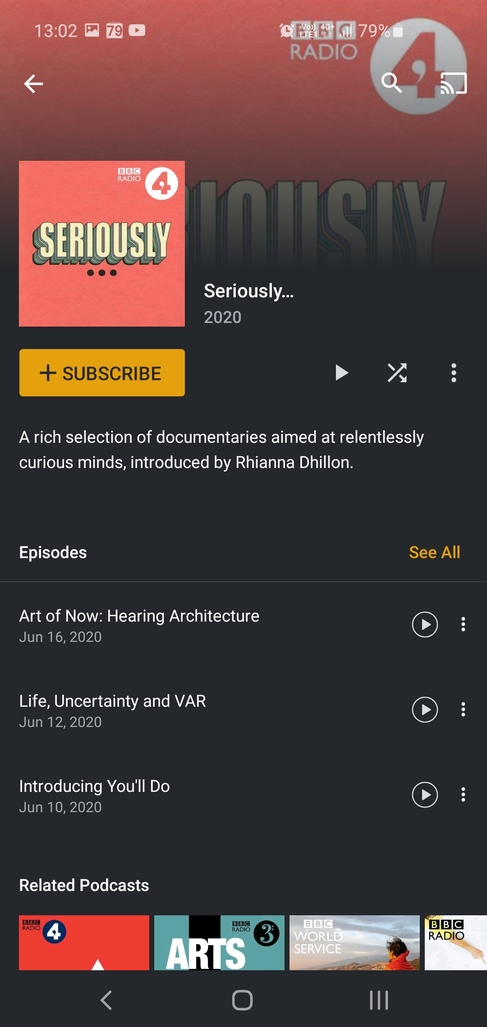
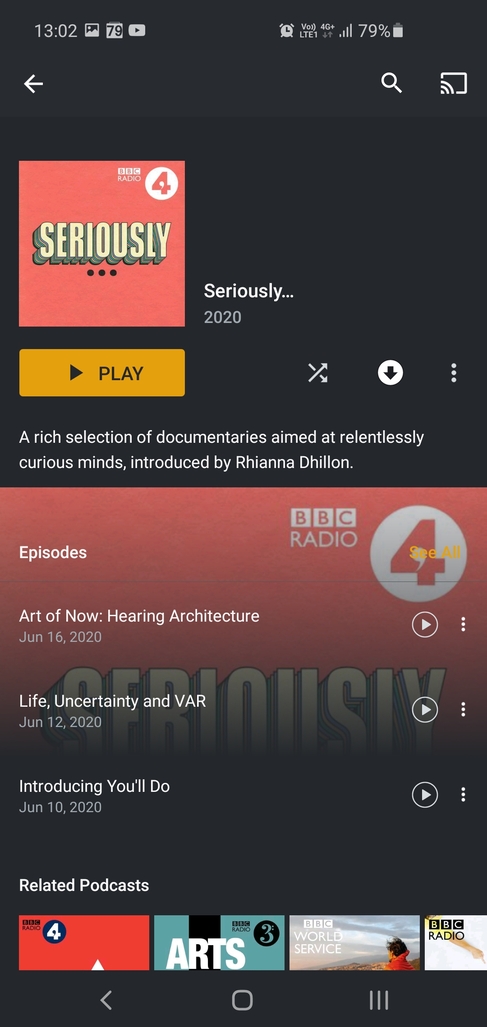

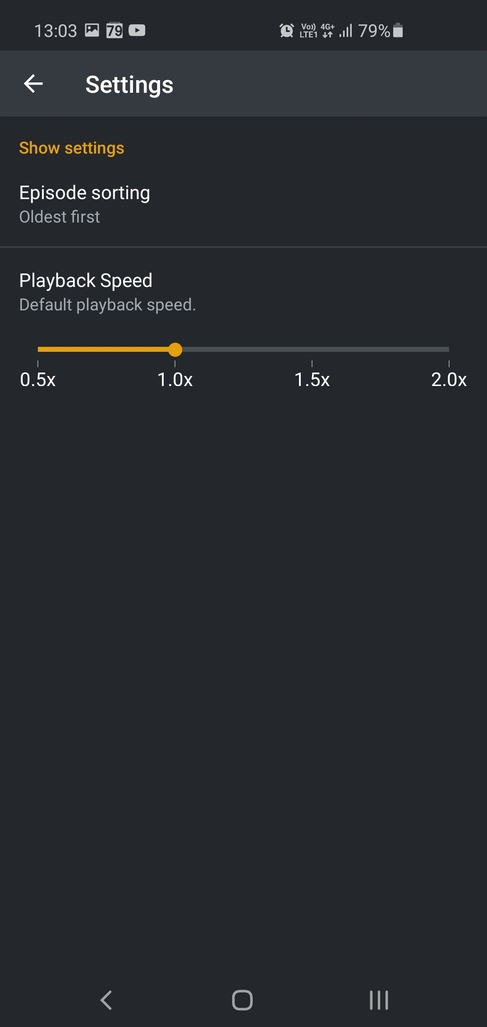
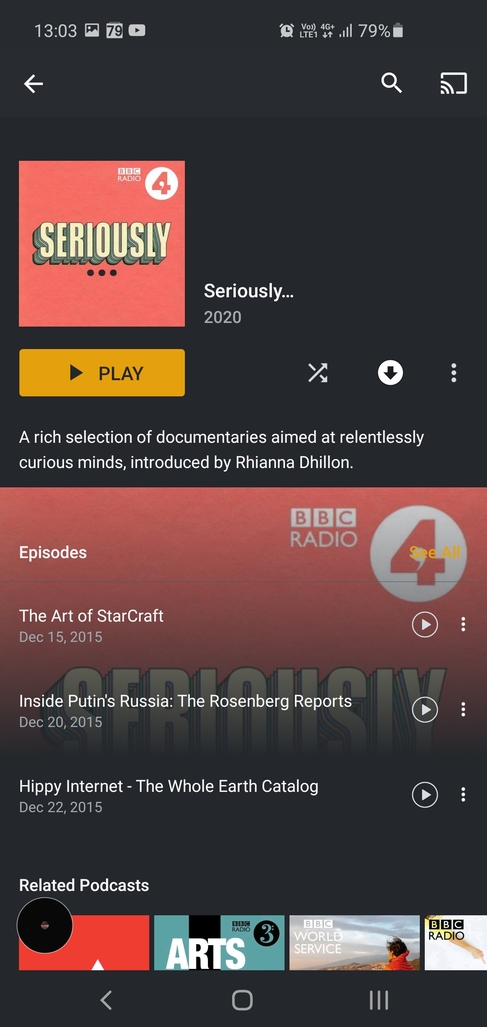
See attached for captured logs and below for my Samsung Galaxy S10 device info:
plex-log-DigitalAmoeba.zip (319.5 KB)
Manufacturer: samsung
Device: beyond1
Model: SM-G973F
Product: beyond1lteeea
Version: 10
A workaround for this issue was force closing Plex on my mobile, opening Plex on my desktop machine, checking, setting and re-saving the preferred show order there.
And then re-starting Plex mobile app, which then showed the podcasts in desired ‘Oldest first’
