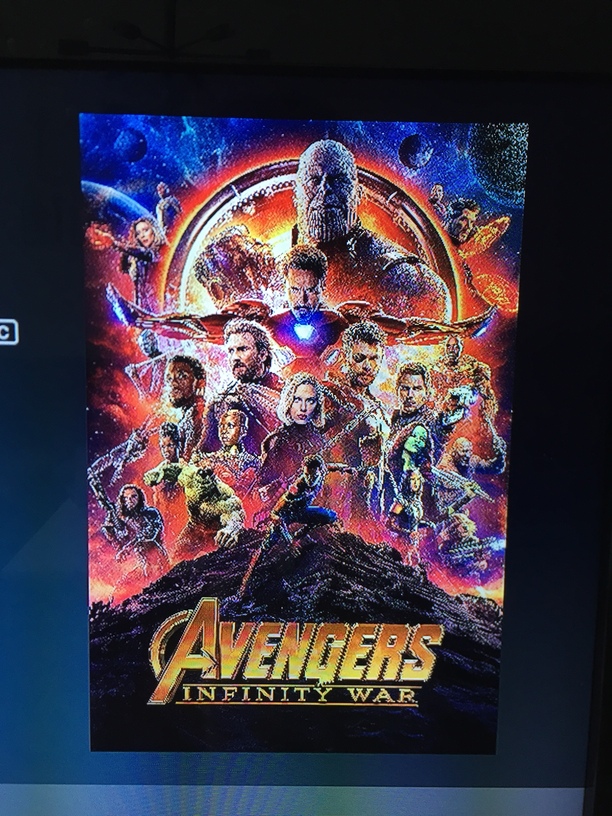
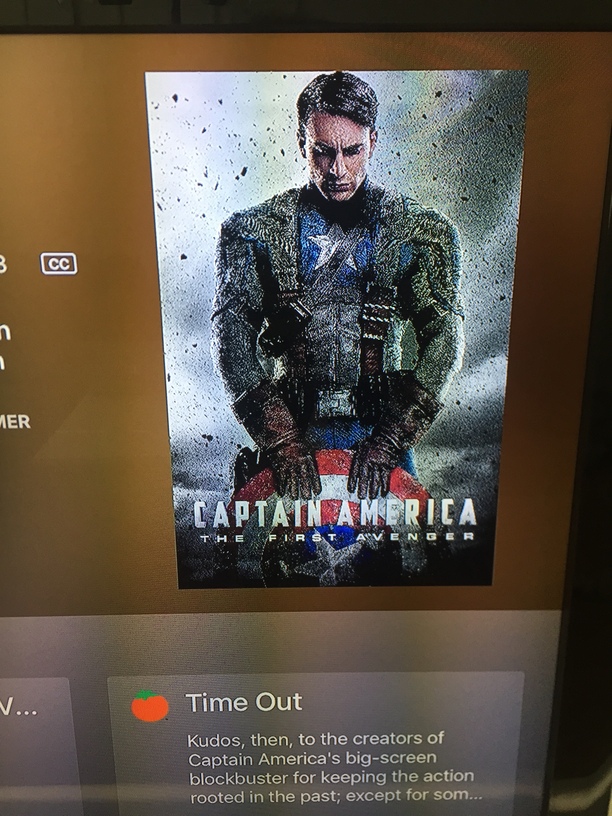
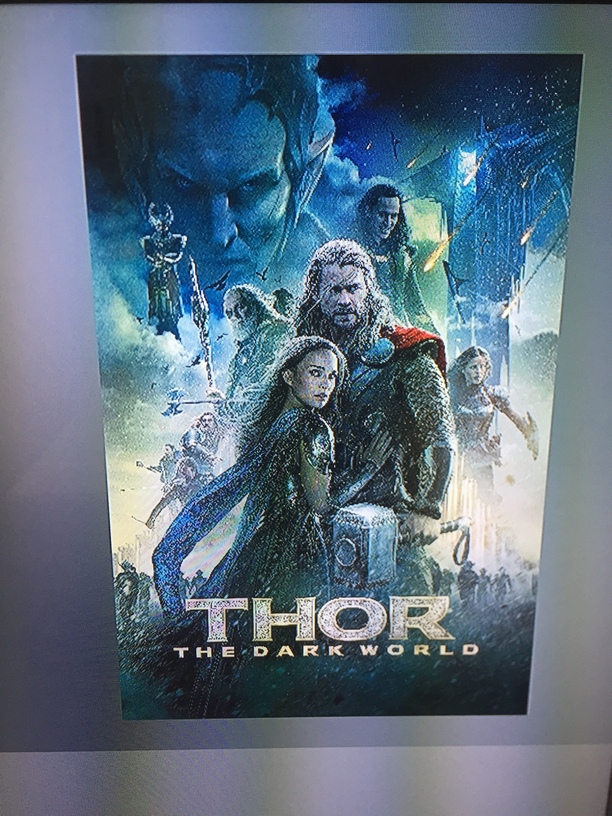
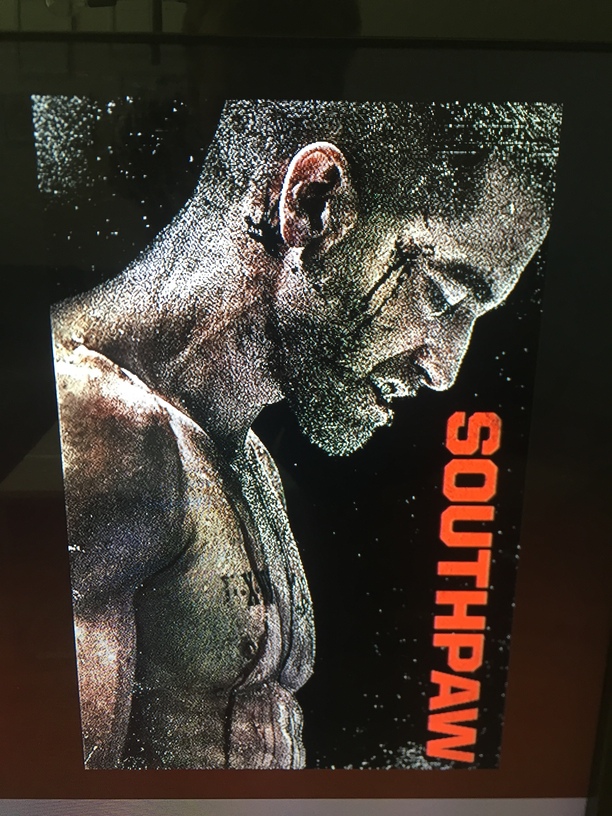
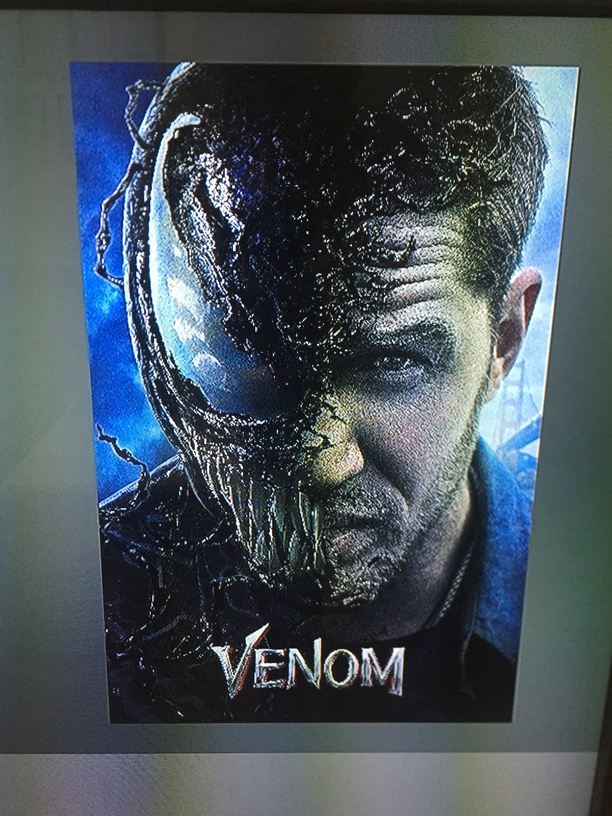
When I’m scrolling trough my libraries in Plex on my Apple tv everything works like a charm (Tv=samsung). But when I click on some movies and get to the “information page” the poster becomes grainy/blurry. This doesn’t apply to all movies.
The posters are both from sites like The Movie Database and fanart.tv but also from designers who has created posters in great quality (perhaps to great for my tv/apple tv?). There’s no problem with the posters at all, when I use Plex on my Mac.
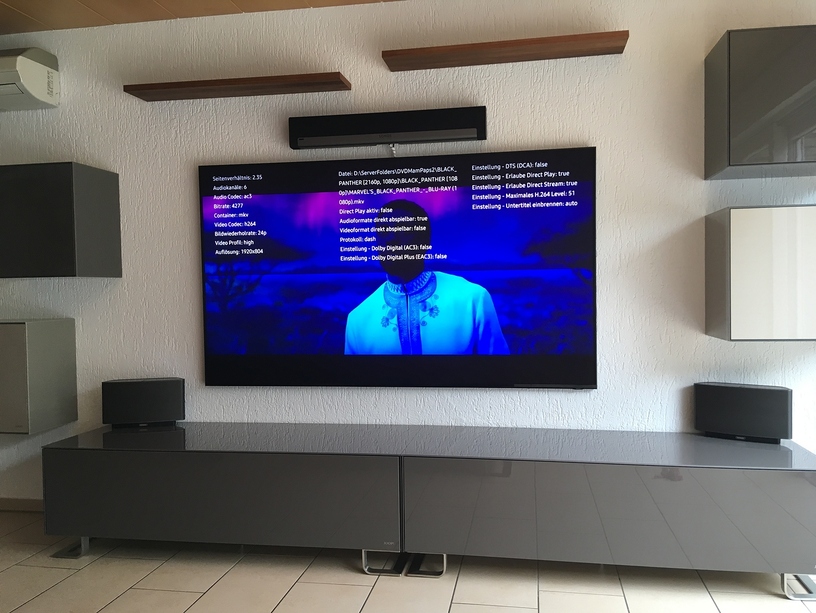
It is Not a bug it is the nee 8K Samsung Feature
I have too a ATV 4K but i have no Problem. I am on holiday now, but Plex is up to date. Do you have the plexpass Beta Version? You are in the Apple beta Channel?
Yes. I believe that my tv can’t handle the resolution from posters in 2000x3000. Because when I change them to 1000x1500 they become a little bit sharper.
If we imagine that it isn’t my 10 year old tv that is the problem, what could it be that’s causing this? I’m willing to try anything because I want nice and clear posters
Poster still remain blurry. I believe that I need a TV with minimum 4k resolution so that my Apple Tv 4k (with the plex app and posters) can get the most out of its capacity. Then the posters will look clear. That’s why I believe you don’t have any issue since your tv has 8k resolution