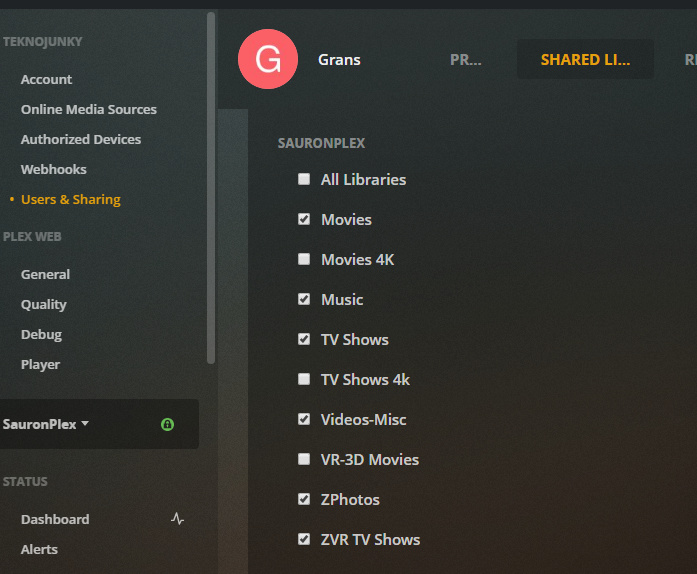
I am a Plex Pass subscriber and the Admin/Owner. I have created a second User Account called User. I have 3 Libraries called: Movies, Kids, and TV.
On Roku and Apple TV devices, the Admin/Owner password is remembered. Thus, when Plex starts up, if you click the Owner/Admin account, it takes you into that account and you can see all three libraries.
That means if one of my kids opens it, and clicks the Admin Icon instead of the User icon, they see all the libraries.
What I want is to create or designate a private Library that the Owner/Admin Account does not “see” when someone accesses that account on Roku.
Instead, I want that private library to ONLY appear in the User account. I realize that this sounds like the reverse of the way it actually works.
Basically, I want to create a password protected User that is the only user that has access to a designated private Library.
Is that possible? Any suggestions?
Thanks for the assistance.