Server Version#: 1.19.5.3112
Player Version#: independent
Hi guys,
just reading through the internet but to be safe just want to drop this topic here as I do not find reliable information.
I need to re-install my QNAP NAS, hence OS + Disk 1, where PMS is installed, will be deleted and reinstalled.
I wonder how to restore the whole PMS and in my mind I have the following way:
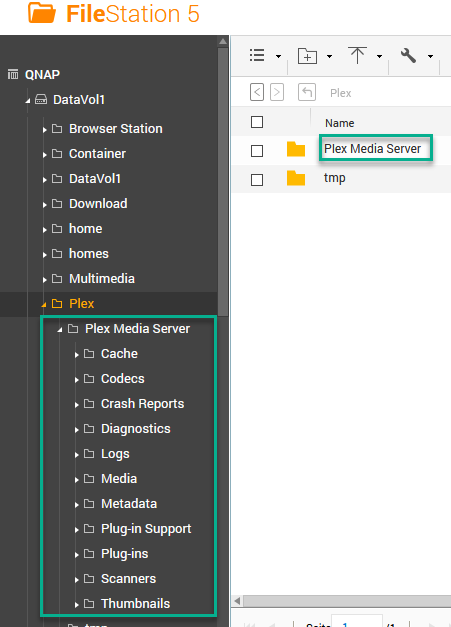
- backup whole folder “Plex Media Server”, I do have a FileStation Link for this (pmslibshare):
- Re-Install NAS, setup file shares etc, config etc.
- Install Plex App
- Update Plex
- (install pmslibshare)
- restore whole Plex Media Server folder to respective location (see picture)
Am I right, does this work?
Thanks for your effort
Best regards

