Plex Server version: 1.22.3.4523
Plex Web version 4.54.5
Android Mobile version: 8.17.1.25326 (a6ce558e)
I use the Automatic Dashboard Management feature in Plex and this morning I noticed that the “Recently Added Photos” on the dashboard are the same four photos and have been for weeks. I’ve added photos to our library throughout the last few days so I expected to see the new photos in there but they’re not (the ones in there are timestamped from 2004!).
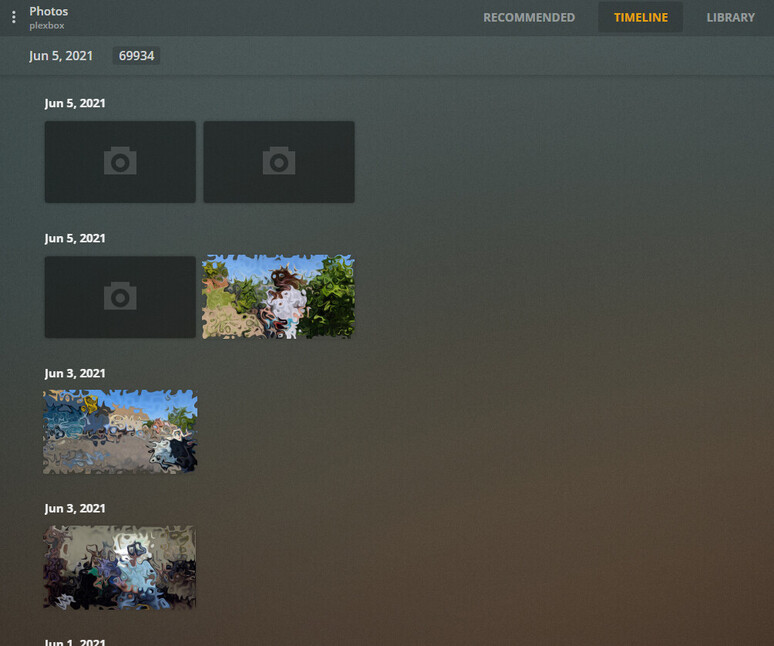
I determined that the photos that were showing up in the “Recently Added Photos” list were four of them that existed in the root directory of my photos library. I was hoping that I could just move those to a new directory and then see the new photos on the dashboard, however, when I moved them, the “Recently Added Photos” just dropped from the dashboard view!  It’s almost like the Automatic Dashboard Organizer doesn’t get the list of “Recently Added Photos” recursively from the photos library.
Anyway, I googled around and searched in this forum and found this post where @eirigance mentions that there’s a difference between Manual dashboard organization and Plex’s Automatic dashboard organization. I tried switching my Plex-Web dashboard to Manual and VOILA the most recent photos were displayed in the dashboard view! When I switched it back to Automatic, the most recent photos disappeared again. This seems to be bug or an option I can’t seem to find…
I also checked this on the Android Mobile application too and the “Recently Added Photos” are empty blocks (no photos found) in either the Manual or Automatic dashboard view after I moved the root photos into a new subdirectory so that is a similar issue but does not exhibit the same dependency as the Plex-Web application.
Is there an option somewhere to enable recursive recently added photos to the dashboard as a whole?
Thanks,
-Greg