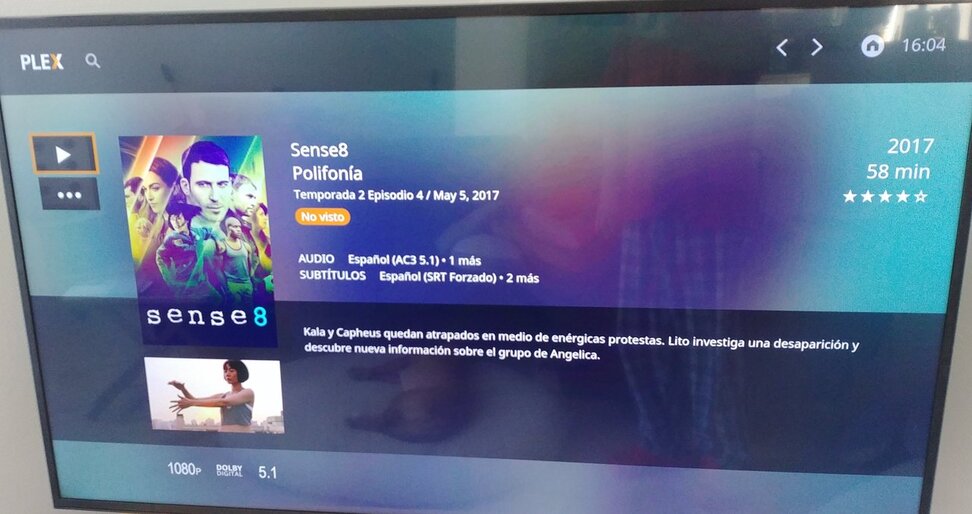
Samsung TV UE55MU6105.
Until a few days ago I was using a LG television and with the “Enable early access” option (to test the beta version) finally I was able to resume one episode of a TV show and at the end of this one continue watching the next episode.
But now with Samsung TV I have this problem again…
I can’t understand is that an option as obvious and basic as this one (let’s not forget what the main function of Plex is) isn’t already implemented at this point.
I hope that this request does not fall on deaf ears. And I hope the rest of the users of the Samsung application vote for this petition.
Thanks for adding the pictures.
They make it much clearer.
Apparently, the devs use the ‘web tv’ v1 app on the Tizen models, which used to be used in Plex Media Player
I remember when I used this one, that it makes a difference whether you press ‘Enter’ on the main page or press directly the Play button.
Do also test what happens if you enter the ‘Season’ or the whole Show view and use the playback button there, on the left side.