Is this about media from your local / a shared server or are you searching a movie via Plex’s Discover feature?
Have you enabled that respective source in the search preferences?
Would you mind sharing some additional details?
e.g. what version of PMS are you using and do you get the same result on different clients or just a specific one (which)?
This used to happen to me also and the topic arose on the forums. It was definitely odd how it was limited to the first word. You could probably find the old topic after some digging. I vaguely recall a Plex employee responding.
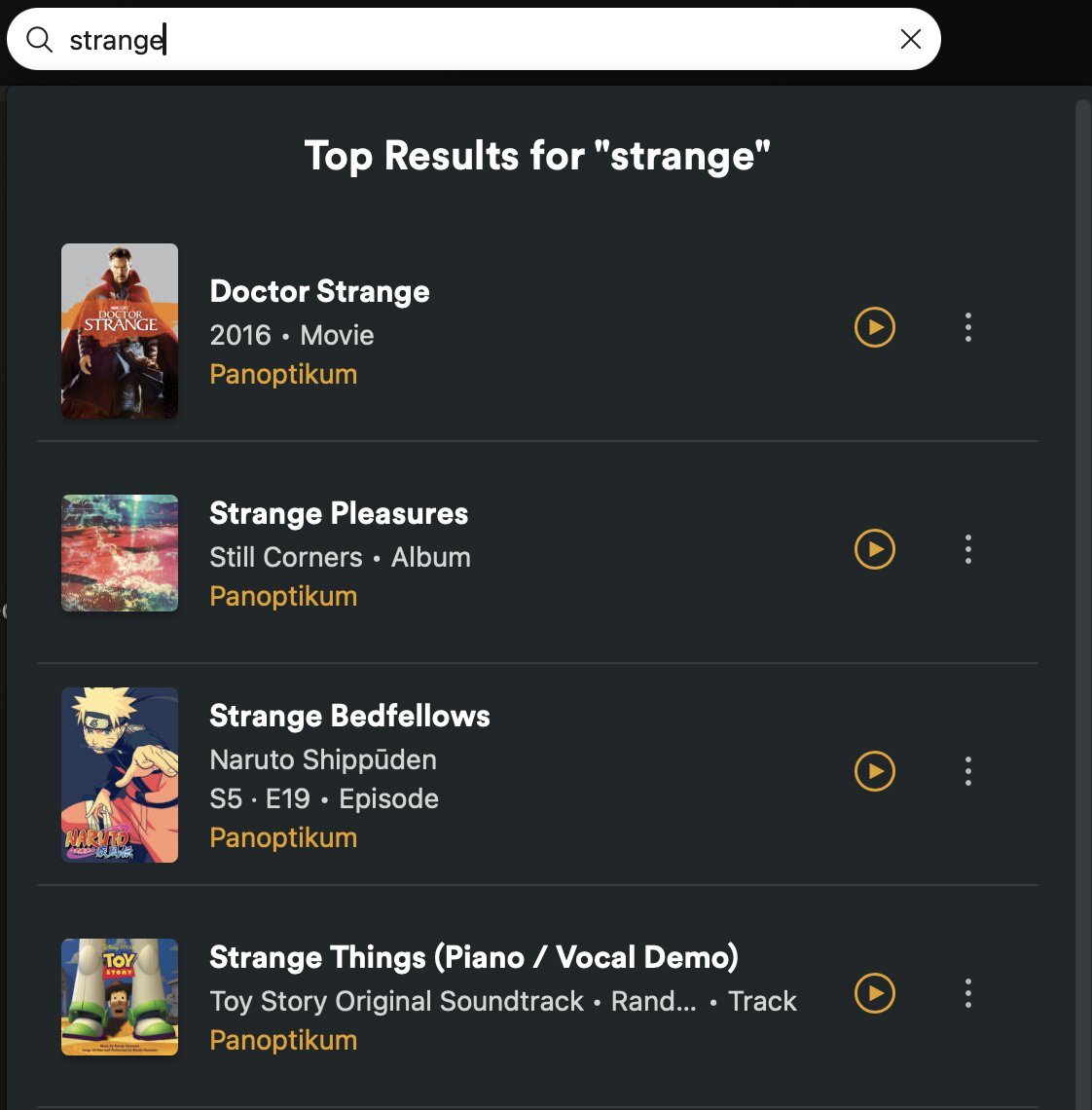
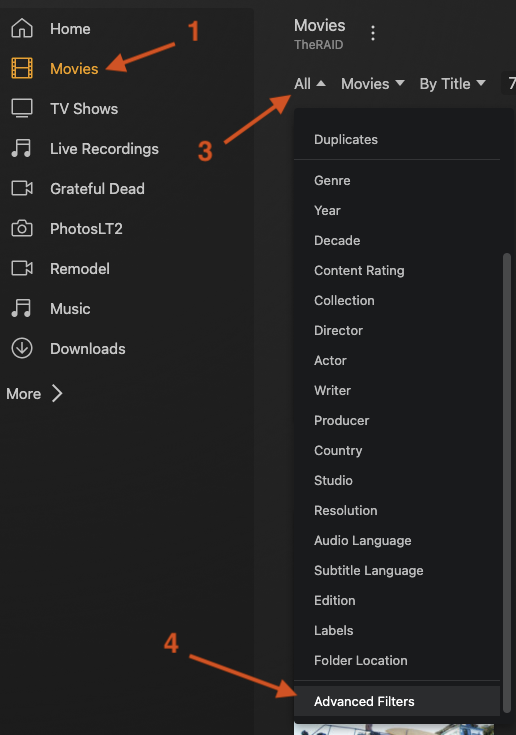
But it works now (searching for strange) in both the search box TomH pictured and in Advanced Filters → Title → contains. I tried the hosted web app and Plex for Mac. It’d be interesting if we could narrow down what you’re encountering even though you have up to date apps.
When you used your PC and laptop to test, describe what players you ran. Maybe it was Chrome on both for example?
By internal search I’m guessing you mean a substring search as versus an exact match. What your topic describes is you’re stuck on exact matching which would explain why you’re required to type the first word, but I seem to default to a substring search.
I’m not familiar with another configuration for exact match vs substring in Settings, but I can say that for sure there’s that option in Advanced Filters. It’s labeled is versus contains.
I take that back, are you using the agent named Plex Movie? I may be required for searching substrings of movie titles.
Does that only happen for you with terms followed by punctuation?
I’ve noticed you’re dealing with an „other video“ type library and did some testing with those on my own setup. Still working fine for me (though, I didn’t have any items with the search term immediately followed by a dot).
Does this issue persist for you after optimizing your server’s database (settings > [server name] > troubleshooting)?
I’m unable to replicate your search issue on Brave. I’m getting the expected contains sort of substring search results, even with an Other Videos type of library on this Mac.
I’ll try to get around to testing on Win 11, though.
Ran server again, tried searching ‘crayon’ - the movie still doesn’t show.
It does give me some results - but none related to the phrase, and it’s not showing in files names or in title (due to privacy matters I won’t upload picture of the result)
Hi. Unfortunately, there is no alternate way to directly contact developers other than through these forums. While they lurk and respond here, it can be overwhelming for them to monitor each conversation for a direct plea for help (if they even can in some cases). Most of the time, they only chime in if there is no further help forthcoming from power users such as you have gotten so far, and even then only if they notice the post.
If they do not hop in within a day, I’d try a shameful (shameless?) poke to try to gain attention.