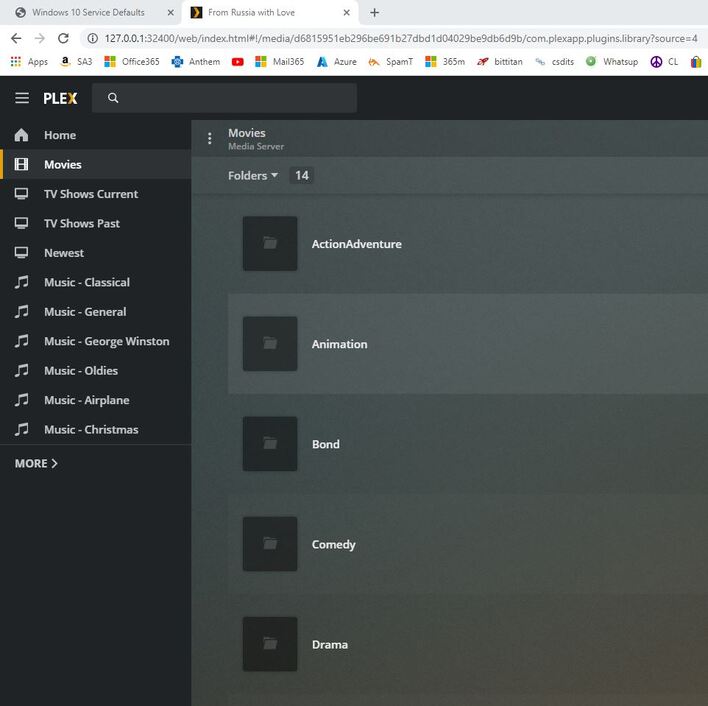
I did something bad and now when I select a folder it shows movies in a list instead of just the icons for them. I need to select all movies in a folder so I can edit their tags simultaneously for genre and collection. I could do this when my movies displayed as just icons instead of a detailed list.
Now when I try to select the first and the last item in the list while holding down the shift instead of selecting all of them it selects just the first and the last. If I move the cursor over the ones on the screen it selects them but I can’t do 300 at a time without scrolling each page and running the mouse over them.
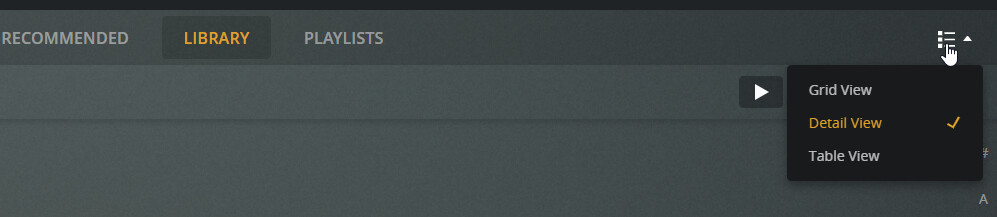
I don’t know why it’s behaving that way for you, but you can get back to the grid view by clicking the control at the upper right and selecting “Grid View”:
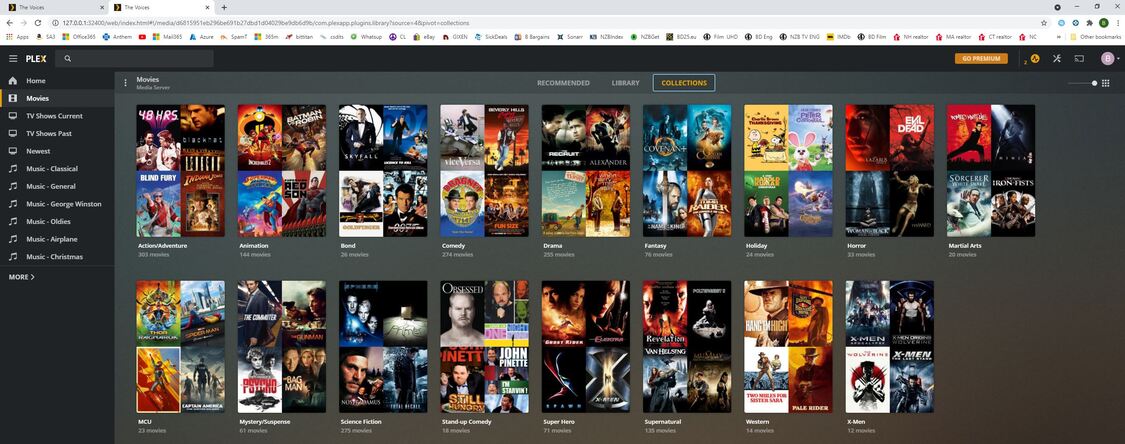
Sorry, I’m not sure what you are asking. I have rebooted and I’m not finding that menu item in the top right folder. I’m in the media server - perhaps I’m in the wrong place? If I go to collection view instead of folder view I get the posters.
Maybe I never had that ability and just am mis-remembering. Folder view is the only easy way I know of to select an entire group of files I’ve put in a folder. I often dump a few files at a time, so it is easier if I can just select an entire folder instead of searching for each file I upload and then edit the tags to put it in the right collection.
Try this:
Switch back to the Library tab, and change Folder view to Movies. Change the sorting to “Date Added.” You should now see your movie posters in the order you added them, with the most recently added first. You should then be able to multi-select the movies you just added to edit. You should also now see that Grid View control I mentioned earlier: