Server Version#:plexmediaserver_1.21.3.4046-3c1c83ba4_armhf
Player Version#: 4.52.1
I just created an Ubuntu server with Plex because I was having problems with Raspian and I figured what the heck. I was successful in looking at the connected NAS and added the season of series. When I tried to add files I am looking at my Mac files, where I ripped the mp4’s to, instead of the NAS. What do I need to set or what am I doing wrong?. I saw instructions in another post that indicated to delete all devices but I am still looking at at the Mac files. Here is what I am seeing:
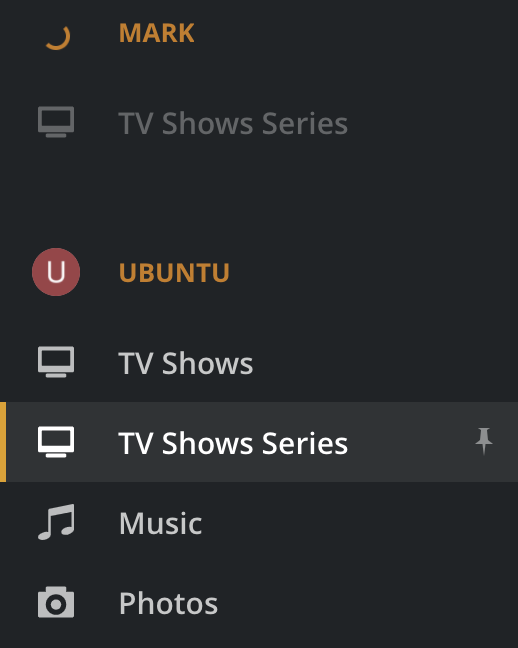
I have two Servers Mark (Rasbian no ethernet cable attached) and Ubuntu (other Plex server ethernet attached)
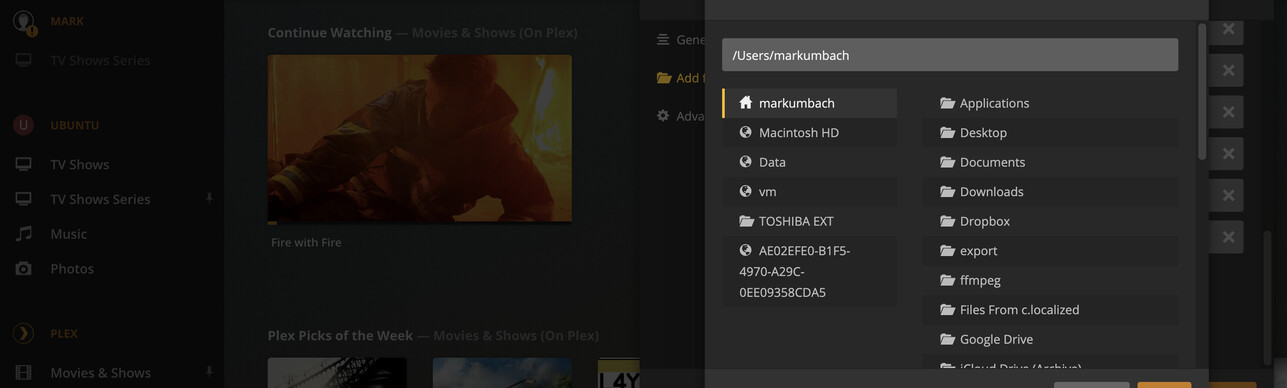
When I manage > edit > Add folders > browse
I am looking at /Users/markumbach which is my Mac home directory.
I can add the files if I type the NAS-mounted directory
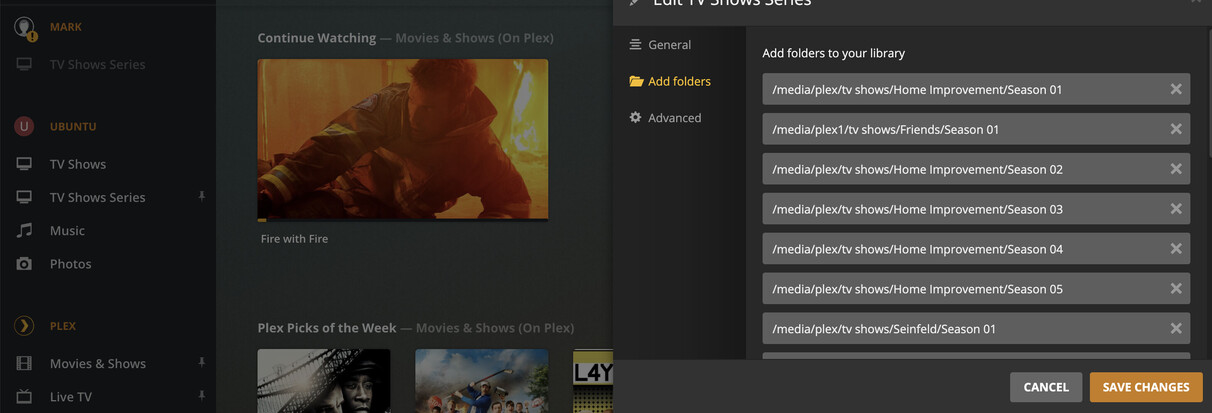
but when I hit 'Save Changes" it doesn’t take any time and when I enter the library
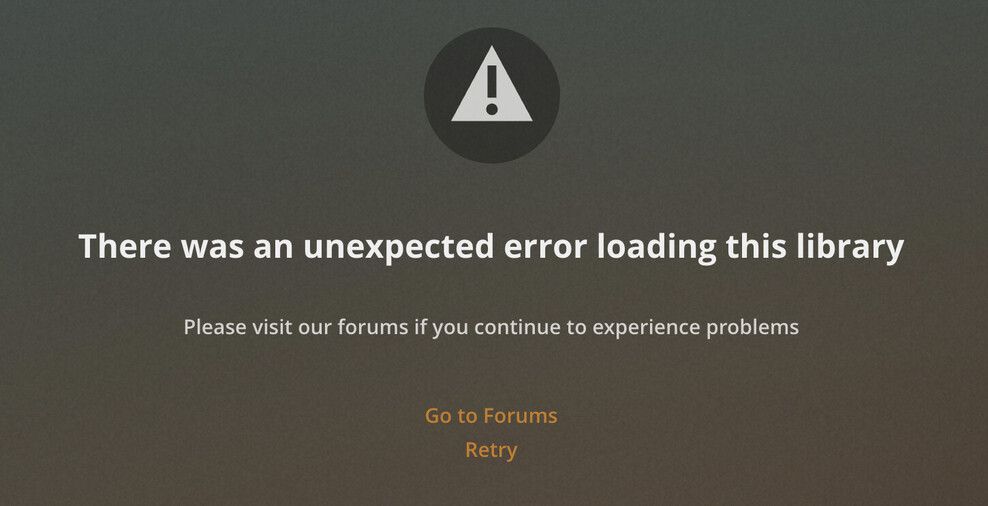
My folders from the Raspbian server (Mark) are gone and when I try to re-add I get the same thing.
