Server Not Adding Metadata and Thumbnails

Server Version#: 1.18.2.2029
Player Version#:

I recently tried to add a few files to my plex server and there was no metadata or thumbnails that were gathered for those files, i then tried removing them and adding them back again to see if that would work which it did not. Then in a bit of desperation i tried to remove my TV library and add it back again but now there is no metadata or thumbnails for any of my TV shows. I don’t know if there is a setting i changed or don’t have selected but i am very concerned. if anyone can be of help it would be much appreciated.

Thank you
Dawson

thank you for the quick reply. is there anything that i can do to help remedy the problem?

No

https://forums.plex.tv/t/plex-not-pulling-90-of-tv-show-metadata/490744/20

thank you im just a little new at this and im not sure where to find everything such as the DNS cache. sorry to be such a nuisance.

To flush the DNS cache in Windows 10 please follow these steps:

  1. Right Click on the Start Icon.
  2. Click on Command Prompt.
  3. The Windows Command Prompt Window will appear. Type in: ipconfig /flushdns. and press ENTER.
  4. You should receive the following message: Windows IP Configuration. Successfully flushed the DNS Resolver Cache .

thank you

It’s a problem, that only will be fixed with a new thetvdb agent = new version of PMS

so basically i just need to wait for an update? or will uninstalling and reinstalling plex help at all?

Correct, and might wanna subscribe to this thread:

Ok thank you very much for your help.

1 Like

it seems to work for some of the titles if you force a match by clicking on the three dots on the bottom right of the title and then match using “The Movie Database”
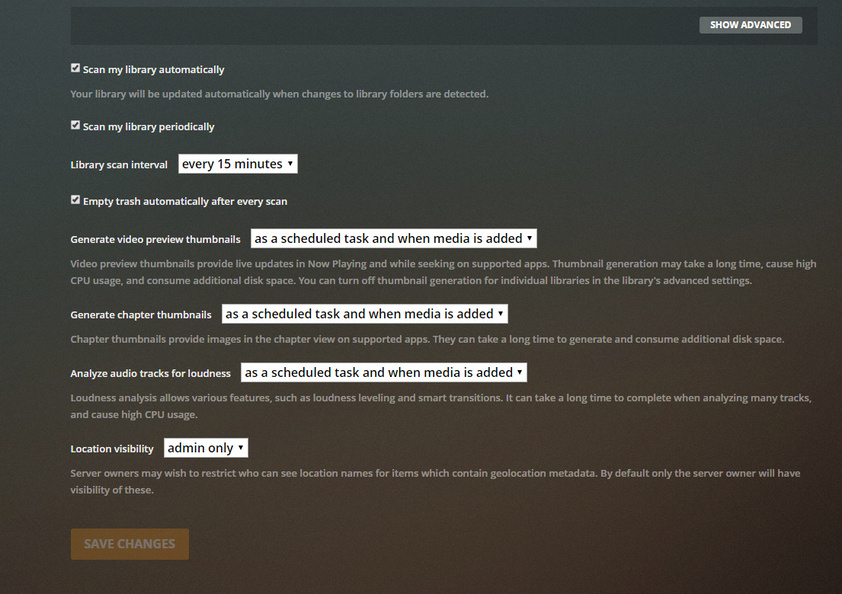

True, since it’s another agent/source