Server Version#:latest
Player Version#:latest
I had a power outage and now the PMS on the Shield won’t start.
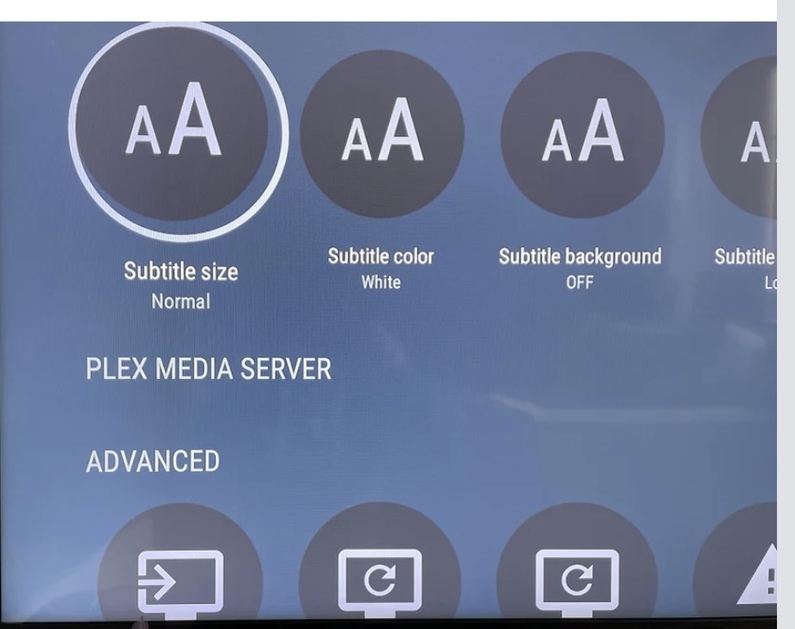
When I go to the settings within the client the server status and storage icons are missing (see image)
I’ve tried forcing stops, updating PMS server app etc but nothing seems to work.
Is it totally borked or can it be recovered?
Reeeeaaaaalllllyy, don’t want to rebuild it all
It’s possible the power outage caused a corruption in the Plex database. If that is damaged badly enough, PMS won’t even start. If you previously moved your server data to a user accessible area, you may be able to restore an old backup (if you also had that enabled). Otherwise, you will most likely need to start over.
The database backups were there but the whole ```
/Internal/Android/data/com.plexapp.mediaserver.smb/Plex Media Server/
I ended up uninstalling both PMS and Player and setting up a new server and then dumping the backup files into the folder. Preferences.xml is lost but most of everything else is there. Had to re-share the new server with my family but fingers crossed it’ll sort itself out.