Shared Universe (eg MCU, Monsterverse) Support

I realise this could technically be considered several suggestions, but they go together in their explanation and are thus pointless listing separately.

I recently added plex to my NAS, and the thing that I found odd is that there is no ability to correctly list a ‘shared universe’ within the Plex system.
I have multiple of these in my NAS- the aforementioned MCU and Monsterverse, and also the DCEU, and Arrowverse. Even Star Trek and Star Wars are effectively shared universes, comprising both Movie and TV Show type files.

To accommodate these in the simplest manner, Plex needs to:

a) Be able to have both Movie and TV in the same folder
At present the only way to stop this from failing to display TV files in a Movie folder, or vice versa, is to use the ‘general’ video option, which then removes the ability to do a ‘match’ for db info. TV shows should be readily differentiable from movies by virtue of the S01E01 type information in the filename, and should this fail simply giving a manual override option to change this would sort any issue that arises.

b) Be able to sort by filename.
Ordering by Title is clearly not going to work, and universes can have multiple movie releases in the same year- so that option is also out. But you can’t even accurately sort by release date, even if the metadata is all correct, as some parts of these universes are not released in the ‘correct’ order. Eg One Shots have a release date of the disk, which doesn’t match the cinema date of the movie they come with, and special editions like ZSJL will have a release date totally out of sync with correct watch order.
Side note- this is literally the default method of sorting these files!

More complex share systems could be implemented, but the above suggestions would cover the majority of what I think most people would actually need.
In addition, these options would be useful for many people in other shared folders.

Put simply, I’ve been collecting the MCU on both disk and in a digital folder since 2008, and have been naming the files accordingly (01 Iron Man, 02 Incredible Hulk, 02.1 The Consultant, etc) for this whole time. However…
The fact that if I want my TV to simply play through them in order, it is faster and less effort to transfer these files to a large USB drive than it is to try and get a shared directory in Plex to share that watch order is a bit of a black mark on what Plex should be able to do!
In actuality, I just use a simple DLNA and access the instalments in filename order, bypassing Flex completely, at present.

Edit the movie/show (pencil icon). Set Sort Title as desired.

Examples:

Star Trek movies were released in order, so you can use the release year in the sort title.

  • Star Trek II = Star Trek 1982
  • Star Trek into Darkness = Star Trek 2013

Star Wars movies are different, since Episode 4 was released first.

  • Star Wars Episode 1 = Star Wars 1
  • Star Wars Episode 2 = Star Wars 2
  • Solo: A Star Wars Story = Star Wars 3.1

Plex DocumentationYour MediaCollections

Create a collection for the desired movies.

Create a collection with the same name for the desired tv shows.

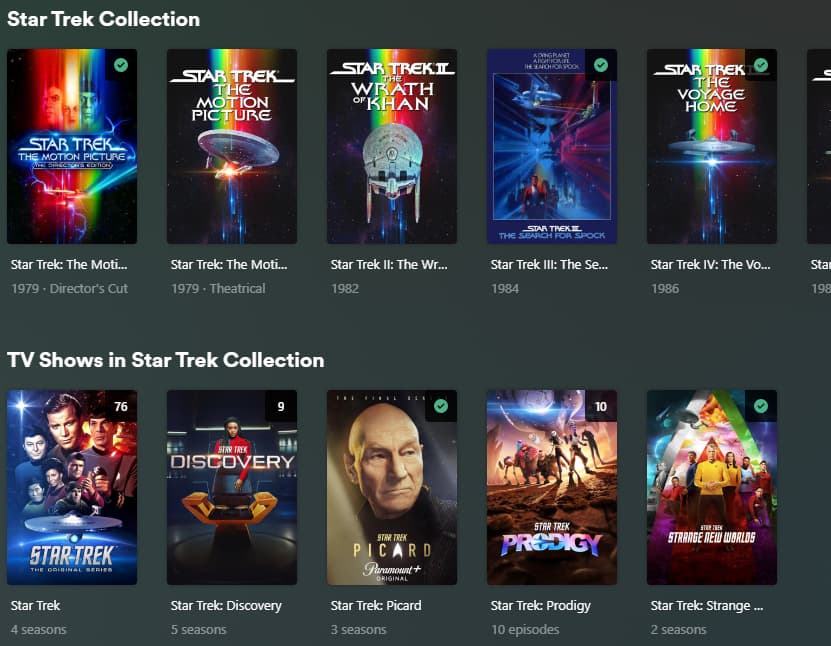
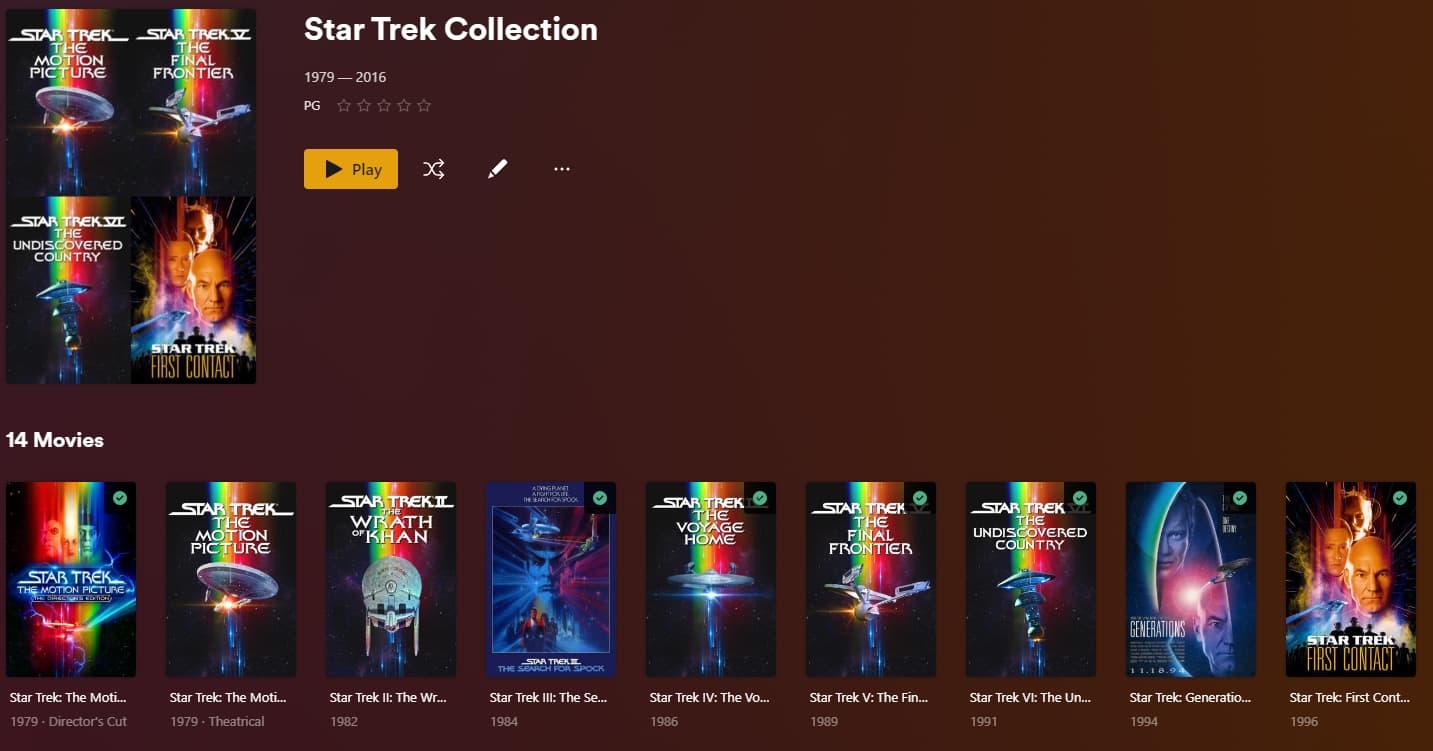
The movies and shows will be listed together when viewing the movie/show pre-play screen or viewing the collection.


Star Trek II added to collection


Viewing Star Trek Collection in Plex Web


Viewing Star Trek II pre-play screen in Plex Web.
Collection info displayed below cast / reviews / extras.

3 Likes

In addition to FordGuy61‘s response … there’s already an existing suggestion discussing such an option. Please comment/vote in that thread in order to help us avoid distracting or cannibalizing votes.
Unless we’re missing some unique aspect of your suggestion I’ll close this thread as a duplicate.

Cheers for the suggestion Fordguy, but it appears to have 2 major drawbacks:

First off is that I already have the data within the filename, but this would require me to re-enter it for each and every single file again. I was deliberately aiming for an automated method of bypassing having to do that, particularly as a sort by filename is a pretty standard UI to expect to have!

Second, is that the metadata you enter that way appears to be associated with Plex, and not the file itself. If you were to therefore move said file for whatever reason, all that metadata one spent time entering would be lost, and need to be entered a further time.
I just tested this by changing the Sort Title of “Journey 2”, then putting it in my Monsterverse directory (for the lolz). It instantly lost its adjusted sort title, and reverted to the automatic metadata it got from the db- despite being the same file, which was simply moved from one folder to another on the same drive.

Not sure if that’s just the version of Plex that my NAS (asustor) uses causing that, but it’s certainly a downer!

I’ll try the collections thing when I have a few more spare minutes.

Thanks for pointing me to that thread Tom.

I think the primary difference in mine is the automation where a filename already covers the correct order.
In addition, it avoids the issue noted above with manually adjusted metadata not carrying over if you make a change.

2024 clean-up: duplicate