Server Version#:1.20.1.3252
Player Version#: most recent, no idea where I can look that up
Hi everyone!
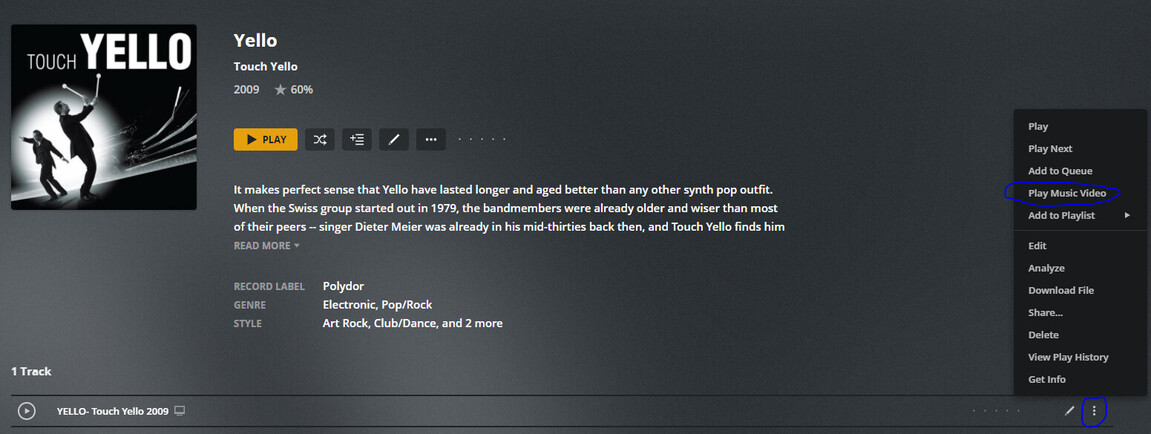
So I’ve got a question: On my Samsung TV I installed PMP from the Samsung store and I’ve been watching movies on it for quite a while. But currently I’m converting all my CDs to mp3 and Plex got me covered with the Music library, which is awesome! To have the songs sorted and to stream that music and it’s great and so on. Now for some sound tracks I have Music videos that I want to see ‘in the background’, so that, if available, it automatically shows them. On my Desktop I can select that via the 3-dots-menu and it plays the music video (Is there something like a server setting to do that by default?). But more importantly, I’m not able to find that option at all on my TV? Does somebody know how to do that?
Thanks
Super4Jet
Thank you very much TeknoJunky for your reply.
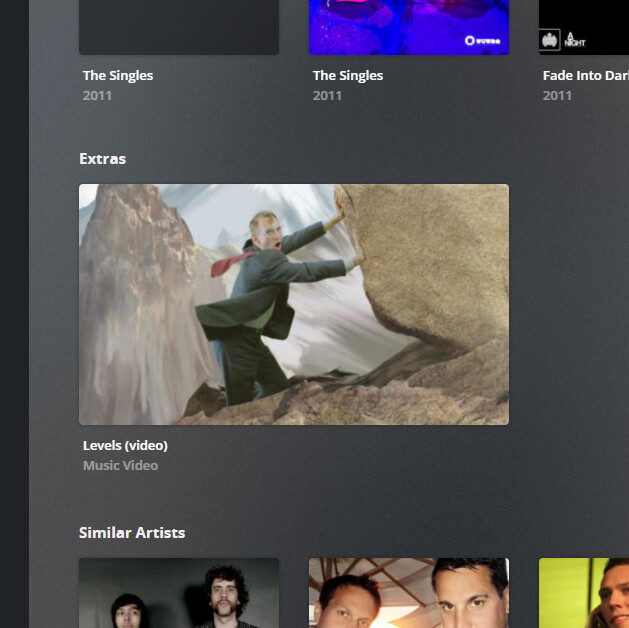
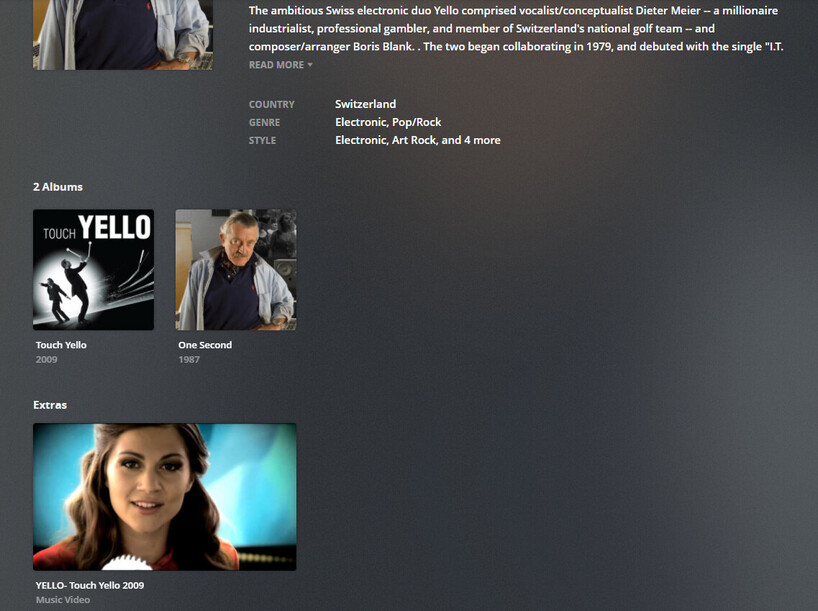
Yes I already configured the library following this guide (I chose inline) and I can play them in the browser (and any other Desktop PMP) via the extras -
Ah, never thought about that. I’ll try that tomorrow and see if it works, but it makes sense. Not quite as comfortable as selecting it directly in the options, but that will probably solve the problem for me
Dunno why I never thought of that. Weird though, when you add a new music video to the global folder, it shows up as a “Recently added Music Video” in the recommended page of the music library. It disappears after a while, Probably the “on Deck” setting, and you lose the direct access.
If Plex can show “Recently Added” music videos, it can’t be a stretch to just have a hub for “Music Videos”
That makes it even stranger. I also recently wondered about why you can’t switch on/off the Music video while playing, although it is an option in the 3-dots-menu (You need to actually close the player and relaunch it with this option enabled). Kind of like you can choose which audio track you want to hear, I’d imagine doing the same for video shouldn’t be too different…