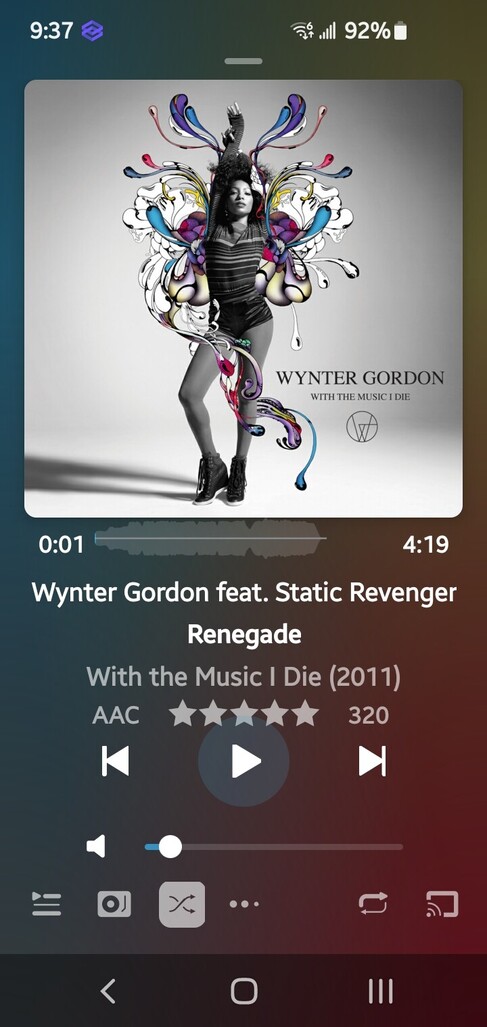
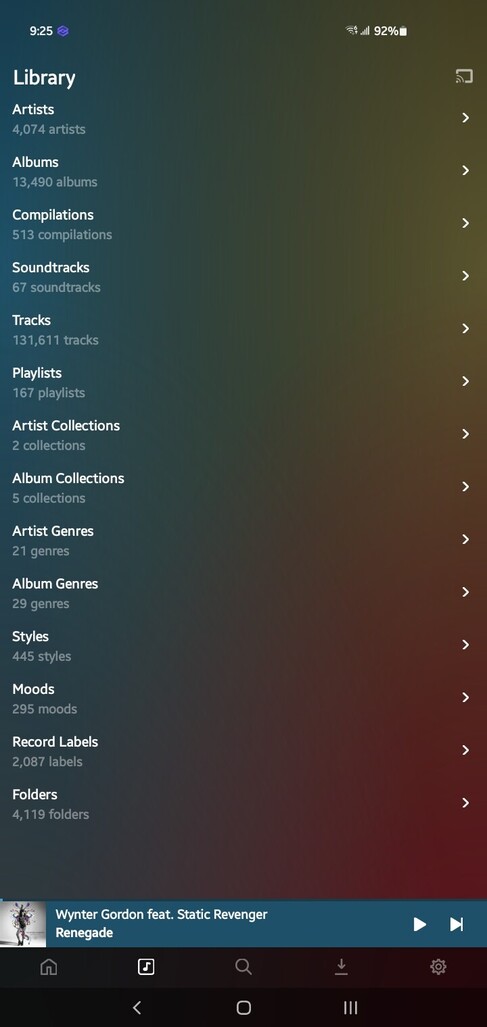
I’ve compared screenshots between small/default/large font sizes against small/default display sizes. I ended up liking large font with the default display. The physical screen is small so I prefer the bigger text at arms distance. Here’s how that looks.
One idea is seeing if you can activate Developer Mode since it is an Android device and tweak the Smallest Width value (Minimum Width in later versions) as shown below. What does minimum width do in developer options?
Smallest width/Minimum width: This is another way to change the scaling for applications on Android — a smaller value increases the size, and a higher value makes everything smaller.
Try changing the your current value to something below: