Server Version#: 1.19.4.2935
Player Version#: 4.37.1
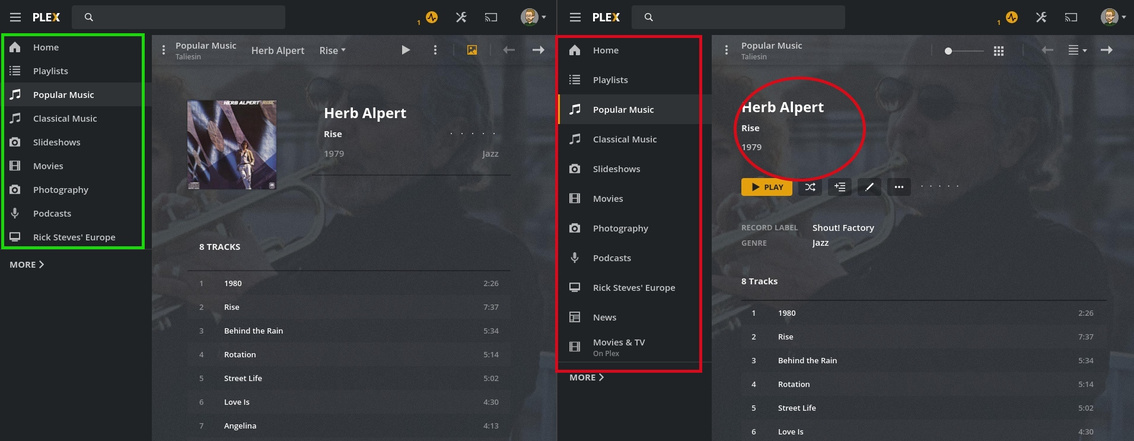
I see a couple of display issues with the new Plex Web. In the screenshot below, you see an album detail page. On the left is the locally-installed Version 4.30.2. The new version is on the right.
Issues:
The compact sidebar that so many had requested has been lost.
When the browser width falls below a certain size, the album artwork disappears.
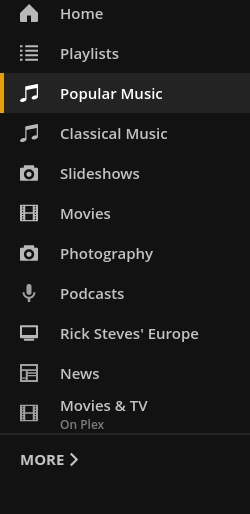
The sidebar line spacing is increased in your second image due to the Movies & TV 's “on Plex” subtitle which would also show if you pinned a friends library where their username would be there for example.
Afaik the art being removed on small browser width was intentional but a future version should bring it back.
Have a few things with a subtitles and not have them be at the bottom of the list. IMO the subtitle being so close to the thing below it is suboptimal IMO.
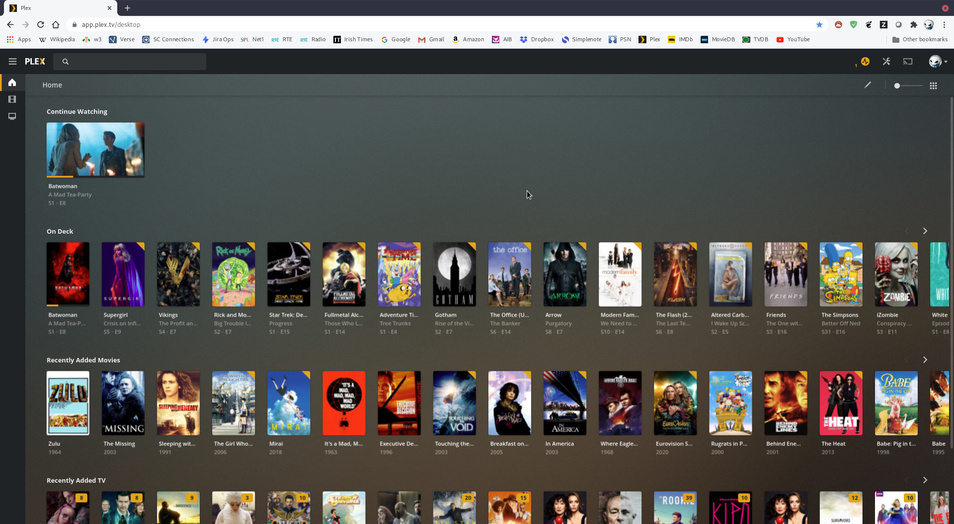
I’m not sure what that means. On deck and such are on the home screen. The home screen hubs are resizable with the slider on the top right. The poster on a movies preplay/summary screen is not resizable if that is what you mean.
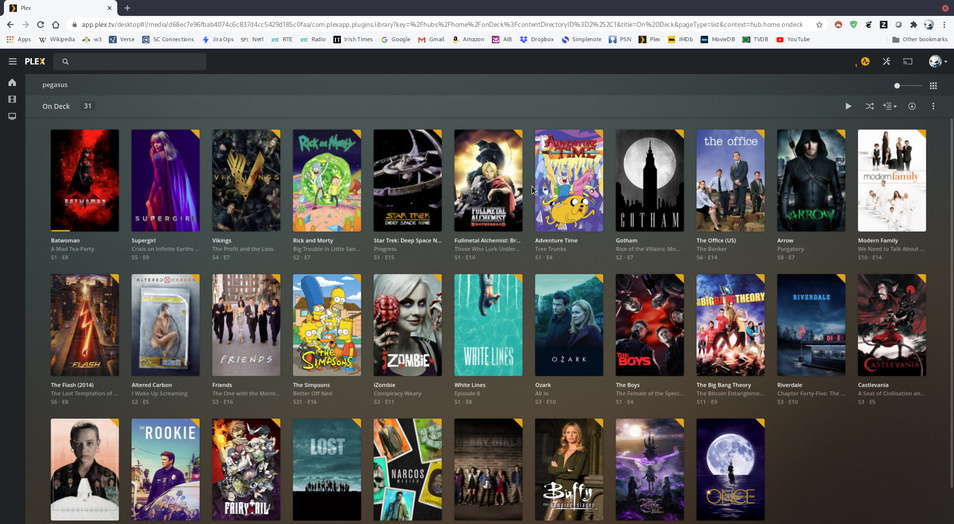
Notice the poster size – the ones from the home screen are much smaller when compared to on the deck but I have set both to be the same size using the poster size slider.
ah. I think that is happening just due to window size and line wrapping. if you change size of window a bit you will see the size change a bit so the rows fit the page more nicely. ( seems like your top image has the right side cropped off so is the window wider there in that image than the other?). Pretty sure it has always done that but I will pass it along.