Server Version#: 1.22.3.4392
Player Version#: 4.56.4
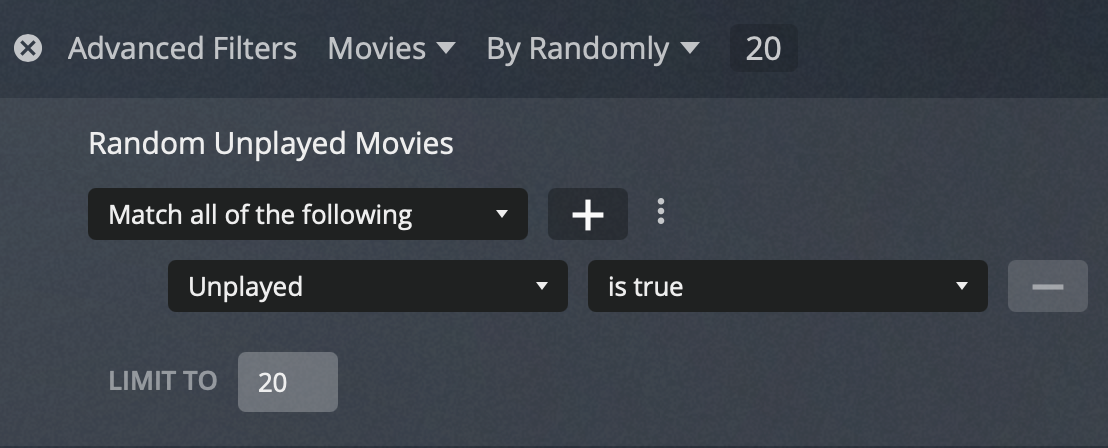
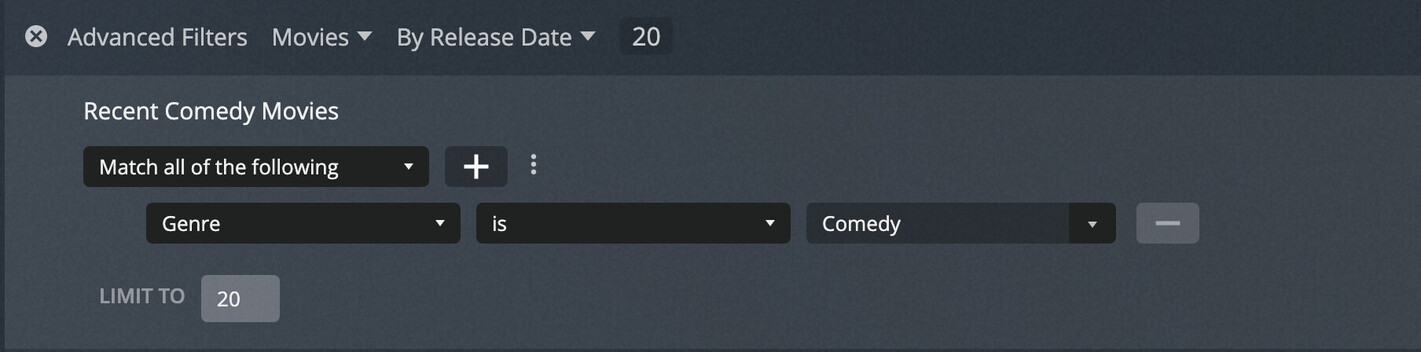
When creating a Smart Collection with “Limit To” set in the search filter to limit to only the first so many results, the collection displays in the library with the “x Movies” or “x Shows” label showing the total count of the results for that filter without the limit being applied.
Clicking on the collection to display it, shows the correct number of items with the limit applied.
For example, in a Movies library containing 755 movies, I created a filter which sorts by Critic Rating in descending order and limited to to the top 20 results:
I saved this to a Smart collection named “Top Rated Movies”
(This appears to be the only way to do this, as Critic Rating is not available as a filter only for sorting).
This results in a collection which shows like this in the library, showing the full count of all movies:
I just tried that but, when saving it as a Smart Collection, it still shows “755 movies” underneath the collection even though it correctly shows only 20 movies when I open it.
Glad I found this thread! I was noticing similar thing (filter limited to 30 items):
The generated poster is showing posters for movies that aren’t part of the collection. It’d be helpful if it showed those only included in the collection if that could also be looked into please?
Is there any update on this?
This in the release notes for 1.23.5.4841 looks like it would have resolved it
(Collections) Respect limit when creating collections from the advanced filters screens (#12622)
but the label for the collections still shows the wrong count, ignoring the limit (the correct number of items are shown when when actually viewing the collection)
The label in library view still seems to show the # of items based on the filter, ignoring the limit (even if the content will be limited as per the underlying filter criteria).