Smart Playlist: come posso reimpostarle da formato Lista a formato Griglia

Salve a Tutti,

ho generato delle Playlist smart che mi danno un ordinamento ad elenco, mi sapete dire come posso impostarle (spero senza doverle rifare) con un ordinamento a griglia?

Le Raccolte, per esempio, mi danno di default un ordinamento a Griglia.

Grazie a Tutti sin da ora!

Quando modifichi i filtri puoi non solo cambiare i criteri di filtro ma anche l’ordinamento (puoi anche cambiare l’ordinamento quando crei una collezione intelligente ovviamente).

Tradotto utilizzando Google Traduttore.

EN –

Dear tom80H,

you are a myth, you joined me in Italy, uauh, THANKS !!!

Yes, I had read it; but I can’t find the point where you change the sorting …

Could you, when you can, take a screenshot for me?

Thank you so much, see you soon

IT –

Caro tom80H,

sei un mito, mi hai raggiunto in Italia, uauh, GRAZIE !!!

Sì, l’avevo letto; non riesco però a trovare il punto in cui si modifica l’ordinamento…

Riusciresti, quando puoi, a farmi uno screenshoot?

Grazie infinite, a presto

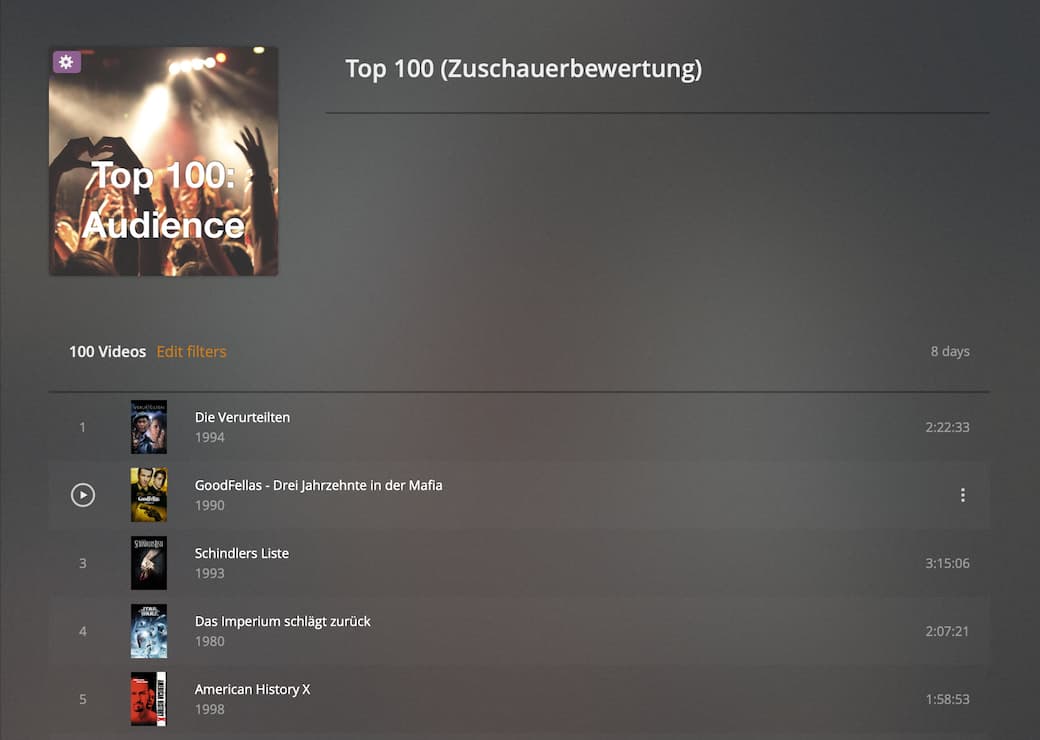
Here you go:

Bildschirmfoto 2021-10-16 um 20.06.57

Bildschirmfoto 2021-10-16 um 20.07.39

In this example you see my “top 100 by audience rating” playlist – hence it’s sorted by Audience Rating. If you create a smart collection from a default library, the order should be By Title.

Dear tom80H,

I try to explain myself better.

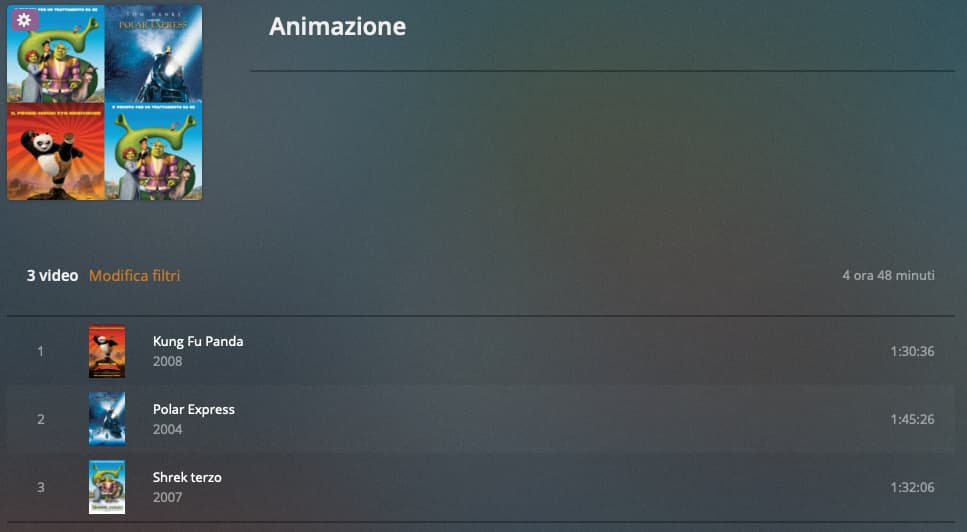
I have a smart playlist, for example this:

Plex#1

Now it shows in list format, like this:

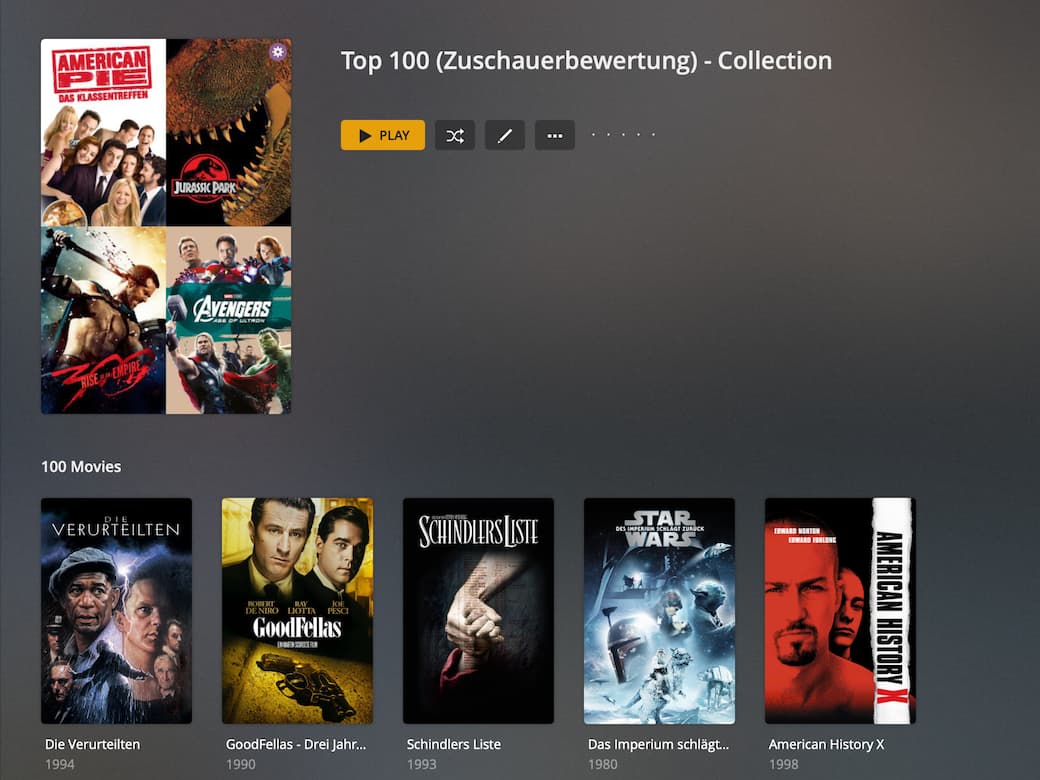
I, on the other hand, would like it to be seen as this Collection which is in grid format; so like this:

Plex#3

But I don’t know how to set up the Grid model.

Thanks in advance for your help!

Simply save the advanced filter as a smart collection.
If you want to re-use an existing playlist, simply edit its filters and subsequently save it as a smart collection (instead of “updating” the playlist).

Dear tom80H,

the problem is that I would have the Smart Playlists with the Collections while I would like to keep them separate because:

  1. Smart Playlists are based on System Tags;

  2. while the Collections are based on very personal criteria.

So I understand that Playlists can’t have a grid layout, right?

Thanks in advance for your help!

You can create smart collections the same way you can create smart playlists.
They’re both quite similar – especially because they’re using the exact same approach to be created (using an advanced filter). The key difference is more about their main use case… while playlists aim at managing a sequence of stuff that should be played in a session, collections are more about how the item is represented in your library.

Step 1: I’m editing the filter criteria of my smart playlist
Step 2: I’ll save it as a smart collection

For comparison

Original smart playlist

New smart collection

Dear tom80H,

I understand, you were very clear!

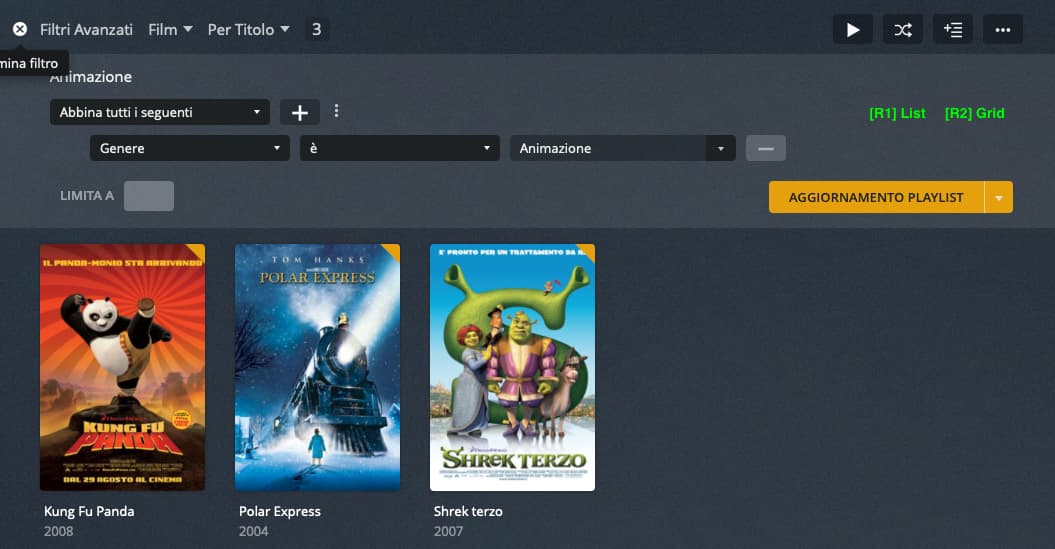
However, I want to keep separate, for example, the Smart Playlists created on the basis of Genre from the Collections section; they are two very different areas for me. See the image:

It would have been enough that Plex had introduced two radio buttons (R1 and R2), see the image:

If you are in contact with Plex you can suggest it; I will try to suggest the idea …

Thanks for your help!

– IT

Caro tom80H e carissimi Tutti,

ho inserito il mio suggerimento qui, per chi lo volesse votare.

GRAZIE a Tutti !!!

– EN

Dear tom80H and dear All,

I have inserted my suggestion here, for those who want to vote.

Thank you all !!!

This topic was automatically closed 90 days after the last reply. New replies are no longer allowed.