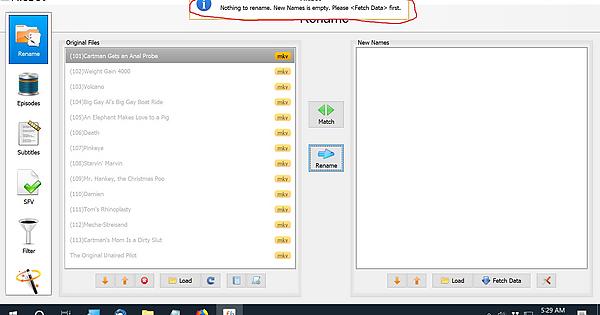
You are on the right screen. ‘Episode Format’ is exactly what you need.
The top input field already holds a string to create the right file names for episodes. However, it doesn’t contain instructions for creating the proper folder structure.
You can replace everything in there with just {plex}.
I am not sure though that this will deal with embedded metadata in mp4 files.
Maybe @rednoah can shed some light on that.
Match them with TheTVDB? Can I change the location of where it puts my renamed files? I had to search to find them. I would like then to be in my documents.
That worked at well for that show, but what about shows that are released in volumes? Like they have two episodes in one episode because they are so short. And when I Plex synced them, one of the episodes was missing and it put a different episode from a different volume. Can I add a file to the season, since it didn’t snyc?
Example would be Beavis and Butt-head - The Mike Judge Collection which is in volumes and Plex thinks it’s in seasons so it names the incorrectly with the wrong thumbnails.